Product Overview
Allen-Bradley 1771-IBN/C Replacement for PLC-5: Seamless Migration & Upgrade Solution
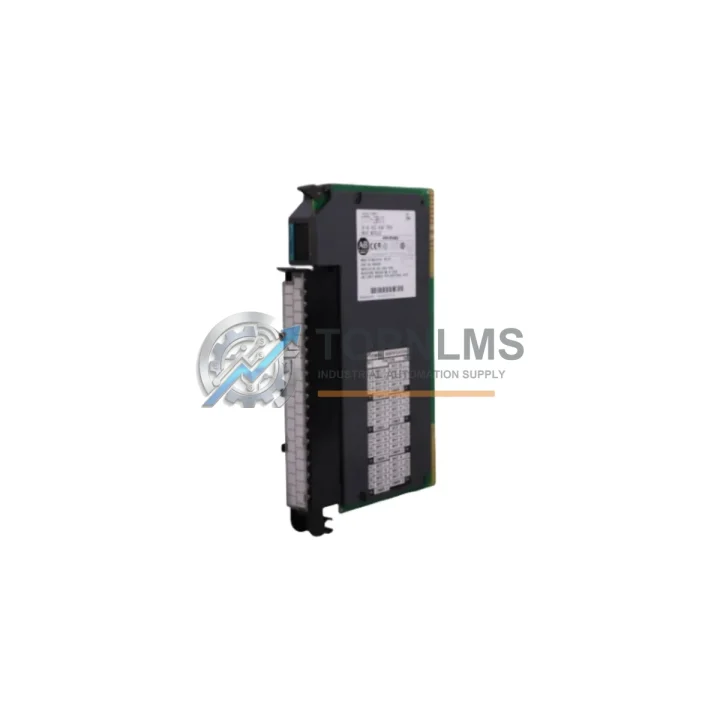
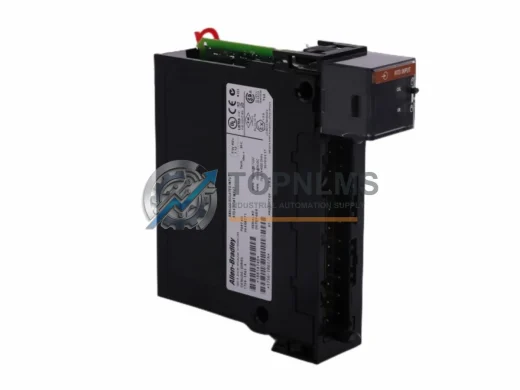
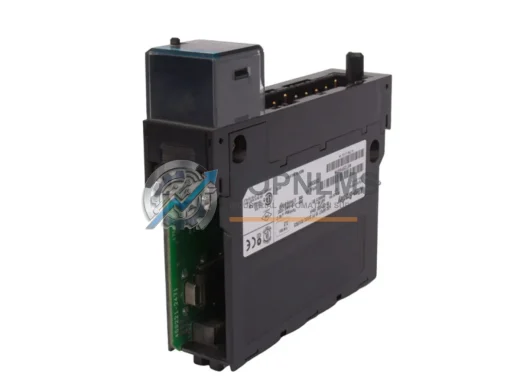
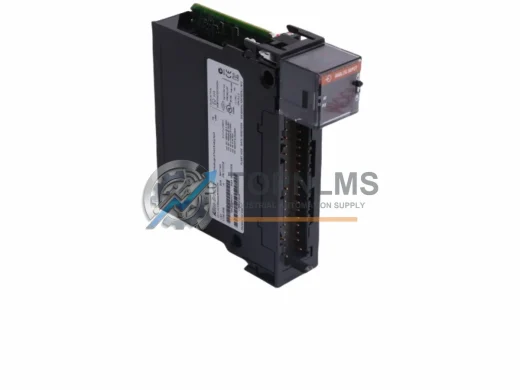
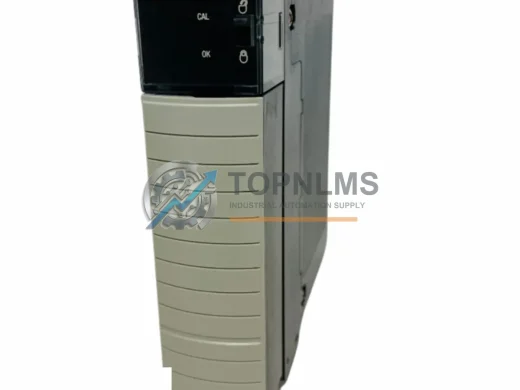
The Allen-Bradley 1771-IBN/C is a 16-point, 24VDC discrete input module designed for the Allen-Bradley PLC-5 family — one of the most widely deployed programmable logic controller platforms in industrial automation history. As the PLC-5 series has reached end-of-life and spare parts become increasingly scarce, facilities engineers and maintenance teams face mounting pressure to source verified replacement modules that maintain full backward compatibility with existing wiring, rack infrastructure, and ladder logic programs.
TOPNLMS supplies the 1771-IBN/C as a direct drop-in replacement for aging or failed units, enabling a smooth transition without requiring immediate full-system migration. Whether your facility is running a legacy PLC-5/10, PLC-5/20, PLC-5/30, PLC-5/40, or PLC-5/60 controller, this module slots into the existing 1771 I/O chassis and interfaces directly with your current field wiring — no rewiring, no re-termination, no program changes required for a like-for-like swap.
For facilities planning a phased migration toward ControlLogix or CompactLogix platforms, the 1771-IBN/C serves as a critical bridge component, keeping legacy lines operational while the broader system architecture is modernized. This approach dramatically reduces unplanned downtime and allows engineering teams to schedule cutover activities during planned maintenance windows rather than emergency shutdowns.
Compatibility Comparison Table
| Parameter |
1771-IBN/C (This Unit) |
Common Legacy Alternatives |
Replacement Notes |
| Input Points |
16-point discrete input |
1771-IBN (earlier revisions) |
Direct pin-compatible; revision C adds improved noise immunity |
| Input Voltage |
24VDC |
1771-IB (24VDC, 8-point) |
Verify field device voltage before substitution |
| Chassis Compatibility |
1771 I/O Chassis (all sizes) |
1771-A1B, 1771-A2B, 1771-A3B, 1771-A4B |
Fits all standard 1771 chassis without modification |
| Controller Compatibility |
PLC-5/10, /20, /30, /40, /60 |
PLC-5 family (all variants) |
No program changes required for like-for-like swap |
| Communication Protocol |
1771 Backplane (parallel I/O bus) |
Same backplane architecture |
Fully compatible; no protocol conversion needed |
| Wiring Interface |
1771-WN or 1771-WB wiring arm |
Existing field wiring retained |
Reuse existing wiring arm; no re-termination required |
| Installation Space |
Single-slot 1771 module |
Same single-slot footprint |
No panel or chassis modification required |
| Power Consumption |
Backplane-powered (1771 standard) |
Same power architecture |
No additional power supply required |
| Warranty |
12-Month Warranty — Covered from date of shipment |
Seamless Upgrade Solutions
A successful PLC-5 system migration or emergency replacement rarely involves a single module in isolation. The 1771-IBN/C typically operates alongside a broader ecosystem of 1771-series I/O components and system infrastructure. When sourcing a replacement or planning a phased upgrade, the following related components are commonly required in the same project scope.
On the output side, the 1771-OBD 16-point 24VDC discrete output module is the natural counterpart to the 1771-IBN/C, sharing the same chassis slot format and wiring arm compatibility. Many facilities replace input and output modules simultaneously during a planned maintenance window to restore full I/O integrity. For analog signal handling, the 1771-IFE analog input module and 1771-OFE analog output module are frequently part of the same 1771 chassis assembly, particularly in process control applications involving temperature, pressure, or flow measurement.
The 1771-ASB adapter module is a critical component in remote I/O configurations, linking the 1771 chassis to the PLC-5 processor over the Remote I/O (RIO) communication link. When replacing I/O modules in a remote rack, verifying the ASB adapter’s firmware revision and RIO baud rate settings ensures the replacement 1771-IBN/C is correctly scanned by the controller. In distributed architectures, the 1771-SDN DeviceNet scanner module may also be present, managing field device communication independently of the main I/O backplane.
For facilities using the 1785-L40B or 1785-L60B PLC-5 processors, the processor’s I/O configuration table must reflect the correct module type in the slot occupied by the 1771-IBN/C. This is a software-only verification step in RSLogix 5 — no hardware changes are required when performing a like-for-like module swap. Engineers planning a migration to ControlLogix should note that the 1756-IB16 ControlLogix 16-point 24VDC input module is the functional equivalent in the 1756 platform, and the 1756-DHRIO communication module can bridge legacy Data Highway Plus networks during the transition period, allowing both old and new controllers to coexist on the same network while cutover is staged.
Power supply integrity is equally important during any I/O replacement activity. The 1771-P4S or 1771-P7 chassis power supply should be inspected and load-tested when replacing multiple I/O modules, as degraded power supplies are a common root cause of intermittent module faults in aging PLC-5 installations. Ensuring the power supply is within specification before commissioning the replacement 1771-IBN/C eliminates a common source of post-replacement diagnostic confusion.
Retrofit Guidance FAQ
Q: Can I replace the 1771-IBN/C without modifying my ladder logic program?
A: Yes. A like-for-like revision swap (e.g., replacing a worn 1771-IBN/C with a new 1771-IBN/C) requires no program changes. The module occupies the same slot address, uses the same I/O image table mapping, and presents identical data to the PLC-5 processor. Simply power down the chassis, remove the old module, insert the replacement, reattach the wiring arm, and restore power. The processor will resume normal scan without requiring a program download.
Q: Is the existing field wiring compatible with the replacement module?
A: Yes, provided the existing wiring arm (1771-WN or 1771-WB) is in serviceable condition. The 1771-IBN/C uses the same wiring arm interface as all standard 1771 discrete input modules. Field wiring connected to the wiring arm does not need to be disturbed. Inspect the wiring arm connector for corrosion or damaged pins before reinstalling.
Q: What communication protocol does the 1771-IBN/C use?
A: The 1771-IBN/C communicates via the 1771 parallel backplane I/O bus — a proprietary Allen-Bradley protocol native to the PLC-5 platform. It does not use Ethernet/IP, DeviceNet, ControlNet, or Profibus. No protocol configuration is required; the module is automatically recognized by the PLC-5 processor based on its slot position in the I/O configuration table.
Q: Can this module be used in a ControlLogix or CompactLogix system?
A: Not directly. The 1771-IBN/C is a 1771-backplane module and is not compatible with the 1756 (ControlLogix) or 1769 (CompactLogix) chassis. For ControlLogix migration, the functional equivalent is the 1756-IB16. However, the 1771-IBN/C can continue to operate in a remote 1771 chassis connected to a ControlLogix system via a 1756-DHRIO or 1771-ASB/1756-RIO bridge adapter during a phased migration.
Q: How do I verify the module is functioning correctly after installation?
A: After installation, use RSLogix 5 to go online with the PLC-5 processor and monitor the input data file (I:slot.word) corresponding to the module’s chassis slot. Activate each field input device and verify the corresponding bit toggles in the data file. The module’s LED indicators (INPUT ON indicators for each point, plus the module status LED) provide immediate visual confirmation of field signal states and module health.
Q: What if my chassis slot configuration shows a fault after module replacement?
A: A slot fault after replacement typically indicates a module type mismatch in the I/O configuration table, a seating issue, or a wiring arm not fully engaged. Verify the module is fully seated in the chassis backplane connector, the wiring arm is locked, and the I/O configuration in RSLogix 5 matches the physical module type. If the fault persists, check the chassis power supply output voltage under load.
Warranty Assurance
Every 1771-IBN/C unit supplied by TOPNLMS is covered by a 12-month warranty from the date of shipment. Prior to dispatch, each module undergoes functional verification including backplane communication testing, input point actuation testing, and visual inspection for physical damage, corrosion, or component anomalies. Units that do not pass inspection are not shipped.
In the event of a warranty claim, TOPNLMS provides replacement unit dispatch or full refund processing within agreed lead times. Our after-sales response team is reachable via email and phone for technical support, warranty registration, and return merchandise authorization (RMA) processing. We maintain buffer stock of high-demand 1771-series modules to support rapid warranty replacements without extended lead times.
For procurement teams, TOPNLMS can provide test reports, shipping documentation, and certificate of conformance upon request. We ship globally from Xiamen, China, with DHL Express, FedEx International Priority, and UPS Worldwide Expedited options available to minimize transit time for urgent replacement requirements.
Bulk procurement inquiries, blanket purchase orders, and consignment stock arrangements for MRO (Maintenance, Repair & Operations) programs are welcome. Contact our sales team to discuss volume pricing, lead time commitments, and vendor qualification documentation.