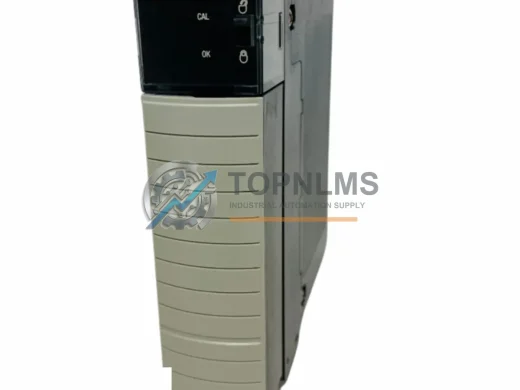
Product Overview
Allen-Bradley 1734-OB8 Original Industrial Spare POINT I/O: System Stability Through Proven Output Control
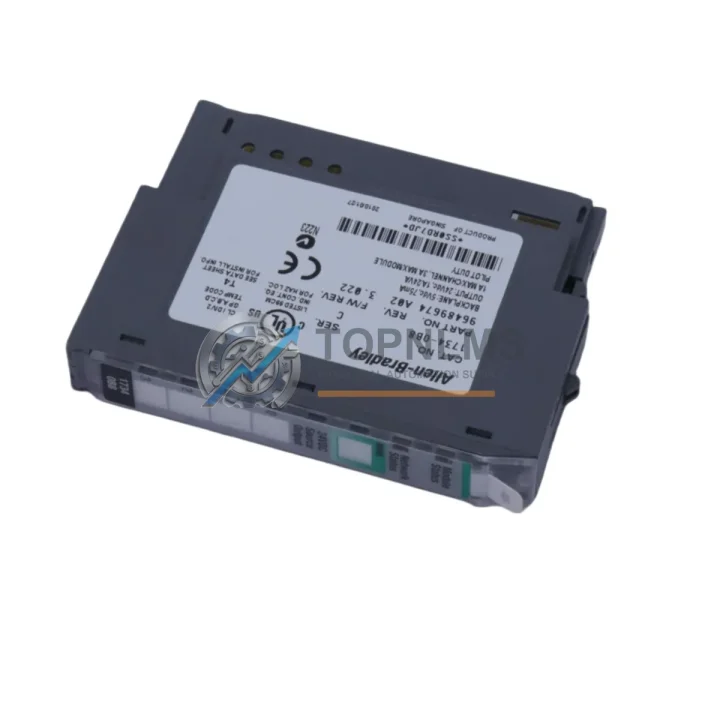
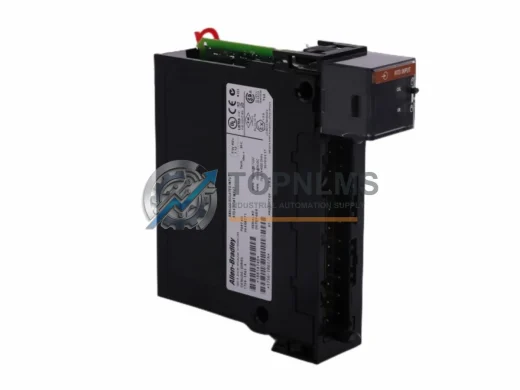
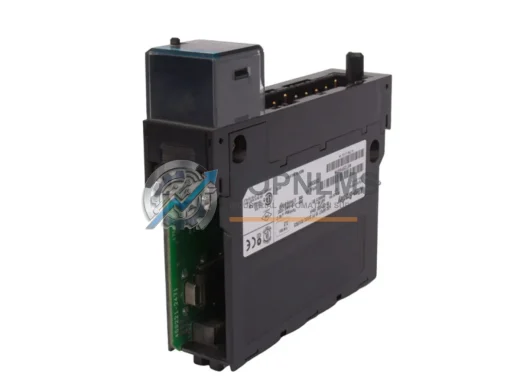
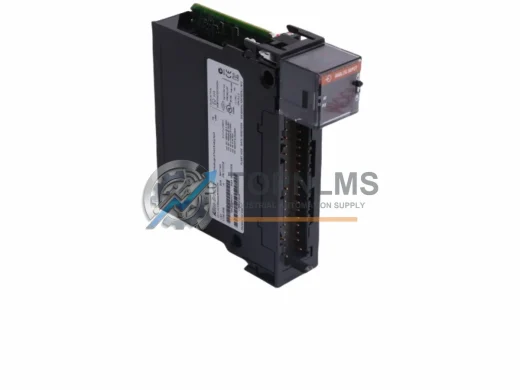
The Allen-Bradley 1734-OB8 is an 8-point 24VDC sourcing digital output module designed for the POINT I/O platform — one of the most widely deployed distributed I/O architectures in modern industrial automation. In manufacturing environments where uptime is measured in revenue per minute, having a verified original spare of the 1734-OB8 on hand is not optional — it is a fundamental element of any responsible maintenance strategy.
Whether your facility operates continuous process lines, discrete assembly cells, or hybrid production environments, the 1734-OB8 serves as a critical interface between your Allen-Bradley ControlLogix or CompactLogix controller and field-level actuators, solenoids, motor starters, and indicator loads. Its compact DIN-rail footprint and tool-less wiring make it a preferred choice for panel builders and maintenance engineers alike. When this module fails — due to overcurrent, thermal stress, or end-of-life degradation — every second without a replacement translates directly into production loss.
Sourcing an original 1734-OB8 from a verified supplier ensures you receive a module that meets Rockwell Automation’s full electrical and firmware specifications, eliminating the compatibility risks associated with counterfeit or refurbished alternatives.
Critical Technical Specs
| Parameter |
Specification |
| Part Number / SKU |
1734-OB8 |
| Brand |
Allen-Bradley (Rockwell Automation) |
| Series |
POINT I/O |
| Module Type |
Digital Output — DC Sourcing |
| Number of Output Points |
8 |
| Output Voltage |
24V DC |
| Output Current per Point |
0.5 A (max) |
| Total Module Current |
4 A (max) |
| Backplane Current Draw |
75 mA @ 5V DC |
| Communication Interface |
POINT I/O Backplane (via 1734-AENT / 1734-ACNR adapter) |
| Compatible Controllers |
ControlLogix, CompactLogix, SoftLogix, FlexLogix |
| Mounting |
DIN Rail via POINT I/O base (1734-TB, 1734-TBS) |
| Operating Temperature |
0°C to 55°C (32°F to 131°F) |
| Storage Temperature |
-40°C to 85°C |
| Protection Rating |
IP20 |
| Certifications |
UL, CE, CSA |
| Product Origin |
United States |
| Warranty |
12 Months — Tested before shipment |
Preventive Maintenance Strategy: Protecting Your POINT I/O System
A disciplined preventive maintenance program for any POINT I/O installation extends well beyond replacing a single output module. The 1734-OB8 operates as part of an interconnected system, and its failure is often a signal that adjacent components are under similar stress. During any scheduled maintenance window or unplanned downtime event involving the 1734-OB8, experienced maintenance engineers should treat the inspection as an opportunity to audit the entire I/O node.
Begin with the 1734-AENT EtherNet/IP adapter — the communication backbone of your POINT I/O node. Adapter firmware should be current, and connection diagnostics should show no packet loss or timeout faults. A degraded adapter can cause intermittent output faults that are frequently misdiagnosed as module failures. While the cabinet is open, inspect the 1734-EP24DC power supply module, which provides isolated 24V DC power to the I/O bus. Voltage sag or ripple at the power supply level will manifest as erratic output behavior across all modules in the node, including the 1734-OB8.
Next, verify the condition of the 1734-IB8 8-point digital input module paired with your output module. In many control architectures, input and output modules share the same logical I/O group, and a failed input module can prevent the controller from confirming actuator feedback, triggering nuisance faults. Similarly, inspect any 1734-IE4C analog input modules or 1734-OE4C analog output modules in the same node — analog modules are particularly sensitive to ground loops and power quality issues that can accelerate digital module wear.
For systems using DeviceNet or ControlNet backbones rather than EtherNet/IP, check the 1734-ACNR ControlNet adapter or 1734-ADN DeviceNet adapter for communication health indicators. Flashing fault LEDs or repeated connection resets are early warning signs that should be addressed before they cascade into full node failures.
Do not overlook the 1734-TB or 1734-TBS terminal base units on which the 1734-OB8 is mounted. Cracked housings, loose wiring connections, or corroded terminals are common root causes of intermittent output faults. Terminal bases are low-cost components that are frequently overlooked in spare parts inventories — stocking several alongside your output modules is a cost-effective insurance policy. Finally, inspect field wiring for insulation degradation, particularly on high-cycle solenoid circuits where the 1734-OB8 output points are switching hundreds of times per shift. Pairing your output module replacement with a wiring audit and a review of your 1492-SP fuse blocks or inline fuse holders will significantly reduce the probability of repeat failures.
Strategic Replacement Solutions: Minimizing Downtime, Preserving System Compatibility
The 1734-OB8 has been a production staple in Rockwell Automation’s POINT I/O lineup for over two decades. Many facilities running legacy ControlLogix L6x or L7x processors continue to rely on this module as part of their distributed I/O architecture, and Rockwell’s commitment to backward compatibility means the 1734-OB8 integrates seamlessly into both older and current-generation control systems without requiring program modifications or hardware reconfiguration.
For facilities managing end-of-life risk, the 1734-OB8 is a direct replacement for earlier POINT I/O output variants and can be substituted without changes to the Studio 5000 or RSLogix 5000 I/O configuration tree, provided the module is installed in the same slot position with the same terminal base. This plug-and-play compatibility is a significant operational advantage during emergency maintenance scenarios where engineering resources may be limited.
Procurement teams managing multi-site operations should consider establishing a centralized spare parts buffer of 1734-OB8 modules calibrated to the number of active POINT I/O nodes across their facilities. Industry best practice suggests maintaining a minimum of one spare module per five installed units, with higher ratios recommended for critical process lines where unplanned downtime carries significant financial or safety consequences. Sourcing original modules from a verified distributor — rather than the spot market — ensures traceability, authentic firmware, and access to Rockwell’s technical support ecosystem.
All 1734-OB8 units supplied by TOPNLMS are tested prior to shipment using functional verification procedures that confirm output switching, backplane communication, and current handling within specification. Each unit ships with a 12-month warranty covering manufacturing defects and functional failures under normal operating conditions.
Support FAQ
Q1: Is the 1734-OB8 compatible with both ControlLogix and CompactLogix systems?
Yes. The 1734-OB8 is compatible with any controller platform that supports the POINT I/O adapter in use at your node — including ControlLogix (1756 series), CompactLogix (1769 series), SoftLogix, and FlexLogix. The module’s behavior is defined by the I/O configuration in your Studio 5000 or RSLogix 5000 project, and no firmware changes are required when replacing a like-for-like unit.
Q2: How should I verify compatibility before installing a replacement 1734-OB8?
Confirm that the replacement module’s catalog number matches exactly — 1734-OB8 — and that the terminal base (1734-TB or 1734-TBS) is undamaged and correctly wired. In Studio 5000, the I/O tree should automatically recognize the replacement module upon power-up without requiring a configuration change. If the controller reports a module mismatch fault, verify that the installed module matches the catalog number defined in the I/O configuration.
Q3: What pre-shipment testing does TOPNLMS perform on the 1734-OB8?
Each 1734-OB8 unit undergoes functional output switching tests, backplane communication verification, and current load testing across all 8 output points before shipment. Units that do not meet specification are quarantined and not dispatched. A test report is available upon request for quality-critical procurement processes.
Q4: What does the 12-month warranty cover, and how is a claim initiated?
The 12-month warranty covers functional failures and manufacturing defects under normal industrial operating conditions. It does not cover damage resulting from incorrect installation, overvoltage events, or physical mishandling. To initiate a warranty claim, contact TOPNLMS with your order reference, a description of the fault symptom, and photographic evidence of the installation. Replacement or refund decisions are typically communicated within 3 business days of claim receipt.