

ProSoft Technology
ProSoft MVI56-DFCM Replacement/Upgrade for ControlLogix
MVI56-DFCMMVI56-DFCM drop-in replacement for ControlLogix. DF1 full-duplex compatibility, 12-month warranty, fast global shipping from TOPNLMS.
Request availability, condition, lead time and export shipping details for MVI69-MCM.
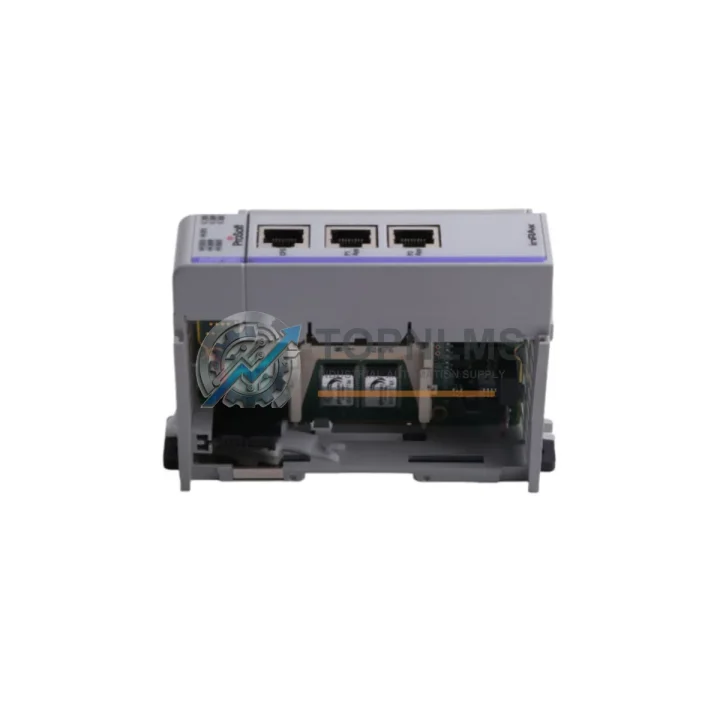
Send this exact part number, quantity and destination country. TOPNLMS will confirm availability, condition and export lead time before quotation.
In modern industrial automation environments, communication integrity between PLCs and field devices is the backbone of uninterrupted production. The ProSoft MVI69-MCM — a Modbus Master/Slave Communication Module engineered for the Allen-Bradley CompactLogix 1769 platform — is a mission-critical spare that maintenance engineers and procurement teams rely on to eliminate unplanned downtime, extend legacy system lifecycles, and maintain full Modbus RTU/ASCII protocol compatibility without hardware redesign.
Sourced as an original ProSoft Technology component, the MVI69-MCM integrates directly into the 1769 backplane, providing up to two independently configurable Modbus ports. Whether you are managing a continuous process line, a batch manufacturing cell, or a utilities control system, this module ensures that your CompactLogix controller maintains reliable, deterministic communication with RTUs, drives, meters, and third-party field devices — all without protocol conversion overhead or gateway latency.
| Parameter | Specification |
|---|---|
| Part Number / SKU | MVI69-MCM |
| Brand | ProSoft Technology |
| Series | MVI69 |
| Compatible Platform | Allen-Bradley CompactLogix 1769 Series |
| Protocol Support | Modbus RTU / Modbus ASCII (Master & Slave) |
| Communication Ports | 2 × RS-232/RS-485/RS-422 (configurable) |
| Baud Rate | 300 bps – 115,200 bps |
| Backplane Interface | 1769 Local I/O Bus |
| Power Consumption | 800 mA @ 5 VDC (from backplane) |
| Operating Temperature | 0°C to 60°C (32°F to 140°F) |
| Storage Temperature | -40°C to 85°C |
| Humidity | 5% to 95% non-condensing |
| Dimensions (H × W × D) | Standard 1769 single-slot module form factor |
| Weight | Approx. 1,200 g (packaged) |
| Country of Origin | United States |
| Application Environment | Industrial control panels, process automation, utilities, manufacturing |
| Compatibility | Drop-in replacement for existing MVI69-MCM installations; no firmware changes required on host controller |
| Warranty | 12 Months — all units tested prior to shipment |
Experienced maintenance engineers know that a communication module failure rarely occurs in isolation. When the MVI69-MCM is flagged for replacement during a scheduled shutdown or emergency repair, it is best practice to conduct a comprehensive inspection of the entire control cabinet and communication loop simultaneously — reducing the risk of a secondary failure shortly after restart.
Begin with the 1769-L32E or 1769-L35E CompactLogix processor itself: verify firmware revision, check for memory faults, and confirm that the EtherNet/IP configuration is intact. Next, inspect the 1769-IQ16 digital input module and 1769-OB16 digital output module seated adjacent to the MVI69-MCM — backplane connector wear or contamination can cause intermittent I/O faults that are often misattributed to the communication module.
The 1769-PA2 or 1769-PB2 power supply module should be load-tested during the same maintenance window. An aging power supply delivering marginal 5 VDC output is a common root cause of MVI69-MCM communication errors and CRC fault accumulation. Replacing the power supply proactively alongside the communication module eliminates this variable entirely.
For the Modbus serial loop, inspect the RS-485 terminal block wiring and shielded twisted-pair cable runs connecting the MVI69-MCM to field RTUs, variable frequency drives (VFDs), and smart meters. Corroded terminals, improper termination resistors, or ground loops are frequent contributors to Modbus timeout errors. While the cabinet is open, verify the condition of the 1769-ECR end cap and confirm that all module latches are fully engaged.
If your system includes a ProSoft MVI69-MNET (Modbus TCP/IP) module or a MVI69-DFNT (EtherNet/IP) gateway in the same rack, inspect those modules for LED fault indicators and verify their configuration files against the current project backup. Communication modules in adjacent slots share backplane bandwidth, and a misconfigured neighbor can degrade MVI69-MCM polling performance.
Finally, review the 1769-SDN DeviceNet Scanner module or any PROFIBUS DP adapter present in the system. Multi-protocol environments are particularly sensitive to backplane loading — a full audit during the MVI69-MCM replacement window is the most cost-effective way to validate overall system health and defer the next unplanned outage.
The MVI69-MCM is a direct, slot-compatible replacement for any previously installed MVI69-MCM unit within a CompactLogix 1769 system. Because the module uses ProSoft’s standard configuration file approach (stored on the CompactLogix controller, not on the module itself), field replacement requires no re-programming: technicians simply seat the new module, restore power, and verify communication status via the module’s LED indicators within minutes.
For facilities managing aging CompactLogix systems originally commissioned in the 2000s or early 2010s, the MVI69-MCM provides a cost-effective path to extend system life by 5–10 years without migrating to a newer PLC platform. This is particularly valuable in industries such as water treatment, oil & gas, food processing, and discrete manufacturing, where a full PLC migration would require extensive re-validation, re-wiring, and production downtime measured in days rather than hours.
Procurement teams are encouraged to maintain at least one MVI69-MCM as a cold-standby spare in the site storeroom. Given typical lead times for specialty PLC communication modules, a stocked spare eliminates the risk of extended downtime while awaiting delivery. Pairing the MVI69-MCM spare with a stocked 1769-PA2 power supply and a set of 1769 I/O modules matching your installed base creates a comprehensive rapid-response spare kit that can restore a failed CompactLogix system to full operation within a single shift.
All MVI69-MCM units supplied by TOPNLMS are sourced as original ProSoft Technology components, individually tested for Modbus Master and Slave functionality across both RS-232 and RS-485 interfaces before packaging. Units are shipped with protective anti-static packaging and include a 12-month warranty covering manufacturing defects and functional failure under normal operating conditions.
Q1: Is this MVI69-MCM a genuine ProSoft Technology original part?
Yes. All units listed on topnlms.com are original ProSoft Technology components, not aftermarket or refurbished substitutes. Each unit undergoes functional testing prior to shipment to verify Modbus Master/Slave communication on both serial ports.
Q2: What is the warranty coverage and what does it include?
Every MVI69-MCM ships with a 12-month warranty from the date of delivery. The warranty covers manufacturing defects and functional failure under normal industrial operating conditions. It does not cover physical damage caused by incorrect installation, overvoltage, or environmental exposure beyond the rated specifications.
Q3: Can I replace my existing MVI69-MCM without modifying the CompactLogix program?
Yes. The MVI69-MCM configuration is stored in the CompactLogix controller’s project file, not in the module itself. A direct slot-for-slot replacement requires no ladder logic changes. After seating the new module and restoring power, verify the module’s OK and APP LEDs indicate normal operation, then confirm Modbus polling resumes via the controller’s MSG instruction status bits.
Q4: How should I manage MVI69-MCM inventory for a multi-site facility?
For facilities operating three or more CompactLogix systems with MVI69-MCM modules, a recommended strategy is to maintain one spare per five installed units, with a minimum of one spare per site. Centralized spare pooling across sites is viable if same-day logistics between facilities can be guaranteed. Coordinate procurement with scheduled annual shutdowns to refresh aging spares and rotate stock, ensuring that stored units do not exceed five years of shelf time without a functional re-test.
MVI56-DFCM drop-in replacement for ControlLogix. DF1 full-duplex compatibility, 12-month warranty, fast global shipping from TOPNLMS.
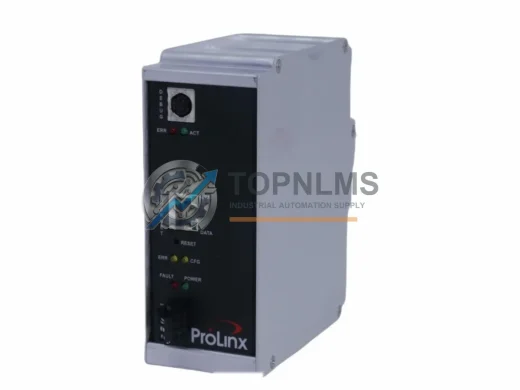
ProSoft 5201-DFNT-EGD EtherNet/IP to GE EGD in-chassis gateway. Rugged, reliable, 12-month warranty. In stock at TOPNLMS — fast global shipping.

ProSoft MVI56-101M Modbus RTU/ASCII module for ControlLogix. Ruggedized, in stock, tested, 12-month warranty. Fast shipping — TOPNLMS.

ProSoft PLX31-MBTCP-MBS Modbus TCP/IP to Serial gateway. Rugged, EMI-resistant, 12-month warranty. In stock — fast shipping from TOPNLMS.
Click Quote This Model and the Part Number field will auto-fill with MVI69-MCM.