
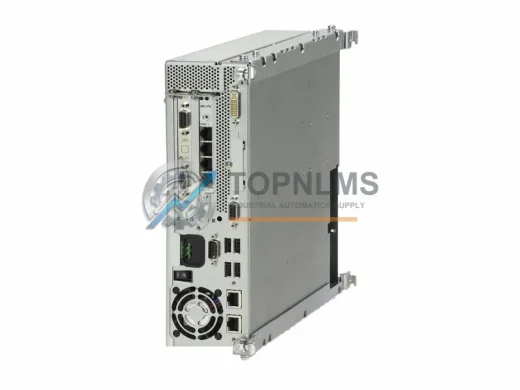
Siemens
Siemens 6AU1350-3AK41-1BE2 Ruggedized PROFIBUS Module
6AU1350-3AK41-1BE2Siemens 6AU1350-3AK41-1BE2 ISOPROFIBUS board for SINUMERIK 840D sl NCU. Rugged, EMI-resistant, 12-month warranty. In stock — fast global shipping.
Request availability, condition, lead time and export shipping details for 6FL7820-8BA10 AC5100.
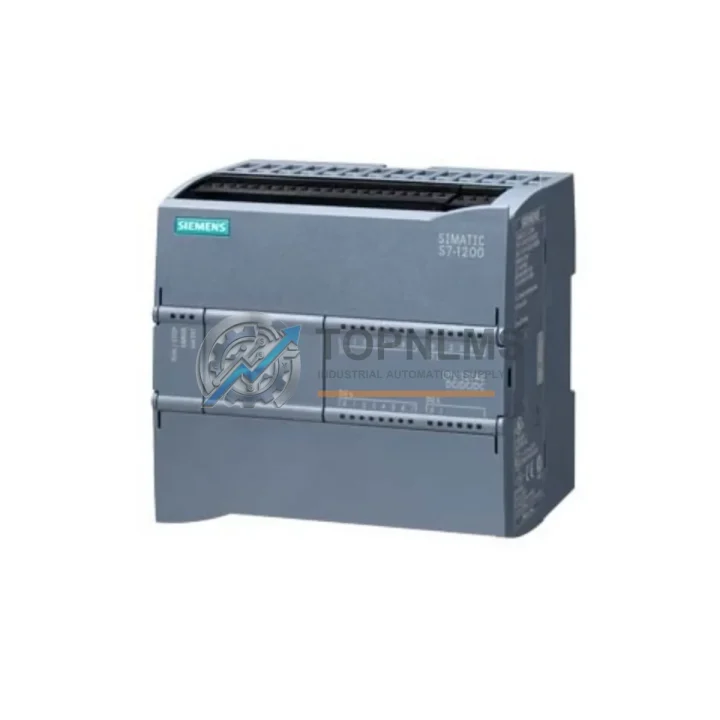
Send this exact part number, quantity and destination country. TOPNLMS will confirm availability, condition and export lead time before quotation.
The Siemens 6FL7820-8BA10 AC5100 is a SIMATIC NET access control unit widely deployed in industrial communication architectures, secure network segmentation, and plant-level automation systems. As Siemens progressively phases out legacy SIMATIC NET components, facilities running the AC5100 platform face increasing pressure to source verified replacement units or plan a structured migration to current-generation hardware. TOPNLMS maintains ready stock of the 6FL7820-8BA10 AC5100 to support both immediate drop-in replacement and phased system modernization projects — minimizing unplanned downtime and protecting your existing control infrastructure investment.
Whether your facility is replacing a failed unit on an active production line, consolidating spare-parts inventory ahead of a planned shutdown, or executing a full control-system retrofit, the 6FL7820-8BA10 AC5100 integrates directly into existing SIMATIC NET topologies without requiring changes to upstream PROFINET or Industrial Ethernet backbone configurations. The module’s physical form factor, DIN-rail mounting footprint, and 24 VDC power supply requirements are consistent with the broader SIMATIC NET S7-300 and S7-400 era communication infrastructure, allowing engineers to swap the unit without redesigning the control cabinet layout or rewiring terminal blocks.
| Parameter | Legacy / Outgoing Model | 6FL7820-8BA10 AC5100 (This Unit) |
|---|---|---|
| Series Platform | SIMATIC NET (prior generation) | SIMATIC NET AC5100 |
| Communication Protocol | Industrial Ethernet / PROFINET | Industrial Ethernet / PROFINET (compatible) |
| Mounting | DIN-rail / panel mount | DIN-rail / panel mount (direct fit) |
| Supply Voltage | 24 VDC nominal | 24 VDC nominal |
| Wiring Compatibility | Standard terminal block | Direct terminal block replacement |
| Physical Dimensions | Standard SIMATIC NET form factor | Identical form factor — no cabinet modification required |
| Programming / Configuration | STEP 7 / TIA Portal | Compatible with STEP 7 and TIA Portal project import |
| Firmware / Diagnostics | Legacy SIMATIC NET firmware | Current SIMATIC NET firmware baseline |
| Replacement Recommendation | End-of-life / discontinued | Verified drop-in replacement — stock available |
| Warranty | — | 12-Month Warranty (TOPNLMS) |
A successful migration from a legacy SIMATIC NET access control architecture to the 6FL7820-8BA10 AC5100 rarely involves a single component in isolation. In practice, field engineers encounter a cluster of interdependent hardware that must be evaluated and, where necessary, upgraded in parallel to ensure system integrity.
On the communication backbone side, the AC5100 operates within a PROFINET segment that typically includes Siemens SCALANCE X series Industrial Ethernet switches for managed network segmentation and port-level diagnostics. If the existing switch infrastructure predates PROFINET IRT support, upgrading to a current SCALANCE X208 or X216 alongside the AC5100 replacement eliminates latency mismatches that can trigger spurious fault states on the controller side.
For facilities running Siemens S7-300 or S7-400 PLCs as the host controller, the CP 343-1 or CP 443-1 communication processors handle the PROFINET interface between the CPU rack and the SIMATIC NET segment. When the AC5100 is replaced, it is good practice to verify that the CP module firmware is current, as older CP 343-1 Advanced units may require a firmware update to correctly enumerate the new AC5100 device identity on the network. Similarly, if the project is migrating toward a Siemens S7-1500 platform, the integrated PROFINET interface on the CPU eliminates the need for a separate CP module entirely, simplifying the cabinet layout and reducing potential points of failure.
Power supply integrity is a frequently overlooked factor in access control module replacements. The Siemens SITOP PSU100S 24 VDC power supply series provides the regulated 24 VDC rail that the AC5100 requires, with built-in buffering to ride through brief mains interruptions without triggering a module reset. If the existing SITOP unit is more than seven years old or shows signs of output ripple, replacing it concurrently with the AC5100 is a low-cost insurance measure against a repeat failure within the same maintenance window.
On the I/O side, distributed Siemens ET 200SP or ET 200M remote I/O stations connected via PROFINET to the same network segment as the AC5100 should be verified for address conflicts after the replacement unit is commissioned. The ET 200SP IM 155-6 PN interface module, in particular, uses PROFINET device names that must be unique across the segment — a step that is easy to overlook when swapping a module under time pressure during an unplanned outage.
For projects that include HMI integration, Siemens SIMATIC HMI TP700 Comfort or KTP900 Basic panels connected to the same PROFINET ring should be tested for alarm and status tag continuity after the AC5100 is replaced and the project is downloaded. Tag addresses tied to the AC5100’s diagnostic data blocks may require remapping if the new unit’s GSD file version differs from the original.
Finally, if the retrofit scope includes updating the programming environment, a Siemens SIMATIC S7 PC Adapter USB A2 or the current TIA Portal-compatible MPI/PROFIBUS programming cable ensures that the engineer can connect to legacy S7-300 CPUs in the same cabinet without requiring a separate laptop interface module — keeping the toolchain consolidated and the commissioning timeline on schedule.
Q: Can I replace the 6FL7820-8BA10 AC5100 without modifying existing wiring?
A: Yes. The AC5100 uses a standard terminal block arrangement consistent with the SIMATIC NET product family. In most installations, the replacement unit can be installed using the existing cable harness without cutting or re-terminating any conductors. Verify terminal labeling against the original wiring diagram before powering up.
Q: Do I need to reprogram the PLC after replacing the AC5100?
A: In most cases, no full reprogramming is required. The replacement unit should be assigned the same PROFINET device name as the original using the TIA Portal or STEP 7 “Assign Device Name” function. Once the device name is set, the existing PLC project will recognize the new module and resume normal operation without a project download.
Q: Is the AC5100 compatible with both PROFINET and older Industrial Ethernet topologies?
A: The 6FL7820-8BA10 AC5100 operates on Industrial Ethernet and is compatible with PROFINET-based network architectures. For legacy systems using non-PROFINET Industrial Ethernet protocols, consult the module’s GSD/GSDML file to confirm device class compatibility before installation.
Q: What is the physical space requirement for the replacement unit?
A: The AC5100 shares the standard SIMATIC NET DIN-rail form factor. No additional cabinet space or modified mounting hardware is required for a direct replacement. Ensure adequate clearance above and below the module for ventilation as specified in the Siemens installation guidelines.
Q: How do I handle the transition if the original unit failed and no backup configuration exists?
A: If no project backup is available, the PROFINET device name must be reassigned manually using TIA Portal’s online device management tools. The PLC project will need to be re-downloaded to the CPU after the AC5100 is recognized on the network. TOPNLMS recommends maintaining a current project archive and module configuration backup as part of standard spare-parts management practice.
Q: What communication protocols does the AC5100 support for system diagnostics?
A: The module supports standard SIMATIC NET diagnostic mechanisms accessible via PROFINET, including module status, port diagnostics, and alarm forwarding to the host PLC. These diagnostics are visible in TIA Portal’s online and diagnostics view without additional configuration.
Every Siemens 6FL7820-8BA10 AC5100 unit shipped by TOPNLMS is covered by a 12-month warranty from the date of delivery. Prior to dispatch, each unit undergoes a pre-shipment functional inspection to verify power-on behavior, communication port integrity, and physical condition. Units that do not meet our outgoing quality standard are quarantined and not offered for sale.
In the event of a warranty claim, TOPNLMS provides a replacement unit or full refund depending on stock availability and the nature of the fault. Our after-sales response target is one business day for warranty inquiries received via email. Replacement units are dispatched with priority shipping to minimize the impact on your production schedule.
For procurement teams requiring documentation, we can provide a test report, packing list, and commercial invoice at the time of shipment. Lead time for in-stock units is typically 3–5 business days for international express delivery. Bulk orders and standing purchase agreements are accommodated — contact our sales team to discuss volume pricing and reserved stock arrangements.
TOPNLMS has supplied industrial automation components to manufacturing, energy, water treatment, and process industries across Asia, Europe, and the Middle East. Our sourcing network prioritizes verified original-manufacturer stock, and we maintain traceability records for all units sold.
Siemens 6AU1350-3AK41-1BE2 ISOPROFIBUS board for SINUMERIK 840D sl NCU. Rugged, EMI-resistant, 12-month warranty. In stock — fast global shipping.
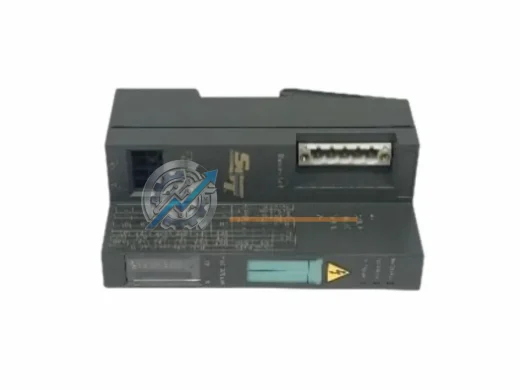
SIEMENS 5136-DNS-200S SST DeviceNet Slave Adapter – original industrial spare, PC interface compatibility, fast shipping, 12-month warranty. Reduce downtime now.
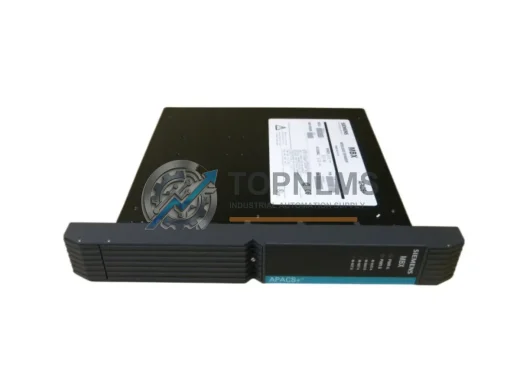
Original Siemens 39MBXNAN 16180-1/17 MBX Modulbus Expander for SINEC H1 systems. Genuine industrial spare, 12-month warranty, fast worldwide shipping. topnlms.com
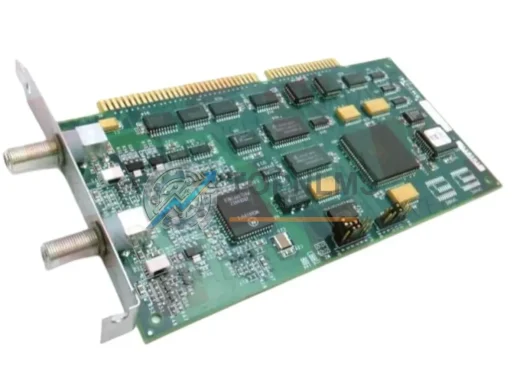
Siemens 16267-1/4 MODULNET M-NET ISA Interface Module replacement. Drop-in upgrade, 12-month warranty, tested & shipped fast. Minimize legacy system downtime.
Click Quote This Model and the Part Number field will auto-fill with 6FL7820-8BA10 AC5100.