
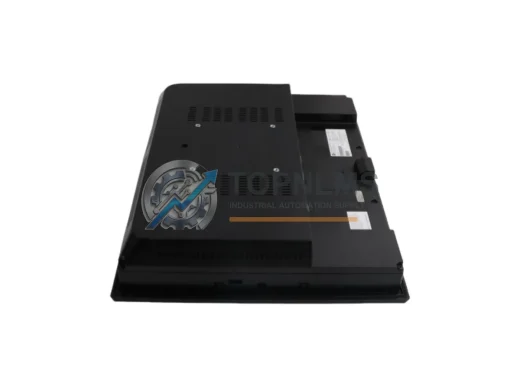
GE
GE IC755CSS15CDA-AA Replacement/Upgrade for QuickPanel+
IC755CSS15CDA-AAGE IC755CSS15CDA-AA QuickPanel+ 15" HMI replacement & upgrade solution. Compatible wiring, Ethernet/serial comms, 12-month warranty. In stock, fast ship.
Request availability, condition, lead time and export shipping details for IC754VGI06STD.
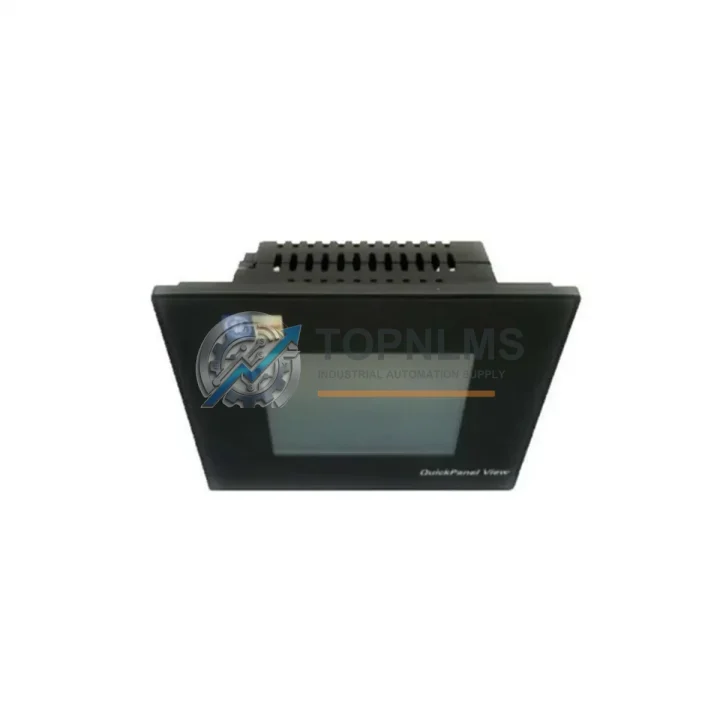
Send this exact part number, quantity and destination country. TOPNLMS will confirm availability, condition and export lead time before quotation.
The GE IC754VGI06STD is an original QuickPanel+ 6.4″ VGA Touch HMI operator interface engineered for demanding industrial automation environments. As a critical human-machine interface component within GE Automation & Controls ecosystems, this unit serves as the primary visualization and control node for PLCs, DCS systems, and distributed I/O architectures. Sourcing a verified original spare ensures your control cabinet maintains full operational integrity — eliminating compatibility risks, firmware mismatches, and unplanned downtime that arise from counterfeit or unverified substitutes.
For maintenance engineers managing aging GE Proficy, PACSystems RX3i, or VersaMax control systems, the IC754VGI06STD represents a direct, drop-in replacement that preserves existing HMI project files, tag databases, and communication configurations. Its 6.4″ VGA resistive touch display, onboard Ethernet port, and serial communication interfaces make it universally compatible across a wide range of legacy and current-generation GE control architectures — reducing re-engineering time and keeping your production line running.
| Parameter | Specification |
|---|---|
| Model / SKU | IC754VGI06STD |
| Brand / Series | GE Automation & Controls / QuickPanel+ |
| Display Size | 6.4″ VGA (640 × 480) |
| Touch Technology | Resistive Touch Screen |
| Processor | Intel PXA270 @ 520 MHz |
| Operating System | Windows CE 6.0 |
| RAM / Flash | 128 MB RAM / 256 MB Flash |
| Communication Ports | 1× Ethernet (10/100 Mbps), 2× RS-232/422/485, 1× USB Host, 1× USB Device |
| Power Supply | 24 VDC (18–30 VDC range) |
| Power Consumption | ≤ 18 W typical |
| Operating Temperature | 0°C to +50°C |
| Storage Temperature | -20°C to +70°C |
| Protection Rating | IP65 (front panel) |
| Panel Cutout | 192 mm × 138 mm (standard) |
| Compatibility | GE PACSystems RX3i, VersaMax, Series 90, Proficy HMI/SCADA |
| Application Environment | Industrial control cabinets, SCADA panels, OEM machinery |
| Maintenance Recommendation | Inspect every 12–18 months; replace backlight at 50,000-hour threshold |
| Warranty | 12-Month Warranty — tested before shipment |
| Origin | USA (GE Automation & Controls) |
When scheduling a control cabinet inspection or planned shutdown that involves replacing the IC754VGI06STD, experienced maintenance teams treat the HMI replacement as a trigger for a broader system health audit. The HMI is the operator’s window into the entire control loop — if it has degraded, adjacent components may be under similar stress.
Begin by verifying the 24 VDC power supply module feeding the HMI and PLC rack. Voltage fluctuations are a leading cause of premature HMI failure and corrupted display data; a worn power supply should be replaced simultaneously. Next, inspect the Ethernet communication cable and managed switch port connecting the IC754VGI06STD to the PACSystems RX3i CPU module — cable degradation or switch port faults can cause intermittent HMI disconnections that are often misdiagnosed as HMI hardware failure.
Check the IC693CPU374 or IC693CPU375 CPU module firmware version to confirm compatibility with the QuickPanel+ runtime. Mismatched firmware between the HMI and the CPU is a common source of tag communication errors after an HMI swap. While the cabinet is open, audit the IC693MDL655 digital input module and IC693MDL752 digital output module for signs of contact wear, blown fuses, or LED fault indicators — these I/O modules share the same maintenance cycle as the HMI in high-cycle production environments.
For systems using serial communication, inspect the RS-485 communication cable and terminal resistors connecting the HMI to downstream drives or remote I/O panels. Corroded terminals or improperly terminated RS-485 lines cause communication timeouts that can appear as HMI software faults. If your system uses a GE IC693CMM321 communications module for Ethernet Global Data (EGD) or SRTP protocols, verify its configuration backup is current before the HMI replacement, as network topology changes may require re-commissioning.
Facilities running VersaMax distributed I/O should also inspect the IC200UDD104 or IC200MDL650 I/O modules in the remote drop for loose terminal connections — vibration over time loosens field wiring and causes intermittent faults that are difficult to trace without a functioning HMI. Finally, confirm that the UPS or battery backup unit powering the control panel is within its service life; a failing UPS is the single most preventable cause of uncontrolled HMI shutdowns and corrupted project data.
Stocking the IC754VGI06STD alongside these complementary components — power supply modules, CPU modules, I/O cards, communication modules, and structured cabling — as a coordinated spare parts kit dramatically reduces mean time to repair (MTTR) and eliminates the multi-day lead times that extend unplanned downtime into production losses.
The IC754VGI06STD is the direct OEM replacement for earlier QuickPanel View and QuickPanel Control units used in GE Series 90 and VersaMax legacy installations. Unlike third-party HMI substitutes that require full project migration, driver re-mapping, and extended commissioning, the IC754VGI06STD accepts existing Proficy Machine Edition HMI projects with minimal modification — preserving years of operator screen development and tag engineering.
For facilities managing end-of-life GE control systems, maintaining a bonded stock of IC754VGI06STD units is a proven strategy to extend system operational life by 5–10 years without capital investment in full PLC/HMI platform migration. The unit’s Windows CE 6.0 runtime and native GE driver library ensure backward compatibility with PACSystems, Series 90-30, and VersaMax CPUs — making it the lowest-risk, highest-value spare for GE-based automation infrastructure.
Each unit supplied by TOPNLMS undergoes functional power-on testing, display calibration verification, and communication port validation prior to shipment. Units are shipped in anti-static packaging with full documentation. Our 12-month warranty covers manufacturing defects and verified functional failures under normal operating conditions, with direct technical support available for installation and commissioning queries.
Q1: Is the IC754VGI06STD compatible with my existing Proficy Machine Edition HMI project?
Yes. The IC754VGI06STD runs Windows CE 6.0 with the standard QuickPanel+ runtime, which is fully compatible with projects developed in GE Proficy Machine Edition 8.x and later. Minor target configuration updates (display resolution, communication driver settings) may be required, but full project re-development is not necessary.
Q2: What testing is performed before shipment?
Every IC754VGI06STD unit is powered on, display-tested across the full active area, and communication ports are verified for signal integrity before packaging. A functional test report is available upon request. Units are shipped in ESD-safe packaging to prevent transit damage.
Q3: How should I manage spare parts inventory for QuickPanel+ HMIs in a multi-line facility?
For facilities with 5 or more GE HMI units in service, we recommend maintaining a minimum of 1 spare IC754VGI06STD per 5 installed units, with a target replenishment lead time of 30 days. Pair this with stocked CPU modules and power supply spares to ensure any single-point failure can be resolved within one shift.
Q4: What is covered under the 12-month warranty, and how is a warranty claim processed?
The 12-month warranty covers verified hardware failures under normal operating conditions (correct supply voltage, rated temperature range, no physical damage). To initiate a claim, contact us with your order number and a description of the fault. We will provide a return authorization and ship a replacement unit upon receipt and verification of the returned item. Typical claim resolution time is 5–7 business days.
GE IC755CSS15CDA-AA QuickPanel+ 15" HMI replacement & upgrade solution. Compatible wiring, Ethernet/serial comms, 12-month warranty. In stock, fast ship.
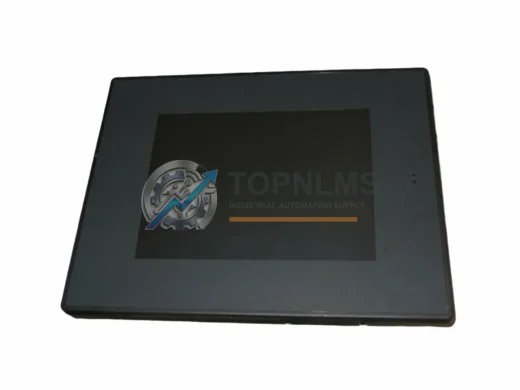
GE IC754VBI10MTD-BB QuickPanel View 10" ruggedized HMI. IP65, wide-temp, EMI-resistant. In stock, tested, 12-month warranty. Fast global shipping from TOPNLMS.
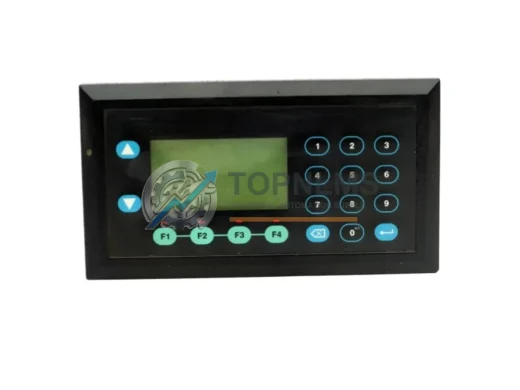
GE IC752QPT012-24 QuickPanel 12" HMI Touch Panel 24VDC. Original spare, compatible replacement. Fast shipping, 12-month warranty. Industrial automation.
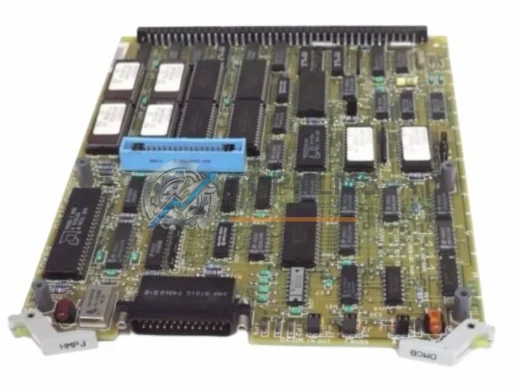
GE DS3800HMPJ1A1D Speedtronic MKIV HMI Panel Board replacement. Drop-in compatible, 12-month warranty, fast global shipping. Upgrade your legacy turbine control system today.
Click Quote This Model and the Part Number field will auto-fill with IC754VGI06STD.