
Emerson
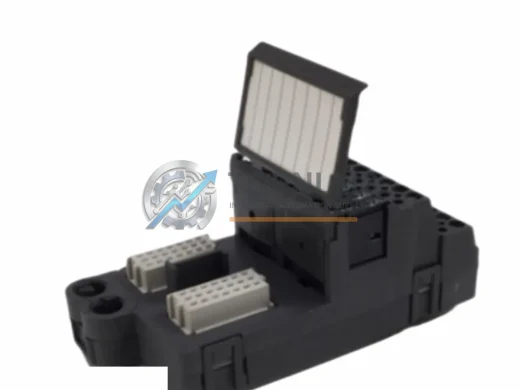
Emerson KJ4001X1-CB1 Replacement for DeltaV Series
KJ4001X1-CB1Emerson KJ4001X1-CB1 DeltaV Field Termination Block replacement & upgrade solution. Compatible wiring, 12-month warranty, fast global shipping from stock.
Request availability, condition, lead time and export shipping details for A6210.
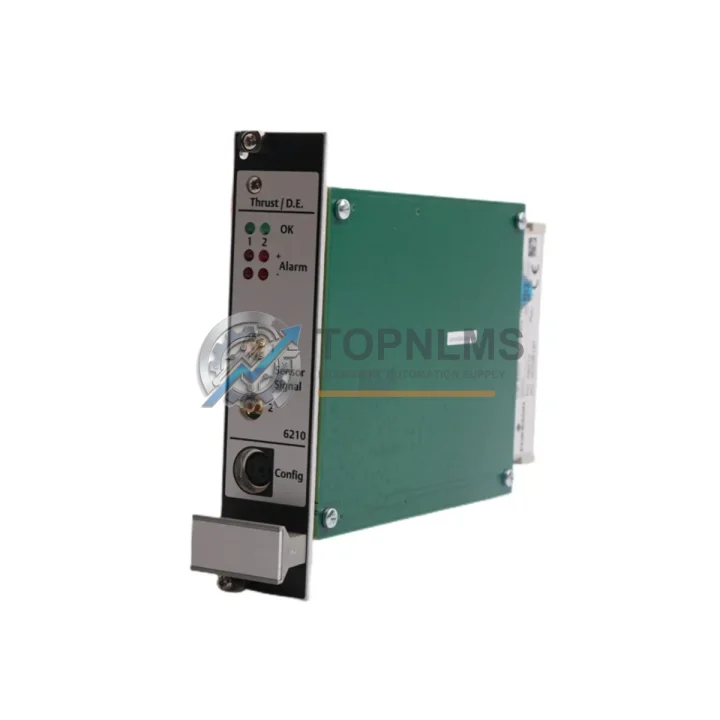
Send this exact part number, quantity and destination country. TOPNLMS will confirm availability, condition and export lead time before quotation.
The Emerson A6210 is a Thrust and Differential Expansion Input Module designed for the Ovation Distributed Control System (DCS) platform. As aging Ovation installations approach end-of-life or face discontinued spare-part availability, plant engineers and reliability teams are increasingly seeking a verified, drop-in replacement that preserves existing wiring infrastructure, retains compatibility with the Ovation controller backplane, and eliminates the need for costly re-engineering. TOPNLMS supplies the A6210 from certified stock, fully tested, with a 12-month warranty and 48-hour dispatch from our Xiamen warehouse.
Whether your facility is running a turbine protection system, a compressor train, or a balance-of-plant monitoring loop, the A6210 integrates directly into the existing Ovation I/O cabinet without modification to field wiring or DCS configuration databases. This makes it the preferred choice for maintenance teams that need to restore system availability quickly and safely.
| Parameter | Legacy / Outgoing Module | Emerson A6210 (Replacement) |
|---|---|---|
| Part Number | Varies (discontinued Ovation vibration I/O) | A6210 |
| Platform | Emerson Ovation DCS | Emerson Ovation DCS |
| Module Function | Thrust / Differential Expansion Monitoring | Thrust / Differential Expansion Monitoring |
| Backplane Interface | Ovation standard I/O backplane | Ovation standard I/O backplane (direct fit) |
| Field Wiring | Existing terminal block / marshalling cabinet | Fully compatible — no rewiring required |
| Communication Protocol | Ovation internal bus | Ovation internal bus |
| Power Supply | Rack-supplied 24 VDC | Rack-supplied 24 VDC |
| Physical Dimensions | Standard Ovation I/O module form factor | Identical form factor — no cabinet modification |
| Configuration | Existing Ovation DCS database | Retains existing tag configuration |
| Replacement Recommendation | Direct swap | ✔ Confirmed direct replacement |
| Warranty | — | 12-Month Warranty (TOPNLMS) |
A successful A6210 migration rarely involves a single module swap. In practice, plant teams upgrading or restoring an Ovation DCS turbine protection loop will also evaluate adjacent components to ensure system-wide integrity. During the retrofit process, engineers commonly address the Emerson Ovation controller module (the primary CPU card governing the I/O network) to confirm firmware compatibility with the replacement A6210. Where the existing I/O rack has aged power distribution, the Ovation power supply module is inspected and often replaced in parallel to prevent nuisance trips after the vibration module is restored.
Field wiring from proximity probes and eddy-current displacement sensors connects to the A6210 through the Ovation I/O terminal board, which serves as the marshalling interface between field cables and the module backplane. If the terminal board shows signs of corrosion or contact wear, replacing it alongside the A6210 eliminates a common source of signal drift. For plants that have expanded their monitoring scope, adding an Ovation analog input module (such as the A6220 or equivalent) to the same rack allows temperature and pressure channels to be consolidated under the same DCS node, reducing scan-cycle overhead.
Communication between the Ovation DCS node and the plant historian or SCADA layer typically runs over Ethernet-based Ovation network switches; verifying switch firmware and port configuration is a standard step in any Ovation I/O upgrade project. Where legacy serial links to third-party protection relays still exist, a serial-to-Ethernet gateway module is often introduced to bridge Modbus RTU devices into the Ovation data highway without modifying relay firmware.
For turbine applications, the A6210 works in conjunction with Bently Nevada 3500-series proximity transducer interface modules on the field side — the A6210 receives the conditioned DC gap voltage output and converts it to an engineering-unit value within the Ovation database. Ensuring that the 3500 rack’s power supply and I/O modules are in good condition before commissioning the A6210 replacement prevents false-trip events during the startup sequence. Finally, the Ovation Operator Workstation (OWS) and its associated DCS configuration software are used to verify tag assignments, alarm limits, and historian archiving after the module swap — a step that requires no hardware changes but confirms end-to-end signal integrity before returning the unit to service.
Q: Do I need to re-terminate field wiring when replacing the A6210?
No. The A6210 uses the same Ovation I/O terminal board connector as the original module. Field cables from proximity probes or LVDT sensors remain connected to the terminal board; only the module card is swapped.
Q: Will the existing Ovation DCS configuration (tags, alarms, historian) still work?
Yes. The A6210 replacement retains the same module type identifier recognized by the Ovation controller. No database re-download is required in most cases; however, a configuration verification pass is recommended after installation.
Q: Is the A6210 compatible with all Ovation controller firmware versions?
The A6210 is compatible with the mainstream Ovation 3.x and later controller firmware releases. For sites running earlier firmware, TOPNLMS recommends confirming the controller revision before ordering. Our technical team can assist with compatibility verification.
Q: How much physical space does the A6210 require in the I/O cabinet?
The A6210 occupies a single standard Ovation I/O slot. No additional rail space or cabinet modification is needed — it is a direct physical replacement for the outgoing module.
Q: Can the A6210 be used in a hot-standby or redundant Ovation configuration?
Yes, provided the rack and controller are configured for redundancy. The module itself supports the Ovation redundancy scheme; consult your site’s DCS architecture documentation to confirm slot assignments.
Q: What communication protocol does the A6210 use internally?
The A6210 communicates over the Ovation proprietary internal I/O bus. It does not require separate Modbus, PROFIBUS, or Ethernet configuration — all communication is managed by the Ovation controller.
Every A6210 unit shipped by TOPNLMS is covered by a 12-month replacement warranty from the date of delivery. Prior to dispatch, each module undergoes a functional bench test to verify power-up behavior, backplane communication, and channel signal integrity. Units that do not pass the outgoing inspection are not shipped.
In the event of a warranty claim, TOPNLMS provides a replacement unit or full refund within the warranty period. Our after-sales response target is 24 hours for initial acknowledgment and 72 hours for resolution confirmation. Replacement units are dispatched from Xiamen stock with priority shipping to minimize plant downtime.
For procurement teams, TOPNLMS issues a formal invoice, packing list, and test certificate with every shipment. Export documentation for international buyers is prepared in compliance with Chinese customs regulations. Standard lead time from order confirmation to dispatch is 48 hours for in-stock units.
Contact our technical sales team to confirm stock availability, request a compatibility datasheet, or obtain a formal quotation:
Emerson KJ4001X1-CB1 DeltaV Field Termination Block replacement & upgrade solution. Compatible wiring, 12-month warranty, fast global shipping from stock.
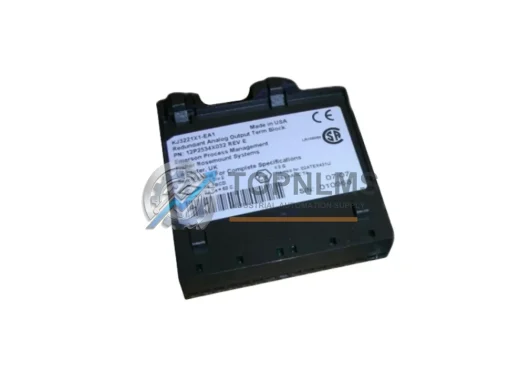
EMERSON KJ3221X1-EA1 12P2534X032 original DeltaV field termination assembly. Verified spare, 12-month warranty, fast global shipping. Reduce DCS downtime now.
Original Emerson KJ2005X1-MQ1 12P6381X032 DeltaV DCS Controller Module. Genuine industrial spare, 12-month warranty, fast shipping. Compatible replacement for legacy DeltaV systems.
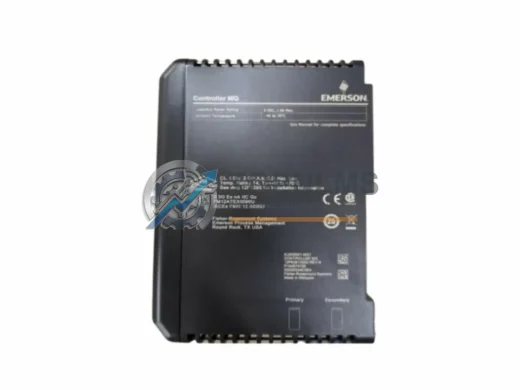
Emerson KJ2005X1-MQ1 12P6381X022 DeltaV DCS controller module. Ruggedized for harsh environments. 12-month warranty, tested, fast shipping. In stock.
Click Quote This Model and the Part Number field will auto-fill with A6210.