
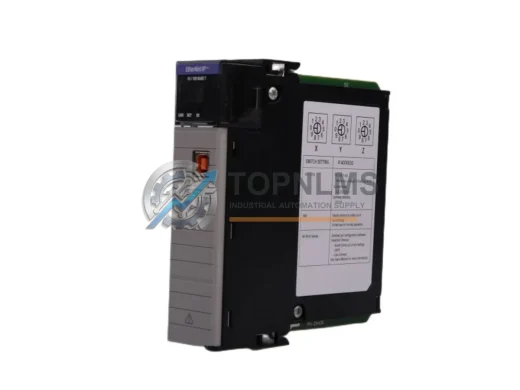
Allen-Bradley
Allen-Bradley 1756-EN2T EtherNet/IP Replacement for ControlLogix
1756-EN2TDrop-in replacement for Allen-Bradley 1756-EN2T ControlLogix EtherNet/IP Bridge Module. Compatible upgrade, 12-month warranty, fast global shipping.
Request availability, condition, lead time and export shipping details for 1756-EN2TR.
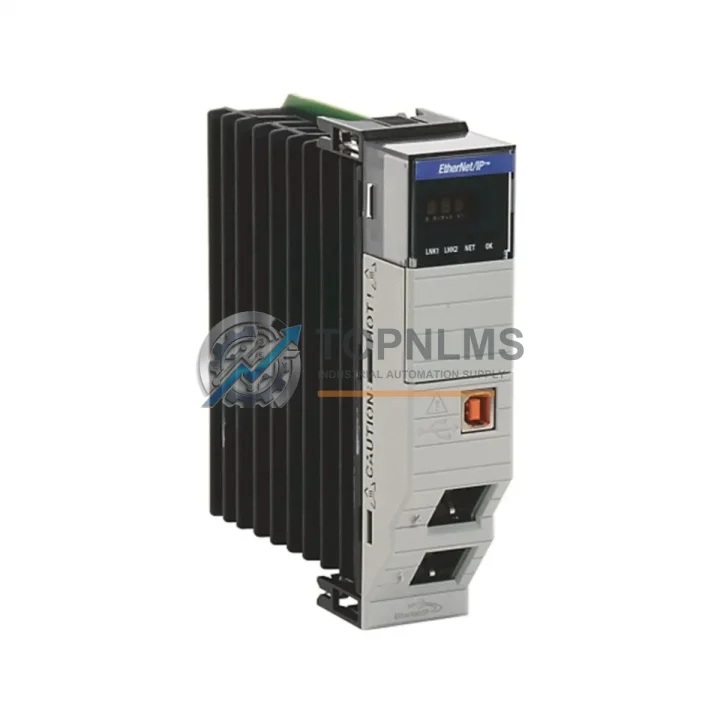
Send this exact part number, quantity and destination country. TOPNLMS will confirm availability, condition and export lead time before quotation.
The Allen-Bradley 1756-EN2TR is a Dual-Port EtherNet/IP Bridge Module designed for the ControlLogix 1756 platform — one of the most widely deployed PLC architectures in global industrial automation. As an original spare part, the 1756-EN2TR plays a critical role in maintaining uninterrupted network communication between ControlLogix controllers and field devices, SCADA systems, HMI panels, and distributed I/O racks. When this module fails or degrades, the consequences extend far beyond a single cabinet: production lines halt, diagnostic visibility is lost, and recovery time escalates rapidly without a verified replacement on hand.
For maintenance engineers managing aging ControlLogix installations, the 1756-EN2TR represents a strategic inventory asset. Its dual-port topology supports Device Level Ring (DLR) architecture, enabling network redundancy that protects against single-point communication failures. Facilities running continuous processes — chemical plants, automotive assembly, food and beverage lines, water treatment — depend on this module’s ability to sustain real-time I/O communication even under adverse network conditions. Stocking a tested, original 1756-EN2TR ensures that when a module fault is detected during a scheduled inspection or an unplanned shutdown, replacement can be executed within minutes rather than days.
| SKU / Part Number | 1756-EN2TR |
| Brand | Allen-Bradley (Rockwell Automation) |
| Series | ControlLogix 1756 |
| Module Type | Dual-Port EtherNet/IP Bridge / Communication Module |
| Network Protocol | EtherNet/IP (CIP over Ethernet) |
| Port Configuration | 2 × RJ-45 Ethernet Ports (supports DLR topology) |
| Communication Speed | 10/100 Mbps, Auto-negotiate |
| Backplane Compatibility | ControlLogix 1756 chassis (any slot) |
| Power Consumption | Supplied via ControlLogix backplane |
| Operating Temperature | 0 °C to 60 °C (32 °F to 140 °F) |
| Storage Temperature | -40 °C to 85 °C |
| Relative Humidity | 5% to 95% non-condensing |
| Certifications | UL, CE, cUL |
| Mounting | ControlLogix 1756 chassis slot (standard backplane insertion) |
| Condition | Original / Genuine |
| Warranty | 12 Months |
A structured preventive maintenance program for ControlLogix-based control systems should treat the 1756-EN2TR as one node in a broader network of interdependent components. During scheduled cabinet inspections, maintenance teams should simultaneously verify the condition of the 1756-PA75 or 1756-PB75 power supply modules, which provide backplane power to all installed modules including the EN2TR. A degraded power supply is a common upstream cause of intermittent communication faults that are often misattributed to the network module itself.
The 1756-L71 or 1756-L73 ControlLogix controller modules should be inspected alongside the EN2TR, as firmware compatibility between the controller and the communication module directly affects network stability. If the EN2TR is being replaced, confirm that the controller firmware version supports the module’s EDS file and CIP messaging parameters before reinserting into the chassis.
For facilities using distributed I/O over EtherNet/IP, the 1734-AENT or 1734-AENTR POINT I/O Ethernet adapter modules are common downstream partners of the 1756-EN2TR. A ring topology inspection should include verifying DLR supervisor status on the EN2TR and checking link status LEDs on all POINT I/O adapters in the ring. Similarly, 1756-IB16 digital input modules and 1756-OB16E digital output modules installed in the same chassis should be checked for fault indicators during any EN2TR replacement event, as a network interruption may have triggered latched faults in I/O modules.
Communication integrity also depends on physical layer components. Inspect and replace Cat5e or Cat6 industrial Ethernet patch cables connecting the EN2TR ports to managed switches or DLR ring segments. Cable degradation, bent RJ-45 connectors, or switch port faults are frequent causes of intermittent EtherNet/IP timeouts. If the control cabinet includes a Stratix 5700 or Stratix 2000 managed Ethernet switch, verify port configuration, VLAN assignments, and QoS settings as part of the same maintenance window.
For systems with HMI integration, confirm that PanelView Plus 7 or PanelView 800 terminals connected via EtherNet/IP re-establish communication cleanly after the EN2TR is replaced and the chassis is powered up. HMI communication timeouts are a reliable indicator of residual network configuration issues that should be resolved before returning the system to production.
Finally, review the 1756-RM or 1756-RM2 redundancy modules if the ControlLogix system is configured for controller redundancy. The EN2TR’s role in a redundant system requires that both primary and secondary chassis maintain synchronized network paths — a replacement event is the right time to validate redundancy switchover behavior under controlled conditions.
The 1756-EN2TR was introduced to replace the earlier single-port 1756-ENBT module, offering dual-port DLR support without requiring a chassis slot change or controller reconfiguration. For facilities still operating systems built around the 1756-ENBT, migrating to the 1756-EN2TR is a direct, non-disruptive upgrade path that adds network redundancy and extends system service life by years. The module occupies the same chassis slot, uses the same EtherNet/IP configuration tools (RSLinx Classic or Studio 5000 Logix Designer), and requires no changes to existing ladder logic or tag databases.
For older ControlLogix installations approaching end-of-life on their original communication hardware, stocking the 1756-EN2TR as a cross-compatible replacement eliminates the risk of extended downtime caused by obsolete module sourcing. Original spare parts sourced through verified industrial distributors — tested, serialized, and shipped with documentation — provide the traceability required for ISO-compliant maintenance records and audit readiness.
Each 1756-EN2TR unit supplied by TOPNLMS undergoes functional verification prior to shipment, including backplane communication testing and port-level Ethernet link validation. Units are packaged in anti-static protective enclosures and shipped with a 12-month warranty covering manufacturing defects and functional failures under normal operating conditions. Expedited shipping options are available to support emergency maintenance scenarios where production continuity is at risk.
Q1: Is the 1756-EN2TR compatible with all ControlLogix 1756 chassis sizes?
Yes. The 1756-EN2TR is compatible with all standard ControlLogix 1756 chassis configurations (4-slot, 7-slot, 10-slot, 13-slot, and 17-slot). It occupies a single chassis slot and communicates via the standard ControlLogix backplane. Ensure the chassis power supply (e.g., 1756-PA75) has sufficient capacity for the additional module load.
Q2: What is the warranty coverage and what does it include?
All 1756-EN2TR units supplied by TOPNLMS carry a 12-month warranty from the date of shipment. The warranty covers functional failures and manufacturing defects under normal industrial operating conditions. Each unit is tested prior to dispatch. Warranty claims are supported with replacement or refund based on fault verification.
Q3: Can this module replace a 1756-ENBT without reprogramming the controller?
In most cases, yes. The 1756-EN2TR is the designated successor to the 1756-ENBT and shares the same EtherNet/IP communication profile. After physical replacement, update the module definition in Studio 5000 or RSLogix 5000 and re-download the I/O configuration. No changes to controller logic or tag structures are required in standard installations.
Q4: How should I verify the module is functioning correctly after installation?
After insertion, observe the module’s status LEDs: the OK LED should display solid green, and the NET LED should indicate active link status on both ports. Use RSLinx Classic or Studio 5000 to confirm the module appears on the EtherNet/IP network tree with no fault codes. Verify that all downstream I/O adapters and HMI devices re-establish communication within the expected timeout window before releasing the system to production.
Drop-in replacement for Allen-Bradley 1756-EN2T ControlLogix EtherNet/IP Bridge Module. Compatible upgrade, 12-month warranty, fast global shipping.
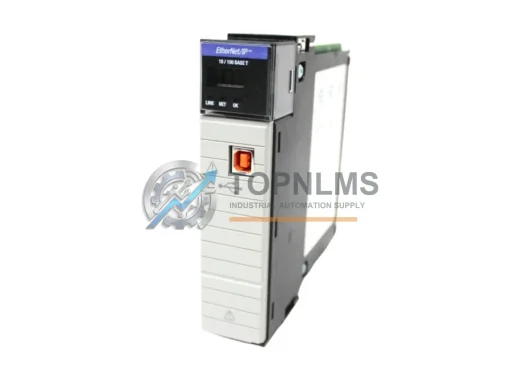
Allen-Bradley 1756-EN2T/C original ControlLogix EtherNet/IP module. Industrial replacement spare, 12-month warranty, tested before shipment. Fast global delivery.
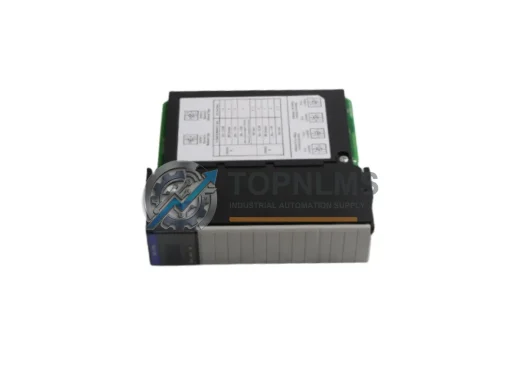
Allen-Bradley 1756-DHRIO ControlLogix DH+/RIO Bridge Scanner Module. Drop-in replacement, upgrade solution, 12-month warranty. Ships from stock. Compatible with 1756 chassis.
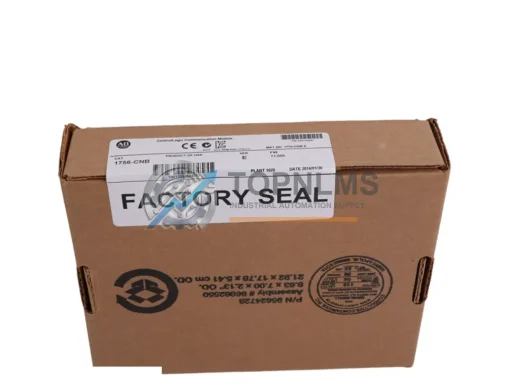
Buy Allen-Bradley 1756-CNB original ControlNet bridge module for ControlLogix systems. Genuine spare, 12-month warranty, fast shipping. SKU: 1756-CNB.
Click Quote This Model and the Part Number field will auto-fill with 1756-EN2TR.