
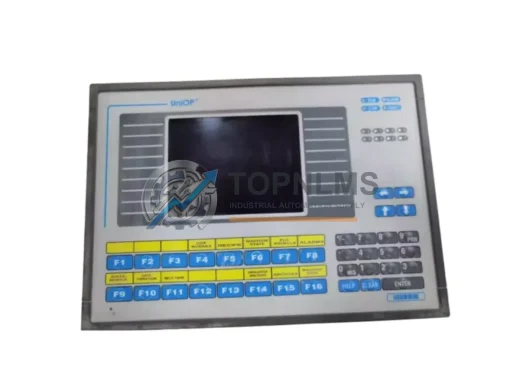
UNIOP
UNIOP EK-16N Original Industrial Spare EK Series Compatible
EK-16NUNIOP EK-16N original industrial spare for EK Series HMI systems. Direct replacement, 12-month warranty, tested before shipment. Reduce downtime now.
Request availability, condition, lead time and export shipping details for eTOP133C-0050.
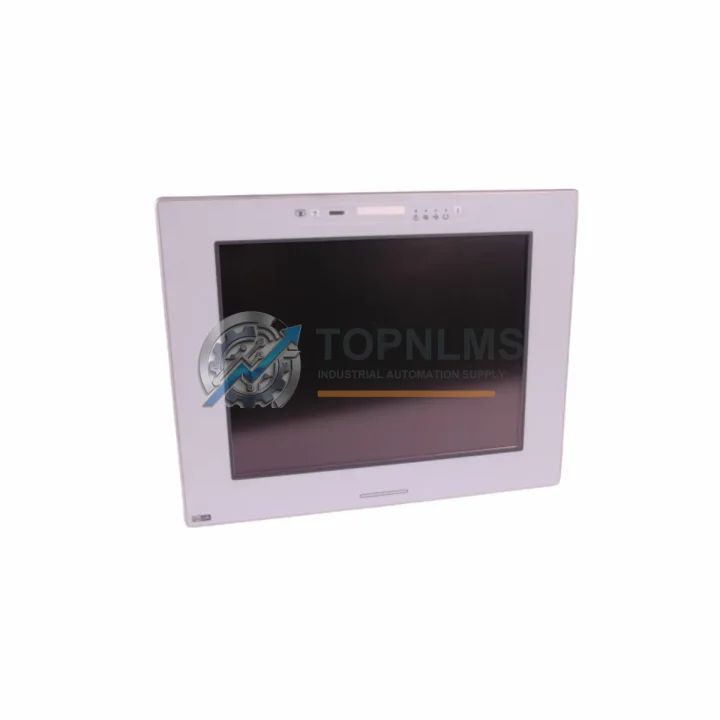
Send this exact part number, quantity and destination country. TOPNLMS will confirm availability, condition and export lead time before quotation.
The Uniop eTOP133C-0050 is an original color HMI operator panel from the eTOP Series, engineered for demanding industrial automation environments. As a critical human-machine interface component, it serves as the primary visualization and control node in PLC-driven production lines, process control cabinets, and legacy SCADA systems. Maintaining an available spare of the eTOP133C-0050 is a cornerstone of any serious preventive maintenance program — eliminating the risk of extended downtime caused by HMI failure in facilities where operator visibility is non-negotiable.
In modern manufacturing plants, the HMI panel is the single point of operator interaction with the control system. When an eTOP133C-0050 fails — whether due to display degradation, touchscreen unresponsiveness, backlight failure, or communication loss — the entire production cell can be rendered inoperable. A pre-stocked, tested replacement unit allows maintenance teams to execute a swap in under 30 minutes, restoring full operator control without waiting days or weeks for emergency procurement.
| Part Number | eTOP133C-0050 |
| Brand / Manufacturer | Uniop |
| Series | eTOP Series |
| Product Type | Color HMI Operator Panel (Touch) |
| Display | Color TFT LCD, Touch-enabled |
| Communication Interfaces | RS-232, RS-485, Ethernet (series-dependent) |
| PLC Compatibility | Siemens S5/S7, Allen-Bradley, Mitsubishi, Modbus RTU/TCP, and major industrial protocols |
| Power Supply | 24V DC nominal |
| Operating Temperature | 0°C to +50°C |
| Protection Rating | IP65 (front panel) |
| Mounting | Panel cut-out, flush mount |
| Country of Origin | Italy |
| Condition | Original / Genuine |
| Warranty | 12 Months |
| Application | Factory automation, process control, OEM machine panels, legacy system maintenance |
When scheduling a planned inspection or replacement of the eTOP133C-0050, experienced maintenance engineers treat the HMI panel as part of a broader control cabinet health check. The HMI does not operate in isolation — it depends on a stable 24V DC power supply, reliable communication cabling, and a functioning PLC or DCS controller to deliver accurate process data to operators.
During any eTOP133C-0050 replacement or inspection cycle, it is best practice to simultaneously verify the condition of the 24V DC power supply module feeding the HMI rail, as voltage fluctuations are a leading cause of premature display failure. The RS-485 or Ethernet communication cable connecting the HMI to the PLC should be inspected for insulation wear, connector corrosion, and signal integrity — a degraded cable can cause intermittent communication faults that are often misdiagnosed as HMI hardware failure.
In Siemens S7-300 or S7-400 environments where the eTOP133C-0050 is commonly deployed, maintenance teams should also check the status of CPU modules (such as the S7-300 CPU 315-2DP or CPU 317-2PN/DP), digital input/output modules, and signal modules during the same maintenance window. A failing I/O module can generate erratic process values on the HMI screen, leading operators to suspect HMI malfunction when the root cause lies upstream in the I/O rack.
The PROFIBUS DP connector and MPI communication adapter should be tested for continuity and proper termination resistance. In older installations, relay output modules and terminal blocks within the same cabinet often show wear at the same lifecycle stage as the HMI panel — replacing them proactively during the same shutdown avoids a second unplanned outage weeks later.
For facilities running legacy Uniop eTOP Series panels across multiple production lines, maintaining a small buffer stock of eTOP Series HMI units, panel mounting gaskets, and touchscreen overlay films is a cost-effective strategy. When combined with a stocked UPS module or battery backup unit for the control cabinet, this approach ensures that even a simultaneous power event and HMI failure can be resolved within a single shift.
The Uniop eTOP133C-0050 is a direct replacement for aging or end-of-life HMI panels in the eTOP Series lineup. Many facilities that originally installed eTOP panels in the early 2000s are now facing a situation where the original units are no longer supported by the manufacturer, spare parts are scarce, and repair turnaround times are unacceptable for production-critical applications.
Sourcing an original eTOP133C-0050 unit — rather than a third-party clone or refurbished alternative — ensures full protocol compatibility with existing PLC programs, preserves the original screen resolution and touch calibration parameters, and eliminates the risk of firmware incompatibility that can arise with non-genuine substitutes. The original unit retains all factory communication drivers, meaning no re-programming of the PLC communication layer is required during installation.
For facilities managing a mixed fleet of Uniop eTOP panels across different production cells, standardizing on the eTOP133C-0050 as the primary replacement unit simplifies spare parts inventory, reduces technician training requirements, and enables faster mean-time-to-repair (MTTR) across the plant. A single technician familiar with the eTOP133C-0050 installation procedure can service multiple lines without consulting separate documentation for each panel variant.
Each unit supplied by TOPNLMS is tested prior to shipment, verified for display functionality, touch response, and communication port integrity. Units are shipped with protective packaging suitable for international freight, and are covered by a 12-month warranty against manufacturing defects and functional failure under normal operating conditions.
Q1: Is the eTOP133C-0050 compatible with my existing PLC program and communication configuration?
A: Yes. As an original Uniop eTOP Series unit, the eTOP133C-0050 supports the same communication protocols and driver sets as the original installed panel. No PLC-side reprogramming is required for a like-for-like replacement. If your application uses a custom eTOP project file, the same file can be loaded onto the replacement unit via the standard Uniop programming interface.
Q2: What is the recommended spare parts inventory strategy for eTOP Series HMI panels?
A: For production-critical applications, we recommend maintaining a minimum of one replacement eTOP133C-0050 unit on-site at all times. Facilities with three or more eTOP panels in service should consider a 1:3 spare ratio. Given the lead times associated with industrial HMI procurement, pre-stocking eliminates the risk of extended downtime during unplanned failures.
Q3: What pre-shipment testing is performed on each unit?
A: Every eTOP133C-0050 unit undergoes functional testing prior to dispatch, including display power-on verification, touchscreen calibration check, and communication port continuity testing. Units that do not pass all test criteria are not shipped. A test report is available upon request for quality-assurance purposes.
Q4: What does the 12-month warranty cover, and how is a warranty claim processed?
A: The 12-month warranty covers functional failure under normal industrial operating conditions, including display failure, communication port malfunction, and power input circuit defects. Physical damage caused by incorrect installation, overvoltage, or environmental exposure beyond the rated IP65 specification is excluded. To initiate a warranty claim, contact TOPNLMS with the order reference and a description of the fault. Replacement or repair will be arranged within the warranty period.
UNIOP EK-16N original industrial spare for EK Series HMI systems. Direct replacement, 12-month warranty, tested before shipment. Reduce downtime now.
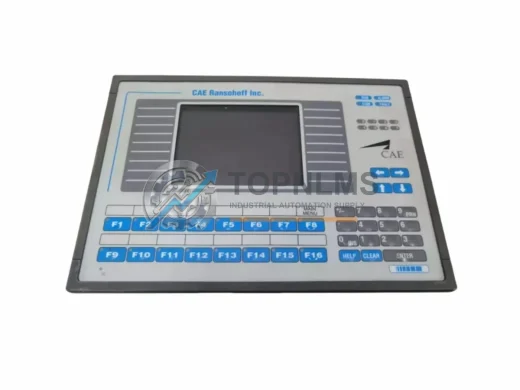
Uniop MKDR-16-3545 ruggedized HMI operator panel. MKDR Series, EMI-resistant, 12-month warranty. In stock — fast shipping from TOPNLMS.
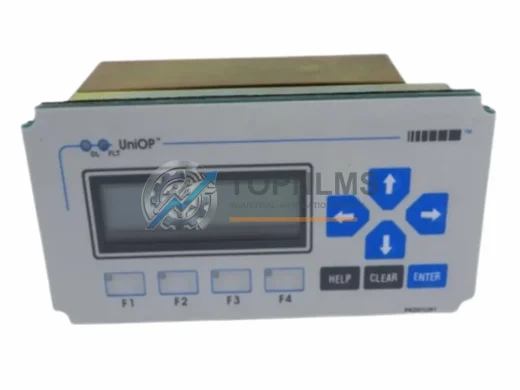
UNIOP MD01R-02 0042 original industrial HMI spare. MD01R series compatible, fast replacement, 12-month warranty. Reduce downtime—order from TOPNLMS.
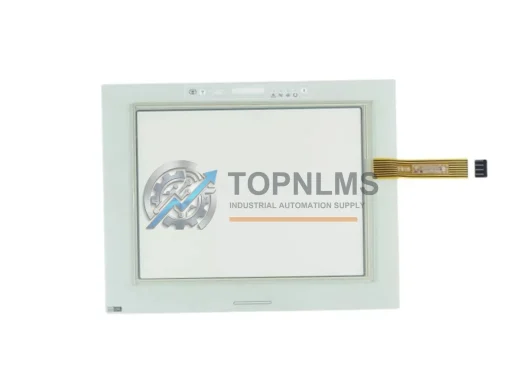
UniOP eTOP40B-0050 ruggedized 5.7" HMI operator panel. RS-232/RS-485, resistive touch, 24VDC. In stock, tested, 12-month warranty. Fast global shipping.
Click Quote This Model and the Part Number field will auto-fill with eTOP133C-0050.