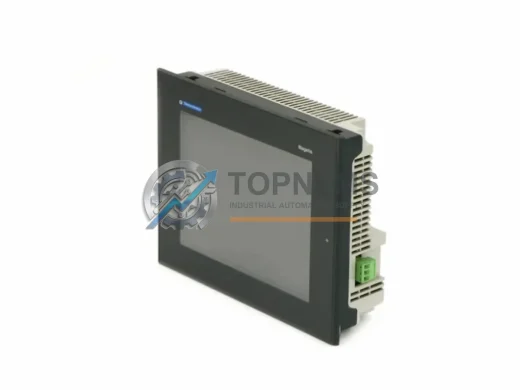
Product Overview
Schneider Electric XBTGT7340 Original Industrial Spare XBTGT Compatible: Ensuring System Stability in Demanding Environments
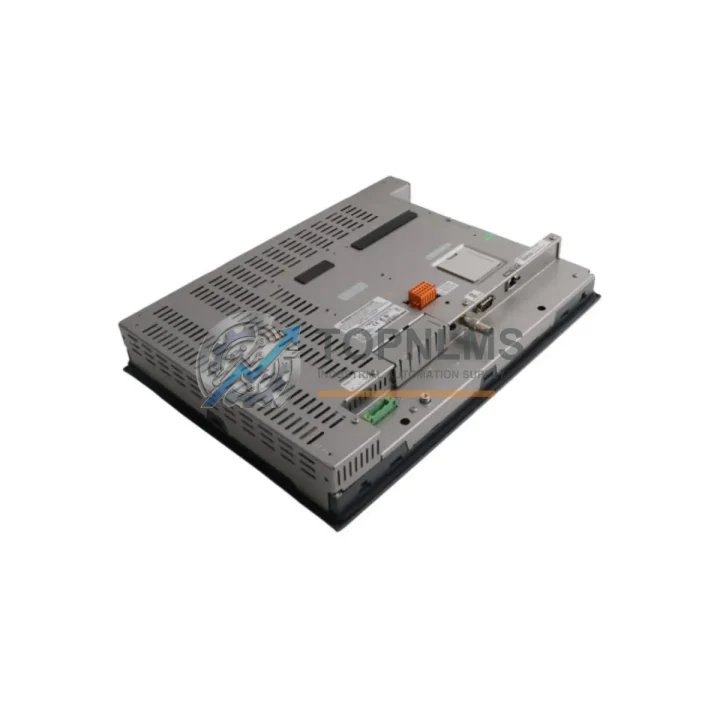
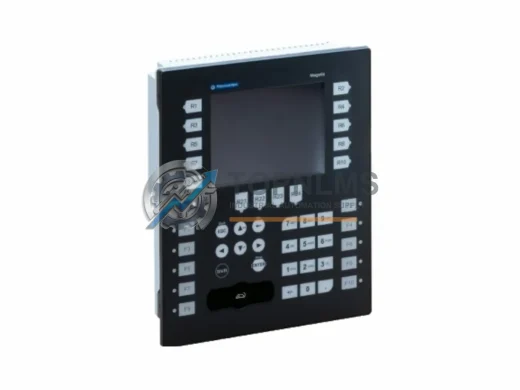
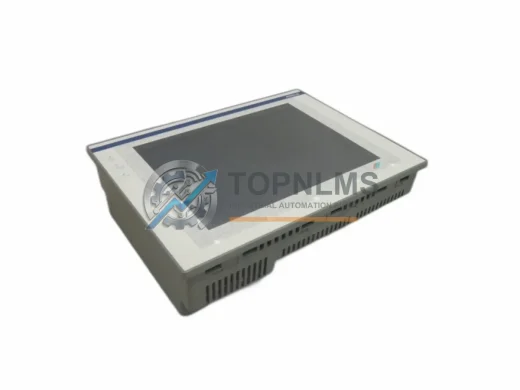
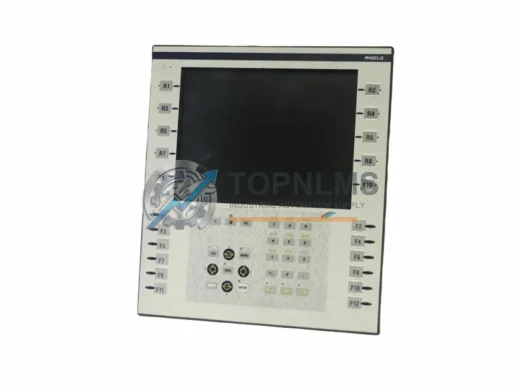
The Schneider Electric XBTGT7340 is a flagship HMI (Human-Machine Interface) unit from the Magelis XBTGT Series, engineered for continuous operation in industrial automation environments. Featuring a 12.1″ SVGA TFT color touchscreen, Windows CE operating system, dual communication ports (Ethernet + Serial), and robust EMC shielding, the XBTGT7340 is a cornerstone component in factory control cabinets, process automation lines, and SCADA-integrated systems worldwide.
For maintenance engineers and procurement teams managing aging Schneider Electric installations, securing a verified original spare unit of the XBTGT7340 is a critical risk-mitigation strategy. Panel failures are among the most disruptive events in a production environment — a single HMI outage can halt an entire line. Stocking a tested, warranty-backed replacement eliminates the uncertainty of emergency sourcing under pressure.
Critical Technical Specs
| Parameter |
Specification |
| Part Number / SKU |
XBTGT7340 |
| Brand |
Schneider Electric |
| Series |
Magelis XBTGT |
| Display Size |
12.1″ SVGA TFT Color Touchscreen |
| Resolution |
800 × 600 px (SVGA) |
| Operating System |
Windows CE |
| Communication Ports |
Ethernet (RJ45) + Serial (RS-232/RS-485) |
| Power Supply |
24 VDC |
| Protection Rating |
IP65 (front panel) |
| Operating Temperature |
0°C to +55°C |
| Storage Temperature |
-20°C to +70°C |
| Country of Origin |
France |
| Compatibility |
Schneider Electric Modicon M340, Premium, Quantum PLC series; Vijeo Designer runtime |
| Mounting |
Panel cut-out mount, front-face installation |
| Application Environment |
Industrial automation, process control, SCADA, OEM machine panels |
| Maintenance Note |
Inspect touchscreen calibration, Ethernet connectivity, and backlight condition at each scheduled PM cycle |
| Warranty |
12 Months — tested and verified before shipment |
Preventive Maintenance Strategy
When scheduling a preventive maintenance cycle for a control cabinet housing the XBTGT7340, experienced maintenance teams know that the HMI is rarely the only component under stress. A comprehensive inspection should extend to the surrounding electrical and communication infrastructure to prevent cascading failures.
Begin with the 24 VDC power supply module feeding the HMI — voltage ripple or insufficient current capacity is a leading cause of premature touchscreen degradation and communication dropouts. Verify output stability under load and replace aging units proactively. Alongside the power supply, inspect the Ethernet communication cable and RJ45 connectors running from the XBTGT7340 to the PLC or network switch; corroded or loose connectors introduce intermittent faults that are notoriously difficult to diagnose under production pressure.
For cabinets integrating the XBTGT7340 with a Modicon M340 or Premium PLC, it is advisable to simultaneously audit the CPU module and any associated Ethernet communication modules (NOE or ETY series). A degraded CPU or network card can manifest as HMI timeout errors, falsely implicating the panel itself. Similarly, digital I/O modules connected to the same rack should be checked for contact wear and proper LED status indication.
In facilities running mixed Schneider Electric architectures, the serial communication cable (RS-232/RS-485) between the XBTGT7340 and legacy field devices or drives deserves close attention. Shielding integrity and termination resistor values should be verified, especially in high-EMI environments near variable frequency drives (VFDs) or large motor starters.
Control cabinet thermal management is another critical factor. Ensure that cabinet cooling fans and filter mats are clean and functional — sustained temperatures above 50°C significantly shorten the operational life of the XBTGT7340’s backlight and touchscreen overlay. If the cabinet also houses relay output modules or solid-state relay (SSR) modules, verify that heat dissipation is within design limits.
For sites with older Schneider Electric installations, a parallel review of terminal blocks and DIN rail-mounted fuse modules is strongly recommended. Loose terminal connections cause voltage fluctuations that stress HMI power circuits. Replacing worn terminal blocks during the same maintenance window as an XBTGT7340 swap eliminates a common root cause of repeat failures.
Finally, if the XBTGT7340 is part of a larger SCADA or MES integration, confirm that the network switch or managed Ethernet switch serving the control network is operating within its rated temperature range and that firmware is current. A failing switch port can cause the HMI to lose server connectivity, triggering unnecessary panel replacements.
Strategic Replacement Solutions
The XBTGT7340 has been a workhorse in Schneider Electric-based automation systems for over a decade. As original units age and Schneider Electric transitions its HMI portfolio, sourcing verified original spare units becomes increasingly strategic. Replacing a failed XBTGT7340 with a non-original or incompatible panel risks Vijeo Designer project incompatibility, communication protocol mismatches, and extended recommissioning time — all of which translate directly into production losses.
A verified original XBTGT7340 spare allows maintenance teams to execute a direct swap replacement: mount, connect, restore the existing Vijeo Designer project from backup, and resume production — often within a single shift. This is the lowest-risk, fastest-recovery path for facilities that cannot afford extended downtime.
For sites managing a fleet of Magelis XBTGT panels across multiple lines or buildings, a centralized spare inventory strategy — holding one or two tested XBTGT7340 units — provides insurance against supply chain delays. Lead times for new HMI panels from distribution can extend to weeks during peak demand periods; a pre-stocked original spare eliminates this vulnerability entirely.
Procurement teams evaluating lifecycle extension for aging Schneider Electric systems will find that maintaining original-spec components like the XBTGT7340 is significantly more cost-effective than full system upgrades, particularly when the underlying PLC and field device infrastructure remains functional and well-maintained. The 12-month warranty and pre-shipment testing provided with each unit further reduce procurement risk.
Support FAQ
Q1: Is this XBTGT7340 an original Schneider Electric unit or a compatible replacement?
This is an original Schneider Electric XBTGT7340 unit sourced from authorized industrial supply channels. It is not a clone, compatible substitute, or refurbished third-party product. Each unit is tested for functionality before shipment.
Q2: What warranty and pre-shipment testing does this unit include?
Every XBTGT7340 unit ships with a 12-month warranty covering manufacturing defects and functional failures under normal operating conditions. Pre-shipment testing includes power-on verification, touchscreen calibration check, and communication port functionality. A test report is available upon request.
Q3: Can this unit directly replace my existing XBTGT7340 without software reconfiguration?
Yes. As a same-SKU original replacement, the XBTGT7340 is a direct hardware substitute. Restore your existing Vijeo Designer project file from backup to the new unit via USB or Ethernet transfer. No hardware reconfiguration or driver changes are required, provided your project was developed for the XBTGT7340 platform.
Q4: How should I verify compatibility before installation?
Confirm that your existing Vijeo Designer project targets the XBTGT7340 hardware profile. Check that your PLC communication driver (Modbus TCP, Uni-Telway, or other) matches the configured port on the replacement unit. Verify 24 VDC power supply capacity meets the XBTGT7340’s rated consumption. Contact our technical team at [email protected] with your project version and PLC model for pre-installation compatibility confirmation.