
BACHMANN
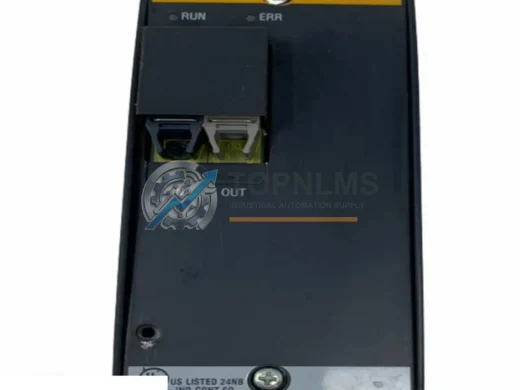
BACHMANN FM211 Original Industrial Spare SYSCON Compatible
FM211BACHMANN FM211 original SYSCON CPU module. Drop-in industrial spare for automation systems. 12-month warranty, tested, fast worldwide shipping.
Request availability, condition, lead time and export shipping details for CPC210.
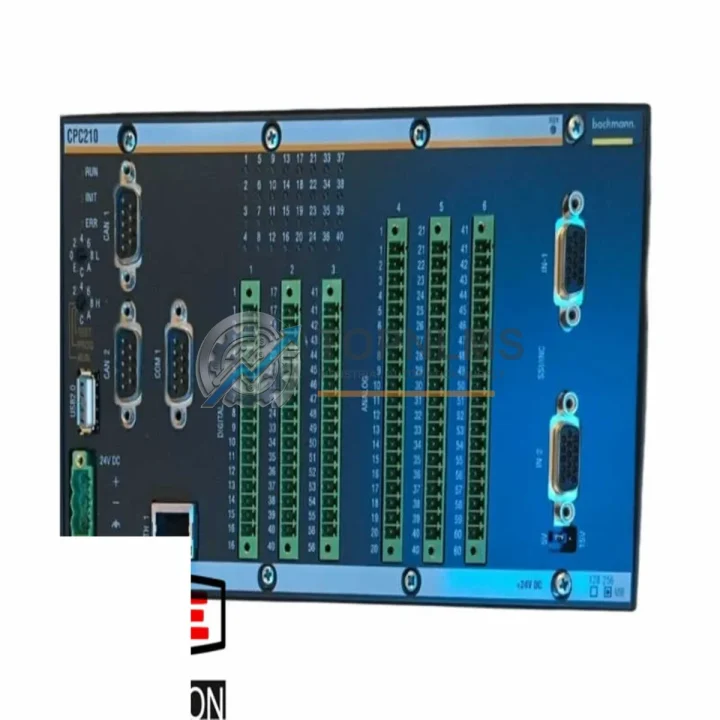
Send this exact part number, quantity and destination country. TOPNLMS will confirm availability, condition and export lead time before quotation.
The BACHMANN CPC210 is a central processor module designed for the BACHMANN M1 automation system — a modular, rack-based PLC platform widely deployed in industrial machinery, wind turbine control, test bench automation, and process control applications across Europe and Asia. As the M1 Series ages and spare parts become increasingly scarce, many facilities are now facing the critical decision to replace or upgrade their CPC210 CPU modules to maintain system uptime and production continuity.
TOPNLMS supplies verified BACHMANN CPC210 CPU modules — both original stock and compatible upgrade paths — to support engineers and procurement teams managing legacy M1 system migrations. Whether you are replacing a failed unit, building a spare parts buffer, or planning a phased system modernization, this page provides the technical and procurement information you need to make a confident decision.
The CPC210 serves as the central processing unit within the M1 rack, coordinating I/O scanning, program execution, and communication tasks across the backplane. It interfaces directly with BACHMANN I/O modules such as the DI212, DO212, AI202, and AO202 series, as well as communication modules including the MPC240 PROFIBUS master and the ETH200 Ethernet interface module. When replacing the CPC210, engineers must verify backplane slot compatibility, firmware version alignment, and the communication configuration stored in the existing project file.
One of the most common migration scenarios involves facilities that have been running BACHMANN M1 systems for over a decade and are now encountering CPU faults, memory errors, or communication dropouts caused by aging hardware. In these cases, a direct CPC210 replacement is the fastest path to restoring system function. The physical form factor, DIN rail mounting footprint, and backplane connector pinout of the CPC210 are consistent across M1 rack generations, meaning a replacement unit can typically be installed in the existing rack without mechanical modification. Power supply requirements — typically 24 VDC supplied through the M1 rack’s PS200 or PS201 power supply module — remain unchanged.
For sites running BACHMANN SolutionCenter or the older M1 programming environment, the CPU replacement process involves backing up the existing project, loading the program onto the new CPC210 via the onboard Ethernet port or programming cable, and verifying I/O mapping and task cycle times before returning the system to production. Engineers familiar with IEC 61131-3 structured text or function block programming will find the CPC210’s runtime environment consistent with standard BACHMANN toolchain workflows.
Communication protocol compatibility is a key consideration during any M1 CPU migration. The CPC210 supports PROFIBUS DP master/slave operation when paired with the MPC240 communication module, as well as Modbus TCP and BACHMANN proprietary protocols over Ethernet. If your existing system uses the MPC240 for PROFIBUS connectivity to field devices such as variable frequency drives, remote I/O stations, or third-party sensors, the replacement CPC210 will maintain full protocol compatibility without requiring changes to the field wiring or device configuration.
Sites planning a broader system upgrade — moving from the M1 platform toward a newer BACHMANN MX or MC200 series controller — should treat the CPC210 replacement as an interim step. During the transition period, maintaining a working CPC210 in the existing rack allows production to continue while the new control architecture is engineered, tested, and commissioned in parallel. This phased approach minimizes unplanned downtime and reduces the risk associated with a full cutover.
TOPNLMS maintains stock of the BACHMANN CPC210 and related M1 Series components at our Xiamen warehouse. All units undergo functional inspection and power-on testing prior to shipment. Standard lead time is 3–7 business days for in-stock items, with expedited shipping available for urgent breakdown situations. We ship globally via DHL, FedEx, and UPS, with full export documentation provided for cross-border procurement.
| Parameter | Legacy / Outgoing Unit | BACHMANN CPC210 (Replacement) |
|---|---|---|
| Model | Aged / Failed CPC210 or earlier M1 CPU variant | BACHMANN CPC210 |
| Platform | BACHMANN M1 Series | BACHMANN M1 Series (direct fit) |
| Rack Compatibility | M1 standard rack (4, 8, 16 slot) | Full compatibility — same backplane connector |
| Power Supply | 24 VDC via PS200 / PS201 | 24 VDC via PS200 / PS201 — no change required |
| Communication Interfaces | Ethernet (RJ45), PROFIBUS via MPC240 | Ethernet (RJ45), PROFIBUS via MPC240 — fully compatible |
| Programming Environment | BACHMANN SolutionCenter / M1 IDE | Compatible — project reload via Ethernet or cable |
| I/O Module Compatibility | DI212, DO212, AI202, AO202 and M1 I/O range | Full M1 I/O range supported |
| Physical Installation | Standard M1 slot, DIN rail rack | Drop-in replacement — no mechanical modification |
| Firmware | Legacy firmware version | Verify version alignment before program reload |
| Warranty | N/A (end-of-life / failed unit) | 12-Month Warranty from TOPNLMS |
A successful CPC210 replacement rarely involves the CPU module alone. In most M1 system migrations, engineers also need to address adjacent components to ensure the upgraded system operates reliably from day one.
The BACHMANN PS200 or PS201 rack power supply module should be inspected and replaced if it shows signs of aging — an unstable power rail is a common root cause of intermittent CPU faults and communication errors. Alongside the power supply, the M1 rack backplane itself should be checked for connector wear, particularly on high-slot-count racks that have seen frequent module swaps.
For systems using PROFIBUS DP field networks, the MPC240 PROFIBUS master communication module is a critical companion to the CPC210. If the MPC240 is also aging or showing communication instability, replacing it in the same maintenance window as the CPC210 eliminates a second potential failure point and avoids a repeat shutdown. Similarly, sites using Ethernet-based supervisory systems should verify the ETH200 Ethernet interface module configuration after the CPU swap.
On the I/O side, the DI212 digital input module and DO212 digital output module are the most commonly paired modules in M1 racks handling machine control and interlock logic. If any of these modules are showing channel faults or intermittent errors, the CPU replacement window is the ideal time to address them. Analog signal chains using the AI202 analog input module or AO202 analog output module should also be verified for calibration and signal integrity after the CPU is restored to service.
For sites that need to re-establish programming access to the new CPC210, a compatible BACHMANN programming cable or Ethernet crossover connection to a laptop running SolutionCenter is required. Ensuring this toolchain is available on-site before the replacement begins significantly reduces commissioning time. Finally, if the control cabinet housing the M1 rack also contains third-party components such as signal isolators, terminal blocks, or surge protection devices on the communication lines, these should be inspected as part of the overall migration to prevent field-side issues from masking the success of the CPU replacement.
Q: Can I install the replacement CPC210 without modifying any field wiring?
A: Yes. The CPC210 connects to the M1 rack backplane — all field wiring terminates at the I/O modules, not the CPU. No field wiring changes are required for a direct CPU replacement.
Q: Do I need to reload the PLC program after replacing the CPC210?
A: Yes. The program is stored in the CPU’s onboard memory. You will need to reload the project from BACHMANN SolutionCenter via Ethernet or the programming port. Ensure you have a current backup of the project file before beginning the replacement.
Q: Will the PROFIBUS network configuration be preserved?
A: The PROFIBUS configuration is part of the project file stored in the CPU. Once the project is reloaded onto the new CPC210, the MPC240 will resume PROFIBUS master operation with the same GSD-based device configuration. No changes to field device addresses or wiring are required.
Q: What if the firmware version on the replacement CPC210 differs from the original?
A: Firmware version mismatches can cause project load errors or runtime warnings. Contact TOPNLMS before ordering to confirm the firmware version of the available stock. In most cases, firmware can be updated using the BACHMANN SolutionCenter update tool.
Q: How much physical space does the CPC210 require in the rack?
A: The CPC210 occupies a single slot in the standard M1 rack. No additional space is required compared to the unit being replaced.
Q: Can the CPC210 be used as a hot standby or redundant CPU?
A: The standard CPC210 is a single-CPU module. Redundancy configurations in the M1 platform require specific firmware and system architecture planning. Contact TOPNLMS for guidance on redundancy-capable M1 CPU options.
Every BACHMANN CPC210 module supplied by TOPNLMS is covered by a 12-month warranty from the date of shipment. Prior to dispatch, each unit undergoes a power-on functional test and visual inspection to verify connector integrity, indicator LED operation, and basic communication response. Units that do not pass inspection are not shipped.
In the event of a warranty claim, TOPNLMS provides a replacement unit or full refund depending on the nature of the fault and the elapsed warranty period. Our after-sales response target is 24 hours for initial fault assessment and 5–7 business days for replacement dispatch. Warranty coverage applies to manufacturing defects and functional failures under normal operating conditions; it does not cover damage caused by incorrect installation, overvoltage, or physical impact.
For procurement teams managing critical spare parts inventories, TOPNLMS can provide batch inspection reports, test records, and shipping documentation upon request. We support purchase order, wire transfer, and major credit card payment methods, with commercial invoice and packing list provided for all shipments.
To place an order or request a technical consultation, contact our team directly:
📧 [email protected] | 📞 +86 18359293191
BACHMANN FM211 original SYSCON CPU module. Drop-in industrial spare for automation systems. 12-month warranty, tested, fast worldwide shipping.
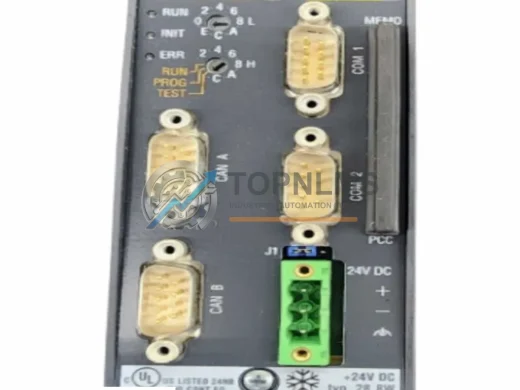
BACHMANN ME203/CNW original MPC Series CPU module. Verified industrial spare, pre-shipment tested, 12-month warranty. Direct replacement, fast global shipping.
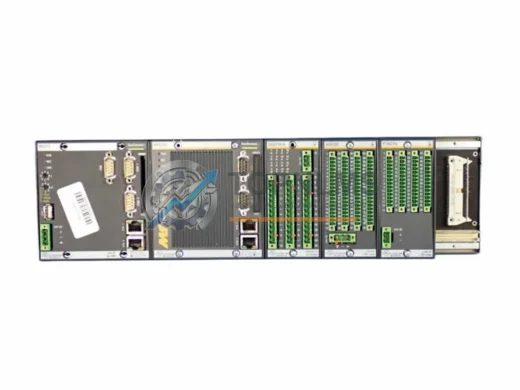
BACHMANN MX213 original redundant CPU module for MC200 automation systems. Genuine industrial spare, 12-month warranty, fast worldwide shipping. topnlms.com
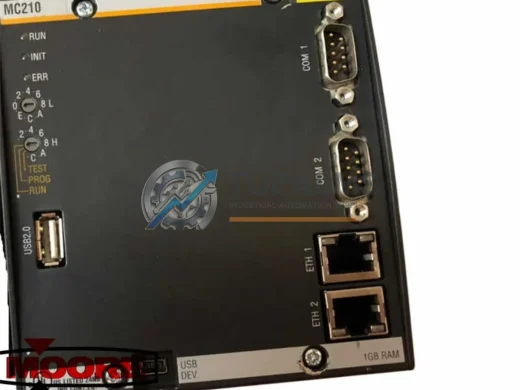
BACHMANN MC210 M1 Series CPU replacement & upgrade. Compatible wiring, comms & rack. 12-month warranty. Fast global shipping. Contact: [email protected]
Click Quote This Model and the Part Number field will auto-fill with CPC210.