
BACHMANN
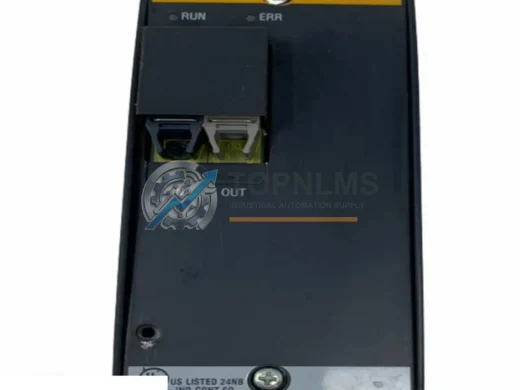
BACHMANN FM211 Original Industrial Spare SYSCON Compatible
FM211BACHMANN FM211 original SYSCON CPU module. Drop-in industrial spare for automation systems. 12-month warranty, tested, fast worldwide shipping.
Request availability, condition, lead time and export shipping details for MC210.
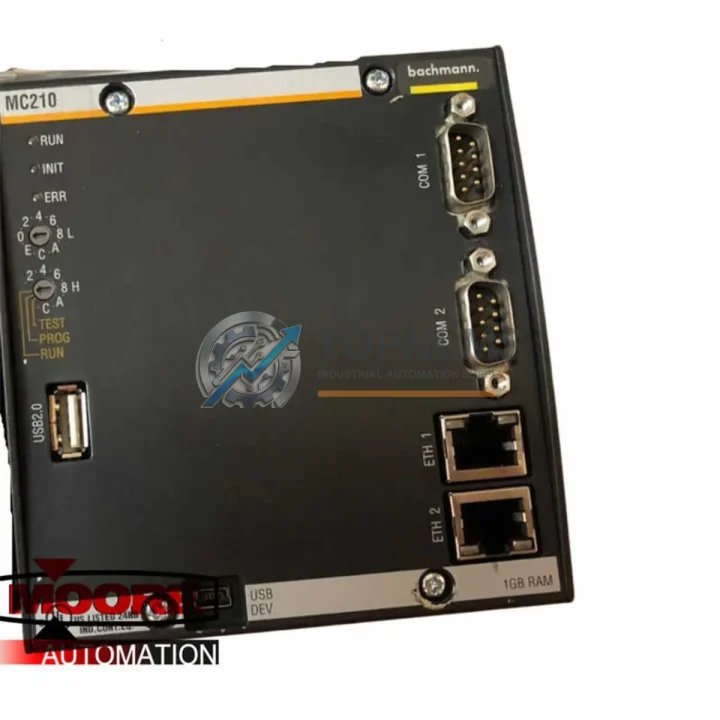
Send this exact part number, quantity and destination country. TOPNLMS will confirm availability, condition and export lead time before quotation.
The BACHMANN MC210 is the central processing unit of the BACHMANN M1 automation platform — a modular, rack-based control system widely deployed across power generation, renewable energy, mechanical engineering, and process automation industries. As the MC210 approaches end-of-life and spare part availability tightens, engineering teams and maintenance managers face a critical decision: source a verified replacement MC210 to maintain system continuity, or plan a structured upgrade path that preserves existing wiring, I/O infrastructure, and application logic.
TOPNLMS specializes in exactly this scenario. We supply tested, verified BACHMANN MC210 CPU modules for direct drop-in replacement, and we support customers through the full migration process — from initial compatibility assessment to on-site commissioning guidance. Whether your priority is minimizing downtime during an emergency breakdown or executing a planned modernization project, the MC210 replacement solution from TOPNLMS is engineered to deliver.
| Parameter | BACHMANN MC210 (Original / Replacement) | Upgrade Consideration |
|---|---|---|
| CPU Architecture | 32-bit RISC processor, real-time OS | Compatible with all M1 rack-based application programs |
| Rack Compatibility | BACHMANN M1 rack (MX200, MX213, MX220 series) | Direct slot-for-slot replacement; no rack modification required |
| Communication Interfaces | Ethernet (10/100 Mbps), CANopen, PROFIBUS-DP (optional) | Retains existing network topology; no re-cabling of fieldbus segments |
| Programming Environment | BACHMANN SolutionCenter (IEC 61131-3: LD, FBD, ST, IL, SFC) | Existing PLC programs fully portable; no rewrite required |
| I/O Module Compatibility | All M1-series analog and digital I/O modules | DI210, DO210, AI210, AO210 and expansion modules remain fully operational |
| Power Supply | 24 VDC via M1 rack backplane | No power supply modification; existing PS200 or PS201 units compatible |
| Physical Dimensions | Standard M1 single-slot module form factor | No control cabinet re-layout required |
| Firmware | Upgradeable via SolutionCenter | Latest firmware available; backward compatible with existing application versions |
| Discontinued Status | Production discontinued; replacement stock available | TOPNLMS maintains verified inventory for emergency and planned replacements |
| Warranty | 12-Month Warranty — all units tested prior to shipment | |
A successful MC210 replacement rarely involves the CPU module alone. In practice, the migration process touches multiple layers of the M1 control architecture, and understanding the interdependencies between components is essential for a smooth cutover.
The MC210 operates within the BACHMANN M1 rack system, typically alongside a dedicated power supply module such as the PS200 or PS201, which provides regulated 24 VDC to the backplane. When replacing the CPU, it is good practice to inspect the power supply module for signs of aging capacitors or voltage drift — a failing PS200 can cause intermittent CPU resets that are easily misdiagnosed as CPU faults.
On the I/O side, the MC210 communicates with digital and analog expansion modules over the M1 internal bus. Modules such as the DI210 (digital input), DO210 (digital output), AI210 (analog input 4–20 mA / 0–10 V), and AO210 (analog output) are fully retained during a CPU swap. Their wiring to field devices — sensors, actuators, transmitters — does not need to be disturbed, which is one of the primary advantages of a like-for-like MC210 replacement over a full platform migration.
For systems using fieldbus communication, the MC210 supports CANopen master functionality, enabling it to manage distributed I/O nodes and drives connected via CAN network. If your installation includes a CM202 CANopen communication module or a PROFIBUS-DP master module in the same rack, these continue to operate without reconfiguration after the CPU replacement. The fieldbus node addresses, baud rates, and PDO mappings remain intact.
In wind turbine and power generation applications — where the BACHMANN M1 platform is particularly prevalent — the MC210 often interfaces with a GT210 or GT220 encoder/counter module for rotor speed measurement, as well as with safety relay modules for emergency stop and overspeed protection circuits. These modules are unaffected by the CPU replacement and continue to execute their safety functions independently during the cutover window.
For customers who need to update their HMI layer as part of the modernization project, the MC210’s Ethernet port supports standard OPC-UA and Modbus TCP communication, making it compatible with modern SCADA systems and HMI panels from vendors such as Siemens, Schneider Electric, and Weintek without requiring a protocol gateway or additional communication module.
Finally, for programming and firmware update operations, a standard Ethernet patch cable connected to the MC210’s front-panel RJ45 port is all that is required — no proprietary programming cable or dongle is needed, simplifying the commissioning process for field engineers working in remote or offshore locations.
Q: Can I replace the MC210 without modifying any field wiring?
A: Yes. All field wiring connects to the I/O modules (DI210, DO210, AI210, AO210, etc.), not directly to the CPU. The MC210 replacement is a backplane-slot swap only — no terminal block or cable changes are required.
Q: Do I need to reload my PLC application program after replacing the MC210?
A: Yes, the application program must be downloaded to the new CPU via BACHMANN SolutionCenter. However, the program itself does not need to be rewritten or modified. Retain a backup of your current project archive before beginning the replacement.
Q: Will my CANopen or PROFIBUS fieldbus network be disrupted during the CPU swap?
A: The fieldbus network will be offline during the CPU replacement and restart sequence. Node configurations, baud rates, and PDO mappings stored in the application program are restored automatically upon program download. Typical restart time is under 5 minutes for standard configurations.
Q: Is the MC210 compatible with the latest version of BACHMANN SolutionCenter?
A: The MC210 is supported by BACHMANN SolutionCenter versions up to and including the last release that covered the M1 hardware generation. TOPNLMS can advise on firmware version compatibility based on your specific SolutionCenter version.
Q: What is the physical installation procedure for the MC210?
A: Power down the M1 rack via the PS200/PS201 power supply. Remove the existing CPU module by releasing the front-panel locking levers and sliding the module out of the rack slot. Insert the replacement MC210, engage the locking levers, restore power, and download the application program via Ethernet. Total procedure time is typically 15–30 minutes for an experienced engineer.
Q: Can the MC210 communicate with third-party SCADA or HMI systems?
A: Yes. The MC210 supports Modbus TCP and OPC-UA over its Ethernet interface, enabling integration with SCADA platforms and HMI panels from any vendor without additional protocol conversion hardware.
Every BACHMANN MC210 module supplied by TOPNLMS is covered by a 12-month warranty from the date of shipment. Prior to dispatch, each unit undergoes a multi-point functional test that verifies CPU boot sequence, Ethernet communication, backplane bus integrity, and firmware version. Units that do not pass all test criteria are not shipped.
In the event of a warranty claim, TOPNLMS provides a replacement unit or full refund within the warranty period. Our technical support team is available to assist with installation questions, firmware compatibility queries, and commissioning guidance throughout the warranty period and beyond.
We ship globally from our Xiamen warehouse, with express logistics options available for emergency breakdown situations. Standard lead time for in-stock MC210 units is 3–5 business days to most international destinations. Expedited shipping (DHL Express, FedEx Priority) is available upon request.
All units are shipped in anti-static packaging with individual serial number documentation, enabling full traceability for your maintenance records and ISO audit requirements.
BACHMANN FM211 original SYSCON CPU module. Drop-in industrial spare for automation systems. 12-month warranty, tested, fast worldwide shipping.
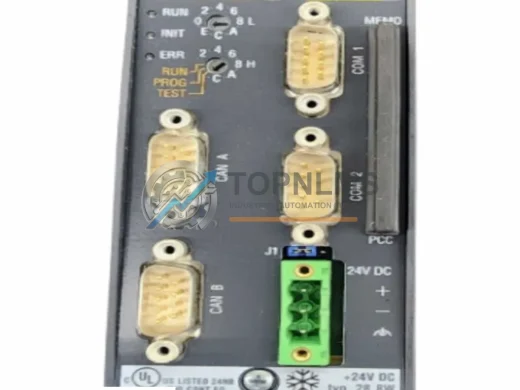
BACHMANN ME203/CNW original MPC Series CPU module. Verified industrial spare, pre-shipment tested, 12-month warranty. Direct replacement, fast global shipping.
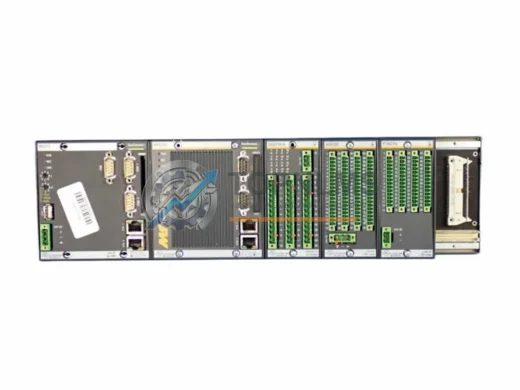
BACHMANN MX213 original redundant CPU module for MC200 automation systems. Genuine industrial spare, 12-month warranty, fast worldwide shipping. topnlms.com
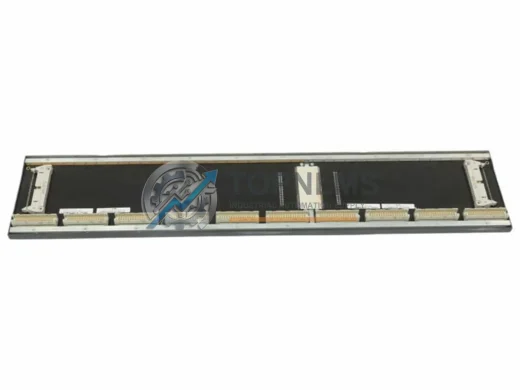
BACHMANN BS210 M1 Series ruggedized CPU backplane controller. Reliable, EMC-hardened, SIL 2 capable. In stock, pre-shipment tested, 12-month warranty. Fast dispatch.
Click Quote This Model and the Part Number field will auto-fill with MC210.