
ABB
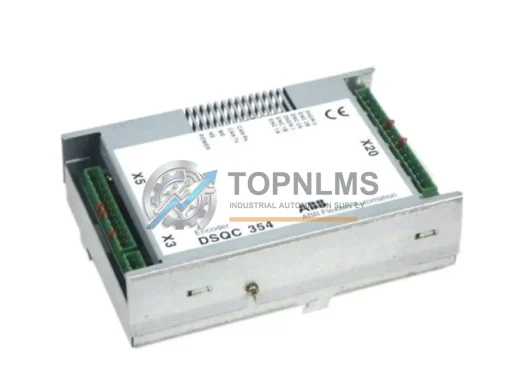
ABB DSQC354 Replacement Upgrade Solution for IRC5/S4C+
DSQC354ABB DSQC354 DeviceNet interface card replacement & upgrade for IRC5/S4C+ robot controllers. Full compatibility, 12-month warranty, fast global shipping.
Request availability, condition, lead time and export shipping details for DSQC1005-3HAC044872-001.
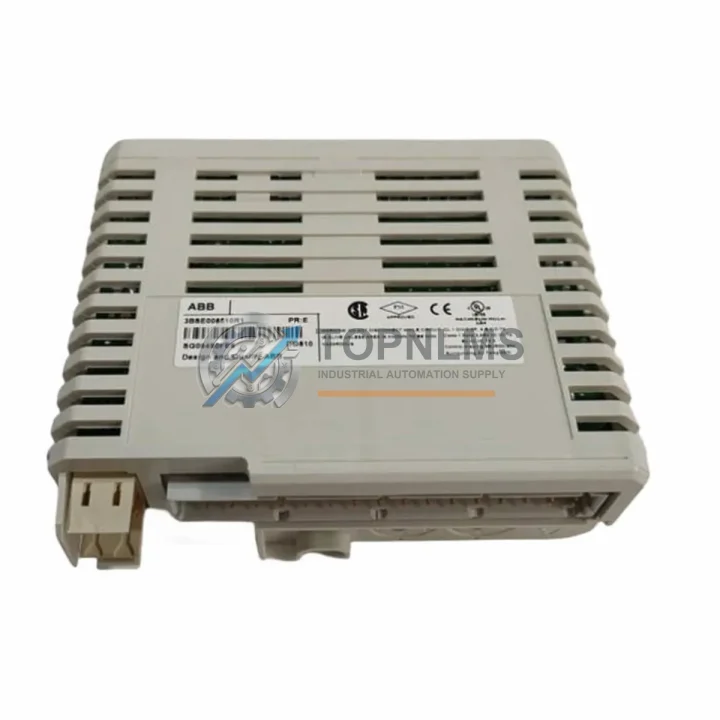
Send this exact part number, quantity and destination country. TOPNLMS will confirm availability, condition and export lead time before quotation.
The ABB DSQC1005 (part number 3HAC044872-001) is an original PROFIBUS Master PCIe communication module engineered for ABB IRC5 robot controllers. In modern manufacturing environments — automotive body shops, foundries, food processing lines, and discrete assembly cells — the IRC5 controller is the nerve center of robotic operations. When the PROFIBUS communication link between the robot controller and field devices degrades or fails, the entire production cell stops. Sourcing a verified original DSQC1005 spare is not merely a procurement decision; it is a system stability investment that directly determines how quickly your line recovers from an unplanned outage.
The DSQC1005 module slots into the PCIe backplane of the IRC5 main computer unit (MCU), providing the PROFIBUS DP master interface that allows the robot controller to communicate with distributed I/O racks, servo drives, safety PLCs, and third-party field devices on the PROFIBUS network. Because the module operates at the hardware level of the communication stack, a counterfeit or incompatible substitute can introduce intermittent bus errors, watchdog faults, or silent data corruption — failure modes that are notoriously difficult to diagnose and that can persist for weeks before causing a catastrophic stop. Using an original ABB spare eliminates this risk entirely.
| Parameter | Specification |
|---|---|
| Part Number | 3HAC044872-001 |
| Commercial Reference | DSQC1005 |
| Module Type | PROFIBUS DP Master, PCIe Form Factor |
| Compatible Controller | ABB IRC5 (Single / Dual Cabinet, Panel Mounted) |
| Compatible Robot Series | IRB 120, IRB 1200, IRB 1600, IRB 2600, IRB 4600, IRB 6640, IRB 6700, IRB 7600 |
| Bus Standard | PROFIBUS DP (EN 50170 / IEC 61158) |
| Max Baud Rate | Up to 12 Mbit/s |
| Interface | PCIe x1 (internal, IRC5 MCU backplane) |
| Operating Voltage | 3.3 V / 12 V via PCIe slot (supplied by MCU) |
| Operating Temperature | 0 °C to +55 °C |
| Storage Temperature | -25 °C to +70 °C |
| Country of Origin | Sweden |
| HS Code | 853710 |
| Weight | 560 g (with packaging) |
| Warranty | 12 Months — Covered against manufacturing defects and functional failure |
| Pre-shipment Testing | Full functional test performed before dispatch |
| Shipping | Worldwide; DHL / FedEx / UPS express available |
Experienced maintenance engineers know that a PROFIBUS communication fault on an IRC5 robot rarely originates from a single failed component in isolation. The DSQC1005 module is the master node, but the health of the entire PROFIBUS segment determines whether the replacement resolves the fault permanently or merely shifts it to the next weakest link. A disciplined preventive maintenance inspection — ideally scheduled during planned downtime rather than forced by an emergency stop — should address the full communication chain.
Begin at the IRC5 main computer unit itself. The DSQC1000 main computer board hosts the PCIe slots into which the DSQC1005 is installed; inspect the slot contacts for oxidation or mechanical damage before seating the new module. Verify that the DSQC609 power distribution board is supplying stable 24 VDC to the MCU assembly — voltage ripple or brownouts at this stage can cause the PCIe bus to report spurious errors that mimic a failed communication card. While the cabinet is open, inspect the DSQC662 I/O module and any DSQC651 digital I/O boards installed in the IRC5 I/O rack; these modules share the internal communication bus and a degraded I/O board can generate bus contention that stresses the PROFIBUS master.
On the field side of the PROFIBUS segment, check the PROFIBUS DP cable and DB9 connectors at each node. Shielding continuity is critical — a single break in the cable shield, particularly near a servo drive or frequency inverter, can inject enough noise to cause intermittent CRC errors at 12 Mbit/s. Verify that the bus termination resistors at both physical ends of the segment are correctly installed and that no intermediate node has termination accidentally enabled. If the PROFIBUS segment connects to a Siemens ET 200S or ET 200M distributed I/O station, inspect the IM 151 or IM 153 interface module for firmware currency and connector integrity — these are common points of failure in aging installations.
For IRC5 cabinets that also carry a DSQC668 DeviceNet master module or a DSQC688 EtherNet/IP module, confirm that the PCIe slot assignments have not shifted after the DSQC1005 replacement, as RobotWare maps communication modules by slot position. Finally, review the UPS module (DSQC604) battery condition — a weak UPS that fails to hold the controller through a brief power dip can corrupt the PROFIBUS master configuration stored in flash, requiring a full system restore even after the hardware is replaced.
Proactive spare inventory planning should include at minimum one DSQC1005 per IRC5 fleet, alongside critical companion spares such as the DSQC1000 main computer and DSQC609 power board, to ensure that any single-point hardware failure can be resolved within one shift rather than waiting days for expedited freight.
The DSQC1005 (3HAC044872-001) was introduced as part of ABB’s IRC5 platform refresh to replace the earlier DSQC532 PROFIBUS master board, which used a PCI (non-PCIe) interface and is no longer manufactured. If your facility still operates older IRC5 cabinets equipped with DSQC532 units, a controller MCU upgrade to the current-generation main computer is the recommended path to restore full PROFIBUS master functionality with the DSQC1005 — this upgrade preserves all existing RobotWare licenses and RAPID programs while eliminating the obsolescence risk of the legacy PCI platform.
For sites running mixed fleets — some IRC5 cabinets with DSQC532 and others already upgraded to DSQC1005 — maintaining a single standardized spare (the DSQC1005) simplifies inventory management and reduces the total number of line items your maintenance team must track. The DSQC1005 is fully compatible across all IRC5 variants including the single-cabinet M2004, the dual-cabinet configuration, and the panel-mounted IRC5P, making it a universal spare for the entire IRC5 installed base.
Replacement is straightforward: power down the IRC5 cabinet following the ABB lockout/tagout procedure, discharge the capacitor bank (minimum 5 minutes after power-off), remove the MCU cover, extract the failed DSQC1005 from its PCIe slot, seat the replacement, and restore power. RobotWare automatically detects the new module on boot — no manual configuration is required provided the replacement is a genuine original part with the correct firmware revision pre-loaded, as supplied by TOPNLMS.
Q1: Is the DSQC1005 supplied by TOPNLMS a genuine original ABB part?
Yes. All units are sourced as original ABB spare parts (part number 3HAC044872-001). Each module undergoes a full functional test on an IRC5-compatible test bench prior to shipment. A test report is available upon request. We do not supply remanufactured, cloned, or third-party compatible substitutes under this listing.
Q2: What is covered under the 12-month warranty?
The 12-month warranty covers manufacturing defects and functional failure under normal operating conditions as defined by ABB’s IRC5 installation specifications. It does not cover damage resulting from incorrect installation, overvoltage events, or use outside the specified environmental range. In the event of a warranty claim, TOPNLMS will arrange replacement or refund after fault verification — contact [email protected] to initiate a claim.
Q3: How do I verify compatibility before installation?
Confirm that your IRC5 main computer unit (MCU) has an available PCIe x1 slot and that your RobotWare version supports the DSQC1005 (RobotWare 5.14 and later). Check the IRC5 product manual (document 3HAC021313-001) for the MCU slot map. If you are unsure of your controller’s MCU generation, provide your IRC5 serial number to our technical team at [email protected] and we will confirm compatibility before you order.
Q4: What is the recommended spare inventory strategy for a multi-robot facility?
For facilities operating five or more IRC5 robots on a single PROFIBUS segment, we recommend holding a minimum of one DSQC1005 on-site at all times. For critical 24/7 production lines, a two-unit buffer eliminates the risk of a second failure occurring during the lead time for replenishment. Pair the DSQC1005 buffer stock with a DSQC1000 main computer spare and a DSQC609 power board to cover the three most common IRC5 hardware failure modes and achieve a comprehensive single-shift recovery capability for any controller-level fault.
ABB DSQC354 DeviceNet interface card replacement & upgrade for IRC5/S4C+ robot controllers. Full compatibility, 12-month warranty, fast global shipping.
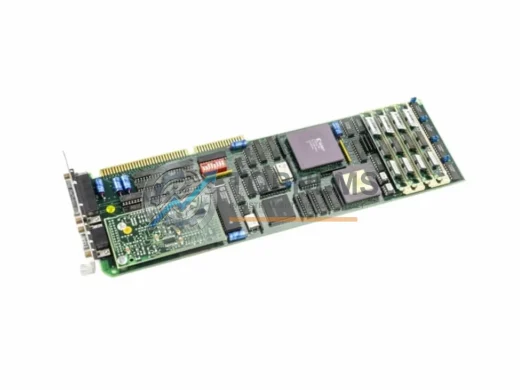
ABB DSPU131 3BSE000355R1 ruggedized DCS communication module for Advant MOD 300. In stock, tested, 12-month warranty. Ships from TOPNLMS. Contact: [email protected]
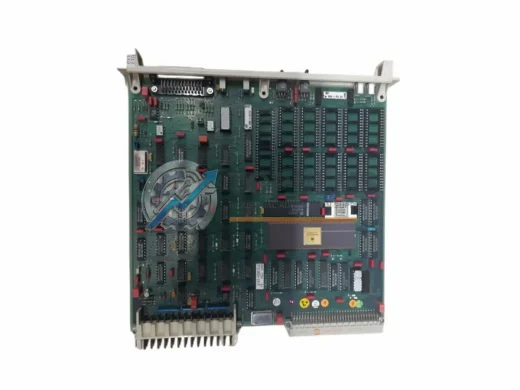
ABB DSPC173 57310001-MT Master Bus Repeater replacement for ADVANT AC 450/460. Drop-in upgrade, MasterBus 300 compatible, 12-month warranty, fast global shipping.
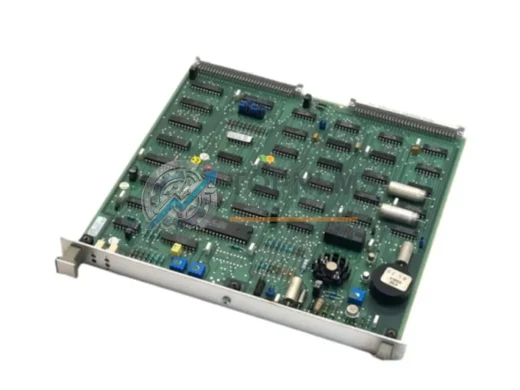
ABB DSMC110 57330001-N ruggedized DCS interface module for Advant systems. In stock, tested, 12-month warranty. Fast global shipping from TOPNLMS.
Click Quote This Model and the Part Number field will auto-fill with DSQC1005-3HAC044872-001.