
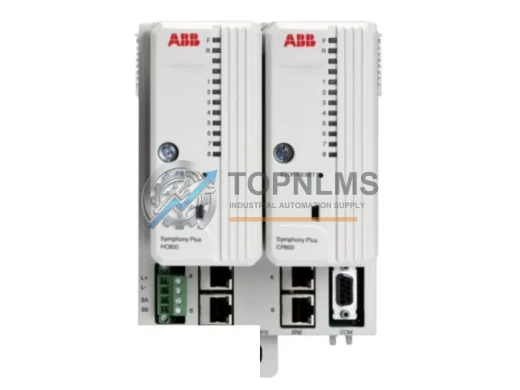
ABB
ABB CPM810 Original Industrial Spare AC800M Compatible
CPM810ABB CPM810 original industrial spare for AC800M DCS systems. Fast replacement, 12-month warranty, tested before shipment. Reduce downtime — order now.
Request availability, condition, lead time and export shipping details for SSD-C12M-3512.
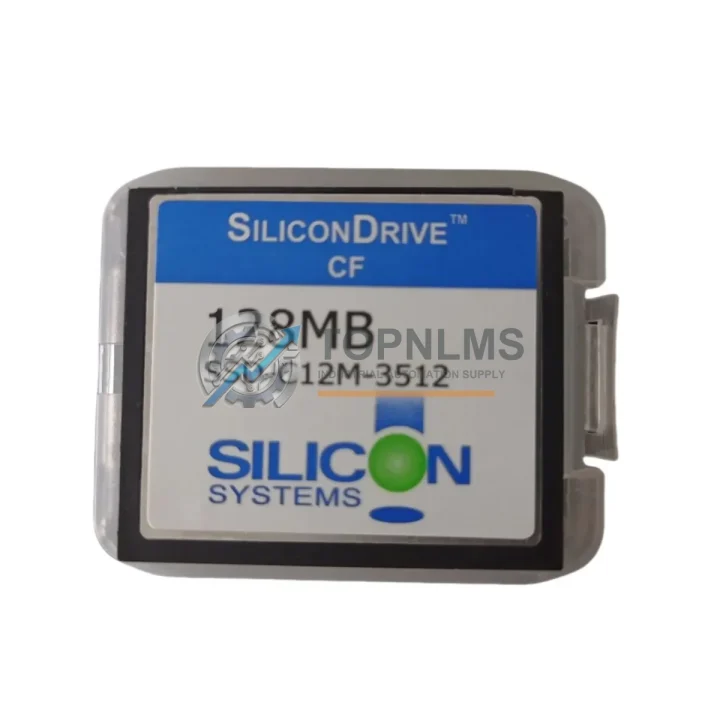
Send this exact part number, quantity and destination country. TOPNLMS will confirm availability, condition and export lead time before quotation.
Industrial control systems built around CompactFlash-based storage architectures have long relied on the Western Digital SSD-C12M-3512 — a 512MB industrial-grade CompactFlash SSD engineered for the demanding read/write cycles, wide temperature ranges, and vibration resistance required in PLC, CNC, DCS, and embedded HMI environments. As this model approaches end-of-life and procurement channels tighten, facilities managers and automation engineers face a critical decision: source a verified replacement now, or risk unplanned downtime when the last unit fails.
TOPNLMS supplies the WD SSD-C12M-3512 as a direct replacement and upgrade solution, fully tested and shipped from Xiamen with a 12-month warranty. Every unit undergoes pre-shipment functional verification to confirm read/write integrity, sector health, and interface compatibility before leaving our facility.
| Parameter | Legacy / Outgoing Model | WD SSD-C12M-3512 (Replacement) |
|---|---|---|
| Model / SKU | Various OEM CF cards (SanDisk SDCFB, ATP AF512CFI, etc.) | WD SSD-C12M-3512 |
| Capacity | 256MB – 512MB | 512MB |
| Interface | CompactFlash Type I / ATA | CompactFlash Type I / True IDE (ATA) |
| Form Factor | CF Type I (50-pin) | CF Type I (50-pin) — direct plug-in replacement |
| Operating Temperature | 0°C to 70°C (commercial) or -40°C to 85°C (industrial) | -40°C to 85°C (industrial grade) |
| Power Supply | 3.3V / 5V dual voltage | 3.3V / 5V dual voltage — no power circuit modification required |
| Write Endurance | Standard SLC / MLC | SLC NAND — extended write endurance for industrial duty cycles |
| Vibration / Shock | Varies by OEM | Rated for industrial vibration and shock per IEC standards |
| Installation | Direct CF slot insertion | Direct CF slot insertion — no bracket or adapter required |
| Communication / Protocol | ATA / True IDE | ATA / True IDE — fully compatible with legacy PLC and CNC boot controllers |
| Replacement Recommendation | End-of-life / discontinued | Verified drop-in replacement; image cloning supported |
| Warranty | Expired / none | 12-Month Warranty from TOPNLMS |
Replacing the WD SSD-C12M-3512 is rarely an isolated task. In most retrofit and modernization projects, the storage upgrade is one step in a broader system migration that touches multiple components across the control cabinet. Engineers working on Siemens SINUMERIK CNC controllers, for example, often replace the CF boot card alongside the SINUMERIK 840D NCU module or the PCU 50 panel control unit, ensuring that the new storage medium is matched to a refreshed control platform. Similarly, in Fanuc CNC environments, the CF card replacement is frequently paired with a Fanuc A20B series main board or a Fanuc Series 0i-MD controller upgrade, where the boot image must be re-flashed to match the updated firmware baseline.
For Mitsubishi MELSEC Q-series and iQ-R series PLC installations, the CF card or SD memory module used in the Q6BAT battery-backed CPU or the R120CPU often requires replacement when the CPU itself is being migrated. In these cases, the SSD-C12M-3512 serves as the program storage medium, and its replacement must be coordinated with the re-download of ladder logic from GX Works2 or GX Works3 programming software. The process is straightforward: back up the existing program via the programming cable (such as the Mitsubishi USB-SC09-FX or the Q series QC30R2 RS-232 cable), swap the CF card, restore the program image, and verify I/O mapping before returning the system to production.
In Rockwell Automation / Allen-Bradley ControlLogix and CompactLogix environments, the CF card is used in the 1784-CF64 or similar memory modules. When upgrading these systems, the CF replacement is often accompanied by a review of the 1756-EN2T EtherNet/IP communication module and the 1756-IB16 or 1756-OB16 digital I/O modules to ensure the entire rack is running compatible firmware. The 1756-L71 or 1756-L83E controller may also be part of the upgrade scope, particularly when the facility is migrating from RSLogix 5000 to Studio 5000 Logix Designer.
In DCS environments such as Honeywell Experion PKS or ABB System 800xA, the CF card is embedded in field controller modules and historian nodes. Replacing the SSD-C12M-3512 in these contexts requires coordination with the site’s DCS engineer to ensure the module firmware and configuration database are correctly restored after the storage swap. Power supply modules — such as the Phoenix Contact QUINT-PS or the Siemens SITOP PSU8600 — should be verified for stable 5V/3.3V output before and after the CF card replacement to avoid write errors during the first boot cycle.
Signal isolation is another consideration in legacy retrofit projects. When the control cabinet also houses older analog I/O signal conditioners or HART multiplexers, replacing the CF card is a good opportunity to audit the signal isolator modules (such as the Pepperl+Fuchs KFD2 series or the MTL5000 series) for age-related drift. Keeping a spare WD SSD-C12M-3512 on the shelf alongside spare I/O modules and communication cards is a best practice that significantly reduces mean time to repair (MTTR) when unexpected failures occur.
Q: Can I use the WD SSD-C12M-3512 as a direct drop-in replacement without modifying wiring or the control cabinet?
A: Yes. The SSD-C12M-3512 uses the standard CompactFlash Type I 50-pin interface and dual 3.3V/5V power, which is electrically identical to virtually all legacy CF slots found in PLC, CNC, and embedded HMI systems. No wiring changes, adapter brackets, or power circuit modifications are required.
Q: How do I transfer the existing program or OS image to the new CF card?
A: Use a CF card reader and a disk imaging tool (such as Win32DiskImager or dd on Linux) to create a sector-by-sector clone of the original card before it fails. If the original card is already unreadable, contact your PLC or CNC OEM for the factory image or use your most recent backup from the programming software (e.g., GX Works, Studio 5000, STEP 7, or WinCC).
Q: Is the communication protocol affected by the CF card replacement?
A: No. The CF card is a storage medium only and does not participate in fieldbus or industrial Ethernet communication (PROFIBUS, PROFINET, EtherNet/IP, Modbus TCP, CC-Link, etc.). All communication protocol settings remain in the controller’s non-volatile memory or are restored from the program backup.
Q: Will the replacement CF card fit in the same physical slot and control cabinet space?
A: Yes. The SSD-C12M-3512 conforms to the CompactFlash Type I mechanical specification (42.8mm × 36.4mm × 3.3mm), which is universally compatible with all CF Type I slots. No additional installation space is required.
Q: What if my system uses a CF-to-IDE or CF-to-SATA adapter?
A: The SSD-C12M-3512 operates in True IDE (ATA) mode, which is fully compatible with CF-to-IDE and CF-to-SATA adapters commonly used in industrial PCs and embedded controllers. No adapter reconfiguration is needed.
Q: How do I verify the replacement is working correctly before returning the system to production?
A: After installing the new CF card and restoring the program image, perform a cold boot and verify that the controller reaches its normal operating state, all I/O modules are recognized, and communication with the SCADA or HMI system is re-established. Run a short functional test cycle before releasing the machine to production.
Every WD SSD-C12M-3512 unit supplied by TOPNLMS is covered by a 12-month warranty from the date of shipment. Our pre-shipment inspection protocol includes:
If a unit fails within the warranty period under normal operating conditions, TOPNLMS will provide a replacement unit at no additional cost. Our after-sales response target is within 24 hours of a warranty claim submission. We support procurement teams with documentation including test reports, packing lists, and certificates of conformity upon request.
For urgent replacement requirements, expedited shipping from Xiamen is available to minimize system downtime. We maintain stock of the SSD-C12M-3512 and related industrial storage media to support both single-unit emergency orders and bulk procurement for MRO (Maintenance, Repair, and Operations) inventory programs.
Contact our industrial parts team to confirm availability, request a quotation, or discuss compatibility with your specific control system architecture.
ABB CPM810 original industrial spare for AC800M DCS systems. Fast replacement, 12-month warranty, tested before shipment. Reduce downtime — order now.
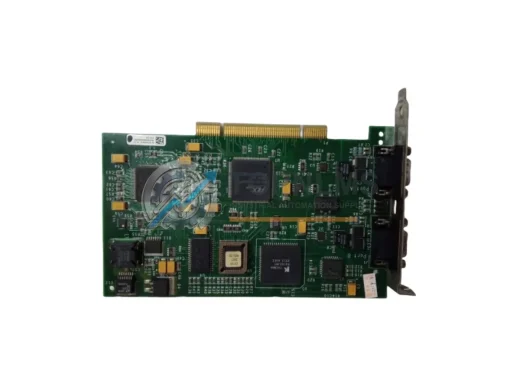
Schneider Electric 416NHM30032A Modicon Quantum PLC memory card. Rugged, reliable industrial automation component. In stock, tested, 12-month warranty. Fast shipping.
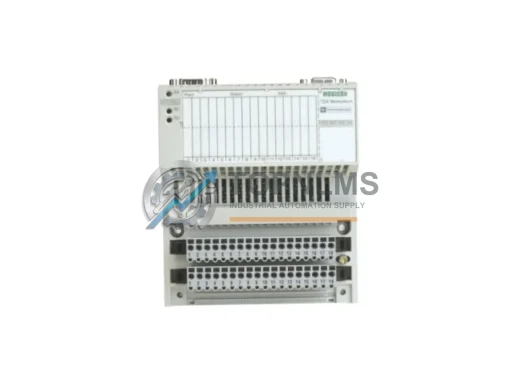
Schneider Electric 170INT11000 original Modicon Momentum Interbus communication adapter. Industrial replacement, 12-month warranty, fast shipping. topnlms.com
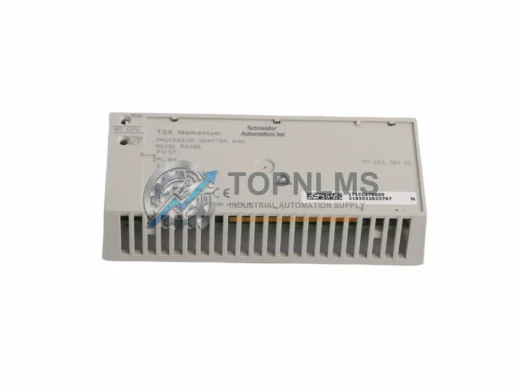
Original Schneider Electric 171CCS78000 Modicon Quantum PLC Processor Adaptor. Industrial spare for system replacement. 12-month warranty. Fast worldwide shipping.
Click Quote This Model and the Part Number field will auto-fill with SSD-C12M-3512.