
Siemens
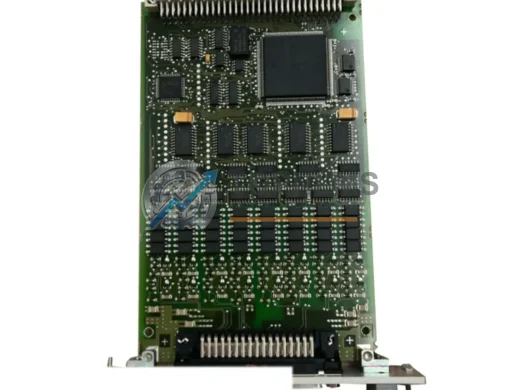
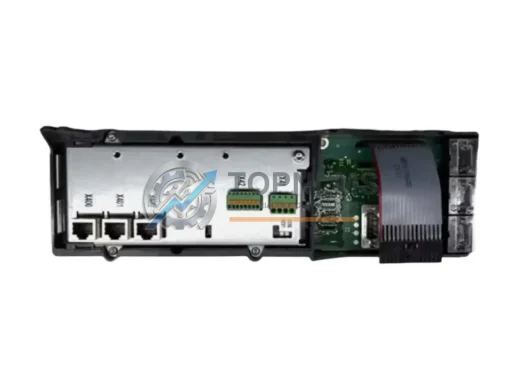
Siemens 6AR1302-0AA00-0AA0 Ruggedized Communication Module
6AR1302-0AA00-0AA0Siemens 6AR1302-0AA00-0AA0 CP51M1 SIMATIC TDC communication processor. Ruggedized for harsh environments. In stock, tested, 12-month warranty. Fast shipping.
Request availability, condition, lead time and export shipping details for 6GK1561-1AA01.
Send this exact part number, quantity and destination country. TOPNLMS will confirm availability, condition and export lead time before quotation.
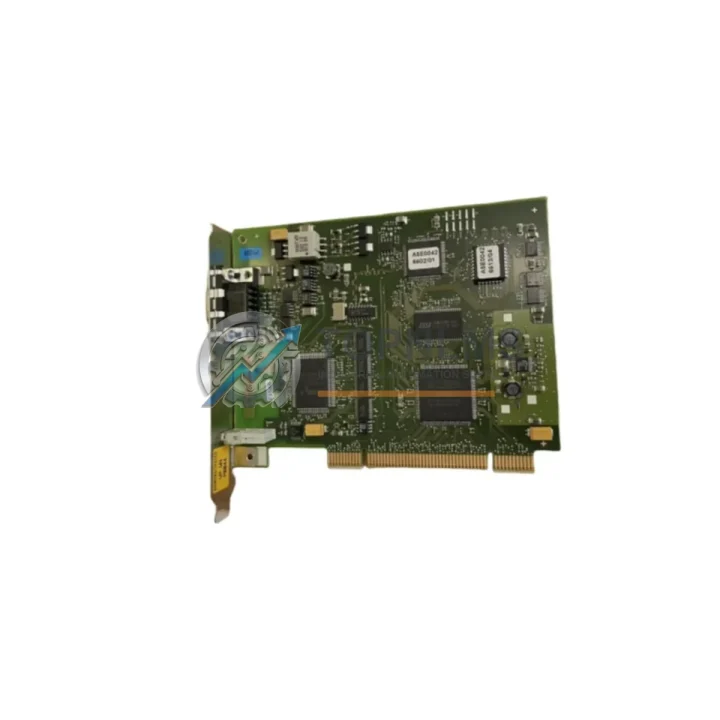
The Siemens 6GK1561-1AA01 — commercially known as the CP 5611 A2 — is a 32-bit PCI communication card designed for PROFIBUS DP and MPI connectivity between a PC-based engineering station or SCADA host and a SIMATIC S7 automation network. As Siemens progressively phases out legacy SIMATIC NET communication hardware, many facilities running S7-300 or S7-400 control systems find themselves urgently sourcing verified replacement units to maintain uninterrupted production. TOPNLMS maintains ready stock of the 6GK1561-1AA01 to support your retrofit, emergency replacement, or planned migration project — with full pre-shipment testing and a 12-month warranty on every unit.
Whether your existing CP 5611 A2 card has failed, your engineering PC motherboard no longer supports the legacy PCI slot, or you are consolidating multiple PROFIBUS segments under a unified network architecture, this guide covers everything your maintenance and procurement teams need to evaluate compatibility, plan the cutover, and minimize downtime.
| Parameter | Legacy / Predecessor | 6GK1561-1AA01 (CP 5611 A2) | Replacement Notes |
|---|---|---|---|
| Siemens Order Number | 6GK1561-1AA00 (CP 5611) | 6GK1561-1AA01 (CP 5611 A2) | Direct functional successor; same slot form factor |
| Bus Interface | 32-bit PCI (5 V) | 32-bit PCI (5 V / 3.3 V universal) | Universal keying — fits both 5 V and 3.3 V PCI slots |
| Communication Protocols | PROFIBUS DP, MPI | PROFIBUS DP, MPI, PG/OP | Full backward compatibility; no program changes required |
| Max. PROFIBUS Baud Rate | 12 Mbit/s | 12 Mbit/s | Identical — no network reconfiguration needed |
| Physical Connector | 9-pin Sub-D (female) | 9-pin Sub-D (female) | Existing PROFIBUS cable plugs in directly |
| Driver / Software | SIMATIC NET PC Software (older) | SIMATIC NET PC Software V14 SP1+ | Update SIMATIC NET software; STEP 7 / TIA Portal compatible |
| OS Support | Windows XP / 7 (32-bit) | Windows 7 / 10 / Server 2016 (32/64-bit) | Supports modern OS — ideal for PC platform upgrades |
| Installation Space | Standard PCI slot (half-length) | Standard PCI slot (half-length) | No chassis modification required |
| Power Supply | +5 V via PCI bus | +3.3 V / +5 V via PCI bus | No external power required |
| Warranty (TOPNLMS) | — | 12 Months | Covers DOA, functional failure, and firmware defects |
A successful migration from a failed or end-of-life PROFIBUS communication card rarely involves a single component. In practice, field engineers replacing the 6GK1561-1AA01 often encounter a cascade of related hardware decisions across the same control cabinet or network segment.
On the network side, the CP 5611 A2 connects to the PROFIBUS DP backbone through a standard 9-pin Sub-D connector. If the existing PROFIBUS cable termination or bus connector — such as a Siemens 6ES7972-0BA52-0XA0 bus connector with integrated terminating resistor — shows wear or intermittent contact, replacing it alongside the communication card eliminates a common source of post-installation faults. Similarly, if the PROFIBUS segment spans long distances or noisy environments, a Siemens OLM/G12 optical link module can be introduced to convert the electrical PROFIBUS signal to fiber, protecting the new card from surge damage.
On the controller side, the CP 5611 A2 is most commonly paired with SIMATIC S7-300 CPUs such as the CPU 315-2 DP or CPU 317-2 DP, which carry their own onboard PROFIBUS DP interface. In multi-rack configurations, the S7-300 IM 360 / IM 361 interface modules handle rack expansion, and their firmware compatibility should be verified when updating the PC-side communication stack. For S7-400 installations, the CP 443-1 or CP 443-5 Extended communication processors in the central rack may share the same PROFIBUS segment as the CP 5611 A2, and their GSD files should be re-imported into STEP 7 or TIA Portal after the PC software update.
Engineering workstations running STEP 7 V5.x or TIA Portal V15+ require the SIMATIC NET PC Software to be at a compatible version before the 6GK1561-1AA01 driver is recognized. If the engineering PC is also being refreshed, a Siemens 6NH7997-7CA20-8AA0 SINAUT programming cable or a standard MPI/PROFIBUS USB adapter such as the 6GK1571-0BA00-0AA0 (PC Adapter USB A2) can serve as a temporary programming interface during the transition, allowing the S7 program to be backed up before the PCI card swap.
For facilities migrating from a fully legacy architecture — including older Siemens S5 systems communicating via the 6GK1541-0AA00 CP 5412 A2 ISA card — the move to the PCI-based CP 5611 A2 represents a significant platform step forward. The S5-to-S7 program conversion, combined with the hardware swap, is best staged: install and verify the 6GK1561-1AA01 on the new engineering PC first, establish online communication with the existing S7 CPU, then proceed with any program modifications. This approach keeps the field bus live and reduces the risk of a full production stop.
Finally, if your site is planning a longer-term migration toward PROFINET — Siemens’ Ethernet-based successor to PROFIBUS — the CP 5611 A2 can coexist with a PROFINET-capable CP 1616 or CP 1604 card in the same engineering PC, allowing parallel operation of both networks during the transition period. This dual-card strategy is particularly effective in phased modernization projects where some I/O stations, such as ET 200M or ET 200S distributed I/O racks, are being converted to PROFINET while others remain on PROFIBUS DP.
Q: Can I replace the 6GK1561-1AA00 (CP 5611) directly with the 6GK1561-1AA01 (CP 5611 A2) without changing my STEP 7 project?
A: Yes. The CP 5611 A2 is the direct functional successor to the CP 5611. The hardware configuration in STEP 7 HW Config uses the same GSD/HSE file, and no changes to the S7 program or network configuration are required. You only need to update the SIMATIC NET PC Software to a version that supports the A2 revision.
Q: My engineering PC has only PCIe slots — is the 6GK1561-1AA01 compatible?
A: No. The CP 5611 A2 requires a standard 32-bit PCI slot. It is not compatible with PCIe (PCI Express) slots. If your PC no longer has a PCI slot, consider the Siemens CP 5621 (6GK1562-1AA00), which uses a PCIe x1 interface and provides equivalent PROFIBUS DP / MPI functionality. Contact TOPNLMS for availability of the CP 5621 as an alternative.
Q: Do I need to reconfigure PROFIBUS addresses or baud rates after the swap?
A: No reconfiguration is needed on the network side. The CP 5611 A2 inherits the same PROFIBUS address and baud rate settings from the SIMATIC NET software configuration. Verify the settings in the SIMATIC NET Configuration Console after driver installation before going online.
Q: Is the existing 9-pin Sub-D PROFIBUS cable reusable?
A: Yes. The 6GK1561-1AA01 uses the same 9-pin Sub-D female connector as its predecessor. Your existing PROFIBUS cable and bus connector plug in directly. Inspect the connector pins and cable shielding for damage before reuse, particularly if the original card failed due to a surge event.
Q: What Windows versions are supported?
A: The CP 5611 A2 supports Windows 7 (32/64-bit), Windows 10 (32/64-bit), and Windows Server 2016 with the appropriate SIMATIC NET PC Software version. Windows XP is no longer supported by current driver packages. If your engineering PC runs Windows XP, a PC platform upgrade is recommended alongside the card replacement.
Q: How long does commissioning typically take after the card swap?
A: For a like-for-like replacement on a PC with a compatible OS and existing SIMATIC NET software, commissioning typically takes 30–60 minutes: driver installation, configuration console verification, and online test with the S7 CPU. Allow additional time if the SIMATIC NET software version also needs to be updated.
Every 6GK1561-1AA01 unit shipped by TOPNLMS is covered by a 12-month warranty from the date of delivery. Our pre-shipment inspection process includes visual inspection for physical damage, power-on functional verification, and PROFIBUS communication testing where applicable. Units that fail to perform as specified upon arrival (DOA) are replaced or refunded without dispute.
During the warranty period, TOPNLMS provides replacement support for confirmed functional failures under normal operating conditions. Our technical team responds to warranty claims within 1 business day. Return shipping for confirmed warranty cases is coordinated by TOPNLMS, and replacement units are dispatched from our Xiamen warehouse with priority handling.
For procurement teams requiring documentation, we provide a packing list, commercial invoice, and test report upon request. Bulk orders for MRO (Maintenance, Repair & Operations) inventory are supported with flexible lead times and consolidated shipping options to reduce per-unit logistics cost.
TOPNLMS ships globally from Xiamen, China. Standard delivery to most destinations in Asia, Europe, and the Americas is 5–10 business days via DHL, FedEx, or UPS Express. Expedited same-day dispatch is available for in-stock orders placed before 15:00 CST.
Siemens 6AR1302-0AA00-0AA0 CP51M1 SIMATIC TDC communication processor. Ruggedized for harsh environments. In stock, tested, 12-month warranty. Fast shipping.
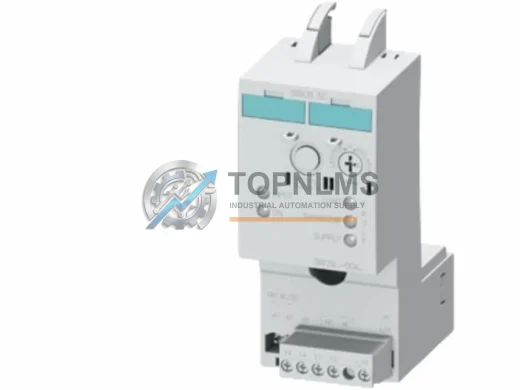
Siemens 3RF2950-0KA13 SIRIUS 3-phase solid state power controller, 50A 480V AC. Rugged, EMI-resistant, 12-month warranty. In stock — fast global shipping.
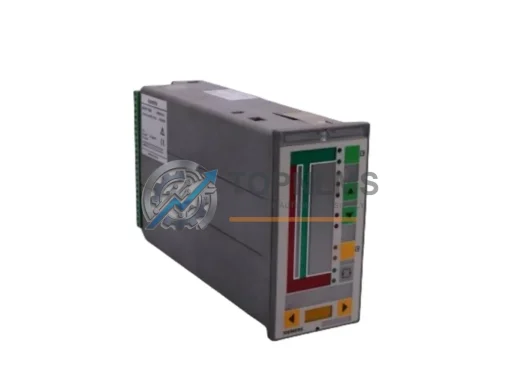
Buy SIEMENS 353A41NNETNNA4 original industrial spare. 353 Series single-loop Ethernet process controller. Fast shipping, 12-month warranty, B2B ready.
Buy original SIEMENS 6SL3351-6GE35-0AA1 SINAMICS S120 Control Interface Board. Tested, 12-month warranty, fast worldwide shipping. Industrial replacement spare.
Click Quote This Model and the Part Number field will auto-fill with 6GK1561-1AA01.