
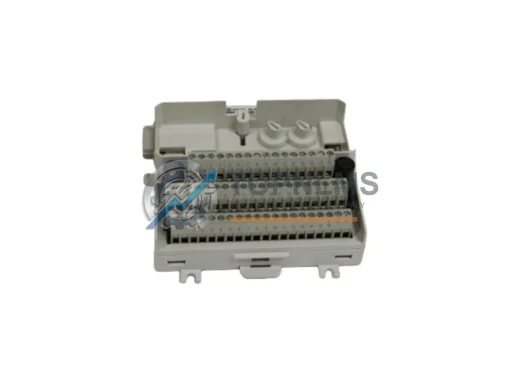
ABB
ABB CPUM-03 3HNE03318-1 Replacement for IRC5 Series
CPUM-03 3HNE 03318-1ABB CPUM-03 3HNE03318-1 IRC5 Robot Controller CPU replacement. Drop-in upgrade, wiring compatible, 12-month warranty. Fast global shipping from TOPNLMS.
Request availability, condition, lead time and export shipping details for S-DNC-62-G16.
Send this exact part number, quantity and destination country. TOPNLMS will confirm availability, condition and export lead time before quotation.
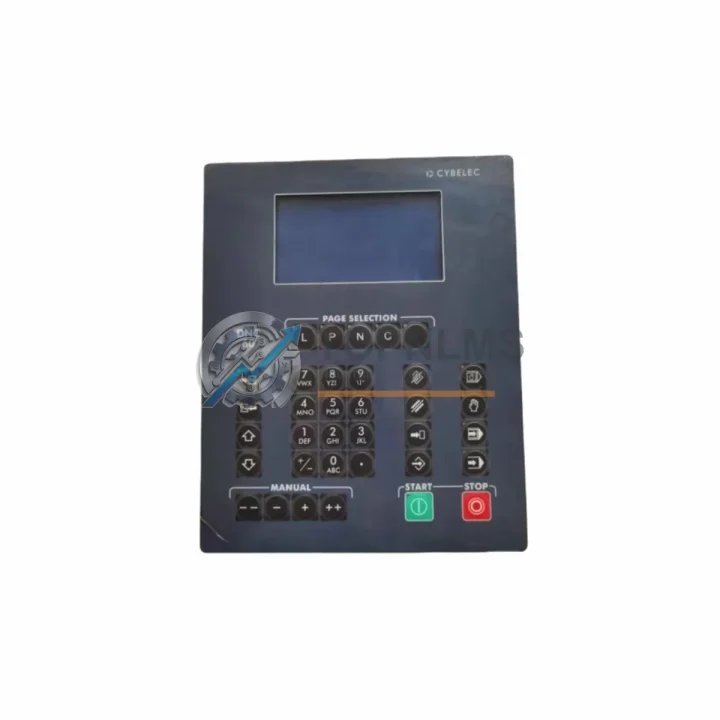
The LASER S-DNC-62-G16 is a DNC-62 Series CNC operator interface and DNC system screen designed to serve as a direct replacement or modernization upgrade for aging, discontinued, or end-of-life CNC control panels and DNC communication units. Whether your facility is retiring legacy LASER DNC-62 operator terminals, migrating from older G-code distribution systems, or consolidating a mixed-generation CNC floor, the S-DNC-62-G16 provides a validated, drop-in compatible pathway that minimizes engineering rework, reduces downtime, and preserves your existing wiring infrastructure.
Industrial facilities operating legacy DNC systems frequently encounter challenges when original OEM screens fail or become unavailable through standard distribution channels. The S-DNC-62-G16 addresses this directly: it maintains physical panel cutout compatibility with the DNC-62 Series enclosure footprint, supports the same RS-232/RS-422 serial communication protocols used by predecessor units, and retains the operator keypad layout familiar to CNC machinists trained on earlier LASER DNC terminals. This means your team can execute a swap-out during a scheduled maintenance window without retraining operators or rewriting part programs.
| Parameter | Legacy / Predecessor Unit | LASER S-DNC-62-G16 | Replacement Notes |
|---|---|---|---|
| Series | LASER DNC-62 (earlier revisions) | DNC-62 Series (current) | Direct series continuity; no platform change required |
| Interface Type | CNC Operator Panel / DNC Screen | DNC System Screen — CNC Operator Interface | Functionally equivalent; same operator workflow |
| Communication Protocol | RS-232 / RS-422 Serial | RS-232 / RS-422 Serial | No protocol conversion required; existing cables reusable |
| Panel Mounting | Standard DNC-62 cutout | Compatible DNC-62 cutout | No cabinet modification needed in most installations |
| Power Supply | 24 VDC typical | 24 VDC | Existing PSU and wiring harness retained |
| G-Code / Program Transfer | Serial DNC file transfer | Serial DNC file transfer | Existing part programs and DNC software compatible |
| Operator Keypad Layout | LASER DNC-62 standard | DNC-62 Series standard | No operator retraining required |
| Installation Space | DNC-62 Series enclosure | DNC-62 Series enclosure | Same physical envelope; no control cabinet redesign |
| Warranty | OEM warranty expired (legacy unit) | 12-Month Warranty | Full replacement and after-sales support included |
| Availability | Discontinued / limited stock | In stock — ready to ship | Ships from Xiamen; global logistics supported |
A successful DNC system migration rarely involves a single component. When upgrading from a legacy LASER DNC-62 installation to the S-DNC-62-G16, the surrounding control architecture must be evaluated holistically to ensure end-to-end compatibility and long-term reliability.
In most retrofit projects, the DNC-62 Series communication module is assessed alongside the operator screen replacement. If the existing serial communication board shows signs of wear or firmware incompatibility, replacing it concurrently with the S-DNC-62-G16 eliminates a common source of intermittent data transfer errors during G-code distribution. Similarly, the DNC-62 Series power supply module — typically a 24 VDC regulated unit — should be load-tested before commissioning the new screen, as aging PSUs can introduce voltage ripple that affects display stability and communication timing.
For facilities integrating the S-DNC-62-G16 into a broader CNC modernization program, the RS-232 to RS-422 protocol converter is frequently required when bridging the DNC system to newer CNC controllers that have migrated away from legacy serial standards. Pairing this with a serial communication cable assembly — pre-terminated to DNC-62 connector specifications — reduces field wiring time and eliminates pinout errors during commissioning.
Where the control cabinet also houses a LASER DNC series I/O expansion module, technicians should verify that the I/O addressing scheme remains consistent after the screen replacement, particularly if the legacy unit performed any local I/O arbitration. In installations where the DNC system interfaces with a host PLC controller — such as a Siemens S7-300 series CPU or a Mitsubishi Q-series module — the communication handshake parameters (baud rate, parity, stop bits) must be re-confirmed against the S-DNC-62-G16 default configuration to avoid program transfer timeouts.
Facilities running multi-machine DNC networks should also evaluate the DNC network hub or multiplexer that distributes G-code files from the host PC to individual CNC machines. If the hub firmware predates the S-DNC-62-G16’s protocol revision, a firmware update or hub replacement may be necessary to maintain reliable file transfer across all connected machines. Additionally, the CNC machine tool controller backplane — particularly in older Fanuc 0i or LASER-branded CNC systems — should be inspected for corrosion or connector fatigue before the new screen is installed, as physical interface degradation is a leading cause of post-replacement communication faults.
Finally, for sites undertaking a phased modernization, the DNC-62 Series programming cable and associated PC-side DNC software should be validated against the replacement unit prior to full production cutover. Running a parallel test — where the S-DNC-62-G16 operates alongside the legacy unit on a non-production machine — is the recommended commissioning approach to confirm wiring integrity, protocol compatibility, and operator interface functionality before the legacy screen is decommissioned.
Q: Can I reuse my existing RS-232 wiring when installing the S-DNC-62-G16?
A: In the majority of DNC-62 Series installations, yes. The S-DNC-62-G16 uses the same DB-9 or DB-25 serial connector pinout as predecessor units. Verify the cable shield grounding at both ends before powering up to prevent communication noise in electrically noisy CNC environments.
Q: Do I need to modify my part programs or DNC host software?
A: No. The S-DNC-62-G16 is protocol-transparent at the G-code transfer level. Existing DNC host software configured for the legacy DNC-62 unit will communicate with the replacement screen without modification, provided baud rate, parity, and flow control settings are matched.
Q: Will the S-DNC-62-G16 fit in my existing control cabinet cutout?
A: The S-DNC-62-G16 is dimensionally compatible with the standard DNC-62 Series panel cutout. In most cases, no cabinet modification is required. Confirm the gasket seal condition and mounting hardware torque specification during installation to maintain IP rating integrity.
Q: What if my legacy DNC-62 unit used RS-422 rather than RS-232?
A: The S-DNC-62-G16 supports both RS-232 and RS-422 interfaces. Select the appropriate port and configure the termination resistor according to the installation manual. No external protocol converter is needed for same-standard replacements.
Q: How do I handle the transition if my CNC machine is currently in production?
A: Plan the replacement during a scheduled maintenance window. Pre-configure the S-DNC-62-G16 communication parameters on the bench before installation. Document the existing wiring with photographs before disconnection. The typical swap-out time for an experienced technician is 30–90 minutes, depending on cabinet accessibility.
Q: Is the S-DNC-62-G16 compatible with Fanuc or Siemens CNC controllers?
A: The S-DNC-62-G16 functions as a DNC operator interface and communicates via standard serial protocols. Compatibility with the host CNC controller (Fanuc, Siemens, Mitsubishi, etc.) depends on the serial port configuration of the controller, not the DNC screen itself. Confirm the host controller’s DNC port parameters and match them to the S-DNC-62-G16 settings during commissioning.
Every LASER S-DNC-62-G16 unit supplied by TOPNLMS is covered by a 12-month warranty from the date of shipment. Prior to dispatch, each unit undergoes a functional pre-shipment inspection that verifies display operation, communication port integrity, keypad response, and power supply input tolerance. Units that do not pass inspection are not shipped.
In the event of a warranty claim, TOPNLMS provides a structured after-sales response: the defective unit is assessed within 5 business days of receipt, and a replacement or repaired unit is dispatched with priority handling. Warranty coverage includes manufacturing defects, component failure under normal operating conditions, and communication interface faults attributable to the unit itself — not to external wiring or host system configuration errors.
For procurement teams managing spare parts programs, TOPNLMS maintains stock of the S-DNC-62-G16 to support both immediate replacement needs and planned inventory buffers. Lead times, quantity pricing, and consignment arrangements are available upon request. All units are shipped with documentation including a packing list, inspection record, and warranty certificate.
To initiate a purchase, request a quotation, or discuss technical compatibility for your specific installation, contact the TOPNLMS technical sales team directly.
ABB CPUM-03 3HNE03318-1 IRC5 Robot Controller CPU replacement. Drop-in upgrade, wiring compatible, 12-month warranty. Fast global shipping from TOPNLMS.
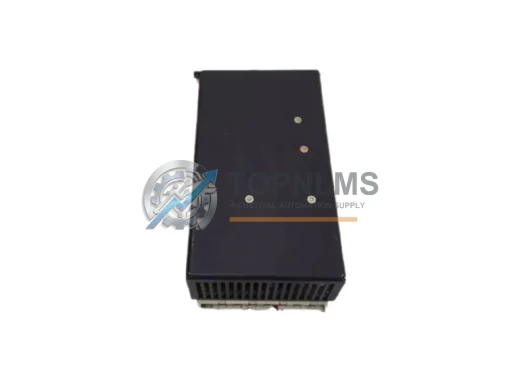
Original Siemens 6AR1306-0HA00-0AA1 CNC power supply module for SINUMERIK 840. Industrial replacement spare, tested, 12-month warranty, fast worldwide shipping.
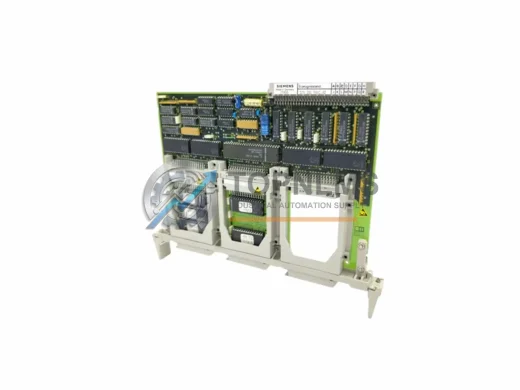
Siemens 6FX1128-1BB00 ruggedized non-volatile CNC memory module for SINUMERIK. Tested, 12-month warranty, fast shipping. Reliable industrial spare part.
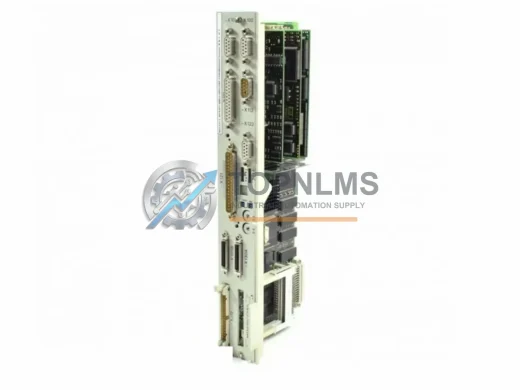
Siemens NCU572.2 6FC5357-0BB21-0AE0 replacement & upgrade for Sinumerik 840D CNC. Compatible wiring, protocols & rack. 12-month warranty. Fast global shipping.
Click Quote This Model and the Part Number field will auto-fill with S-DNC-62-G16.