
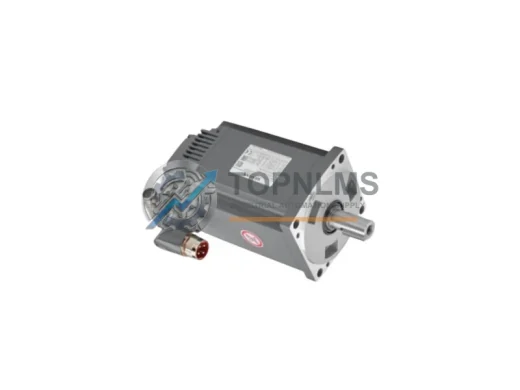
KUKA
KUKA 71-050-783 Original Industrial Spare RV320E-185 Compatible
71-050-783Buy KUKA 71-050-783 RV320E-185 original robot joint gearbox for KR30 & KR60. Direct axis replacement spare, pre-shipment tested, 12-month warranty.
Request availability, condition, lead time and export shipping details for KVGA-1.0.
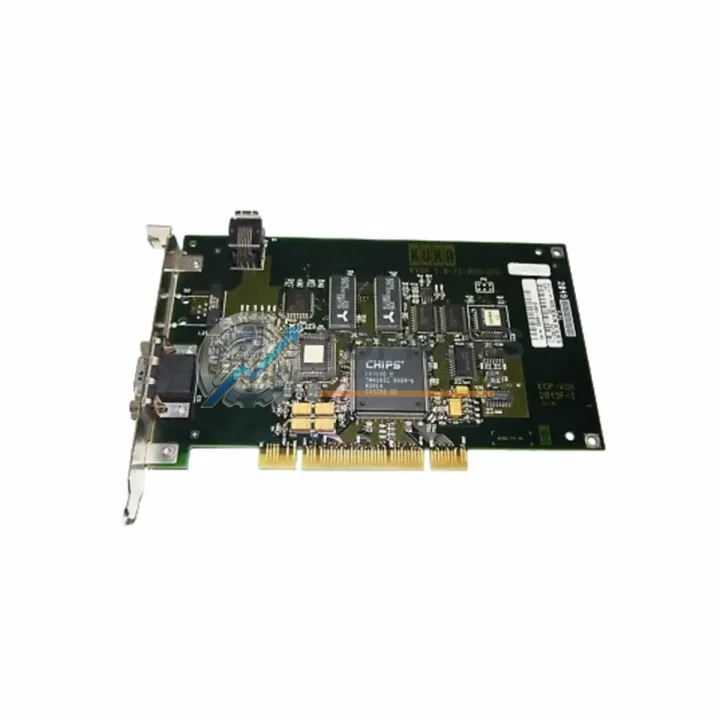
Send this exact part number, quantity and destination country. TOPNLMS will confirm availability, condition and export lead time before quotation.
When your KUKA KRC2 or KRC4 robot controller loses its video output — whether due to a failed display board, corrupted firmware on the graphics subsystem, or physical damage to the KVGA-1.0 card — production downtime begins immediately. The KUKA KVGA-1.0 Video Interface Card is the direct replacement and upgrade solution for the KRC2 and KRC4 controller families, restoring full teach pendant display functionality, operator panel communication, and HMI signal integrity without requiring controller reprogramming or cabinet redesign.
This replacement is engineered for industrial environments where minimizing mean time to repair (MTTR) is critical. Whether you are managing a single robot cell or a multi-robot welding line, the KVGA-1.0 slots directly into the existing KRC2 or KRC4 controller backplane, reusing your existing wiring harness, display cable routing, and cabinet mounting hardware. No new cable assemblies, no panel cutouts, and no PLC program modifications are required.
| Parameter | Legacy / Outgoing | KUKA KVGA-1.0 (This Unit) |
|---|---|---|
| Compatible Controller | KRC2 (ed05/ed2005), KRC4 (standard/compact) | KRC2 (ed05/ed2005), KRC4 (standard/compact) |
| Card Series | KVGA Series (original OEM) | KVGA-1.0 — direct OEM replacement |
| Interface / Connector | Proprietary KUKA backplane slot + VGA signal output | Identical backplane slot; plug-and-play replacement |
| Display Protocol | Analog VGA to KCP / smartPAD teach pendant | Analog VGA — full backward compatibility |
| Communication Protocol | Internal KRC bus (EtherCAT / CAN depending on variant) | Compatible with existing KRC internal bus topology |
| Physical Dimensions | Standard KRC2/KRC4 card form factor | Identical form factor — no cabinet modification needed |
| Power Supply | Supplied by KRC2/KRC4 internal PSU (24 VDC logic rail) | Same 24 VDC logic rail — no external power required |
| Wiring Compatibility | Existing harness retained | 100% wiring reuse — no re-termination required |
| Installation Requirement | Controller power-off, card swap | Controller power-off, card swap — 15–30 min typical |
| Firmware / Software | KSS (KUKA System Software) version dependent | Compatible with KSS 5.x and KSS 8.x branches |
| Replacement Recommendation | Immediate replacement on display failure or video artifact | Direct drop-in; no KSS reconfiguration required |
| Warranty | OEM warranty expired (legacy unit) | 12-Month Warranty — covered from shipment date |
A KVGA-1.0 replacement is rarely performed in isolation. In most KRC2 and KRC4 retrofit projects, the video interface card failure is a symptom of broader controller aging. Experienced automation engineers typically audit the full controller assembly during the same maintenance window to avoid repeat downtime.
In KRC2 installations, the KUKA KPS-600 power supply module is a common co-replacement item — aging capacitors in the PSU can cause voltage ripple that accelerates graphics card failure. Similarly, the KUKA KSD1-16 servo drive module and the KUKA DSE-IBS-C33 interface board are frequently inspected during the same intervention, as they share the same backplane and internal bus. If your KRC2 cabinet also houses a KUKA MFC3 motion control card, this is an ideal time to verify its firmware revision and replace it proactively if it is running an end-of-life KSS 5.x build.
For KRC4 systems, the upgrade path is slightly different. The KUKA KPP 600-20 power pack and the KUKA KSP 600-3×40 servo power supply are the primary power-side components to inspect. On the communication side, the KUKA CCU (Cabinet Control Unit) board manages EtherCAT topology and safety I/O — if the KVGA-1.0 failure was preceded by intermittent teach pendant disconnections, the CCU should be tested before closing the cabinet. In multi-robot cells running KUKA.RoboTeam or coordinated motion via KUKA.SafeOperation, restoring the video interface card also restores the operator’s ability to monitor safety zone status on the smartPAD, which is critical before resuming production.
Where the robot interfaces with external PLCs or SCADA systems via PROFINET, EtherNet/IP, or DeviceNet — typically through a KUKA.PLC mxAutomation or third-party gateway — the KVGA-1.0 replacement does not affect fieldbus configuration. Your existing network topology, IP addressing, and I/O mapping remain intact. This is a key advantage for facilities that cannot afford a full PLC program reload during a maintenance window.
If your facility is planning a broader migration from KRC2 to KRC4 architecture, the KVGA-1.0 replacement can serve as a bridge solution — keeping the existing KRC2 controller operational while the KRC4 upgrade is planned, budgeted, and scheduled. This approach is common in automotive body-in-white lines where robot replacement must be coordinated with model changeover cycles.
Q: Can I replace the KVGA-1.0 without reloading the KSS software?
A: Yes. The KVGA-1.0 is a hardware-only replacement. The KSS operating system, robot programs, tool data, and base calibration data stored on the controller’s hard drive or CompactFlash card are not affected by the card swap. After installation, the controller boots normally and the teach pendant display is restored without any software intervention.
Q: Is the KVGA-1.0 compatible with both the KCP2 teach pendant (KRC2) and the smartPAD (KRC4)?
A: The KVGA-1.0 is designed for the specific controller variant it is listed for. KRC2 and KRC4 use different teach pendant interfaces — confirm your controller generation before ordering. If you are unsure, provide your controller serial number and we will verify compatibility before shipment.
Q: What are the wiring steps for installation?
A: Power down the KRC2/KRC4 controller and follow KUKA lockout/tagout procedures. Remove the failed KVGA-1.0 card from its backplane slot. Insert the replacement card into the same slot. Reconnect the VGA cable and any ribbon connectors. Restore power and verify display output on the teach pendant. Total installation time is typically 15–30 minutes for a trained technician.
Q: Will this replacement affect my robot’s safety configuration or SafeOperation parameters?
A: No. Safety configuration data is stored in the CCU and DSE boards, not in the KVGA-1.0. Your SafeOperation zones, axis monitoring limits, and safety I/O mappings are preserved after the card replacement.
Q: What communication protocols does the KVGA-1.0 interact with?
A: The KVGA-1.0 handles the internal video signal path between the controller CPU and the teach pendant display. It does not participate in fieldbus communication (PROFINET, EtherNet/IP, DeviceNet, etc.). Replacing it has no effect on your external network configuration.
Q: Can I use this card in a KRC2 ed05 and a KRC2 ed2005 interchangeably?
A: In most cases, yes — the KVGA-1.0 card is common across KRC2 variants. However, minor hardware revisions exist. Contact us with your controller’s type plate information to confirm exact compatibility before ordering.
Q: What if the replacement card does not resolve the display issue?
A: If the display fault persists after KVGA-1.0 replacement, the issue may originate in the KPS power supply (voltage ripple), the teach pendant cable, or the KCP/smartPAD itself. Our technical team can assist with fault isolation. Under our 12-month warranty, if the supplied card is confirmed defective, we will arrange a replacement at no additional cost.
Every KUKA KVGA-1.0 Video Interface Card shipped by TOPNLMS is covered by a 12-month warranty from the date of shipment. Before dispatch, each unit undergoes a pre-shipment functional inspection to verify board integrity, connector condition, and absence of physical damage. Units that do not pass inspection are not shipped.
Our warranty covers manufacturing defects and functional failures under normal operating conditions. If a unit fails within the warranty period, we provide a replacement unit or full refund — your choice. Our after-sales response target is within 24 hours of a warranty claim submission. We maintain buffer stock of critical KUKA spare parts including KVGA series cards to support rapid replacement without extended lead times.
For procurement teams, we can provide a proforma invoice, packing list, and certificate of origin for customs clearance. We ship from Xiamen, China via DHL Express, FedEx International Priority, or sea freight depending on order volume and urgency. Typical DHL transit time to Europe is 3–5 business days; to North America, 4–6 business days.
For volume orders, blanket purchase orders, or consignment stock arrangements, contact our sales team directly. We support NET payment terms for qualified industrial buyers.
Buy KUKA 71-050-783 RV320E-185 original robot joint gearbox for KR30 & KR60. Direct axis replacement spare, pre-shipment tested, 12-month warranty.
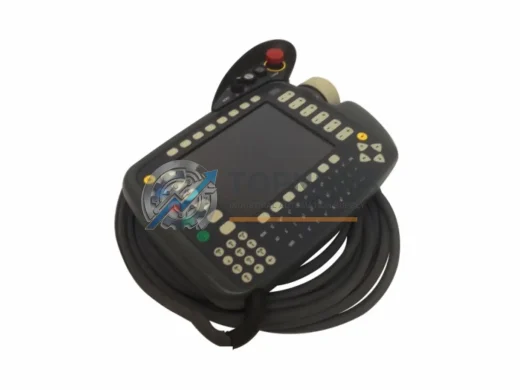
KUKA KRC4RDC 00-200-655 ruggedized robot drive controller card. KRC4 series, EMI-resistant, 12-month warranty. In stock — fast global shipping from TOPNLMS.
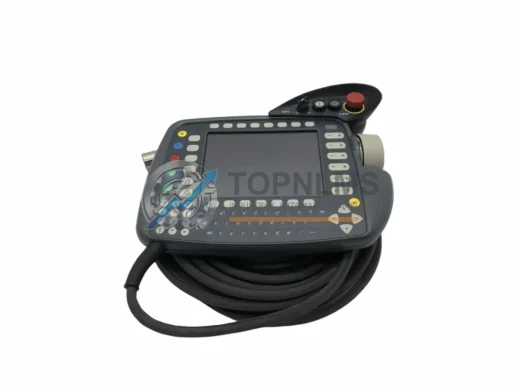
KUKA KRC2-00-130-547 teach pendant replacement & upgrade for KRC2 series robots. Compatible wiring, protocol & mounting. 12-month warranty. Ships from Xiamen.
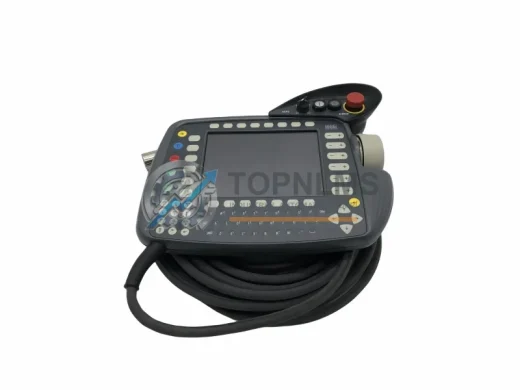
KUKA 69-000-398 KRC1 teach pendant replacement. Compatible upgrade for KRC1 robot controllers. 12-month warranty, fast shipping, in-stock. Contact: [email protected]
Click Quote This Model and the Part Number field will auto-fill with KVGA-1.0.