
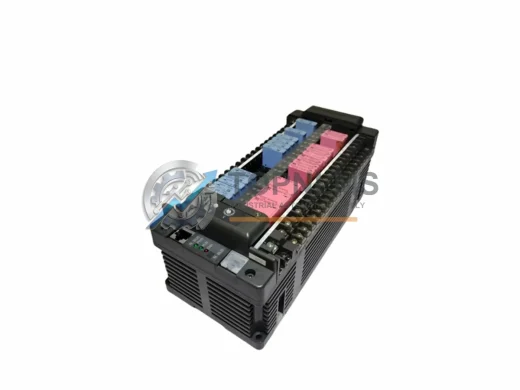
FUJI Electric
FUJI NB1W40X-01 Replacement/Upgrade Solution for NB1
NB1W40X-01FUJI Electric NB1W40X-01 replacement for NB1 Series PLC. Drop-in compatible I/O expansion, wiring match, 12-month warranty. Fast global shipping from Xiamen.
Request availability, condition, lead time and export shipping details for FTU123B.
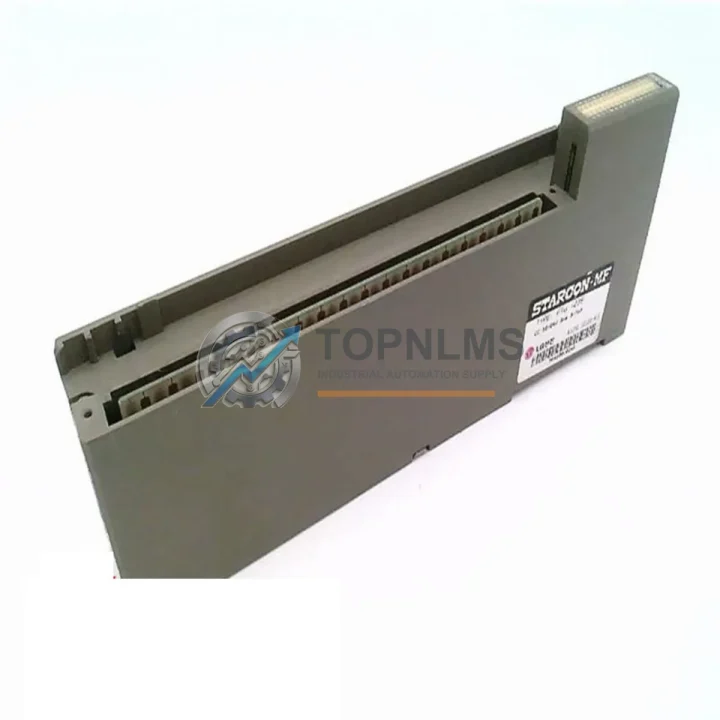
Send this exact part number, quantity and destination country. TOPNLMS will confirm availability, condition and export lead time before quotation.
The FUJI Electric FTU123B is a 32-channel digital input module designed for the MICREX-SX programmable logic controller platform — one of FUJI Electric’s most widely deployed industrial control architectures across process automation, power distribution, and discrete manufacturing facilities throughout Asia and beyond. As the MICREX-SX series approaches end-of-life support cycles, many plant engineers and procurement teams are actively seeking verified replacement units, tested spares, and migration-ready alternatives to sustain production continuity without committing to a full system overhaul.
At TOPNLMS, we stock the FTU123B as a ready-to-ship replacement module, fully tested prior to dispatch, and backed by a 12-month warranty. Whether your facility is running a legacy MICREX-SX rack that requires a like-for-like swap, or you are planning a phased migration to a newer control architecture, the FTU123B provides the compatibility baseline your engineering team needs to proceed with confidence.
| Parameter | FTU123B (This Unit) | Typical Legacy Predecessor |
|---|---|---|
| Module Type | 32-ch Digital Input (DI) | 16/32-ch DI (earlier MICREX-SX variants) |
| Platform Compatibility | MICREX-SX Series | MICREX-SX / MICREX-F (partial) |
| Rack / Backplane Interface | MICREX-SX standard backplane connector | Same backplane — direct slot replacement |
| Input Voltage Range | 24 VDC (sink/source selectable) | 24 VDC |
| Wiring Compatibility | Compatible with existing field wiring harnesses | Same terminal block pitch — no rewiring required |
| Communication Protocol | Internal MICREX-SX bus | Internal MICREX-SX bus |
| Programming / Configuration | No re-programming required for like-for-like swap | Existing ladder logic remains valid |
| Physical Dimensions | Standard MICREX-SX module form factor | Identical — fits existing control cabinet cutout |
| Installation Space | Single slot on MICREX-SX rack | Single slot — no cabinet modification needed |
| Replacement Recommendation | Direct drop-in replacement | Swap module, power cycle, verify I/O map |
| Warranty | 12-Month Warranty — covered from date of shipment | |
A successful MICREX-SX digital input module replacement rarely involves a single component in isolation. In practice, field engineers replacing the FTU123B will often need to assess the condition of adjacent modules in the same rack. The MICREX-SX CPU module — typically an SPH series processor such as the SPH3000 or SPH2000 — governs the I/O scan cycle and must be confirmed compatible with the firmware revision of the replacement FTU123B. If the CPU module is also aging, sourcing a tested SPH series CPU alongside the FTU123B is a prudent step that eliminates a second unplanned outage window.
The MICREX-SX power supply module, such as the FPU series, is another component that warrants inspection during any planned maintenance window. Power supply degradation is a common root cause of intermittent DI faults that are misdiagnosed as module failures. Replacing the FTU123B while leaving a marginal power supply in service can result in repeat failures within months. We recommend verifying output voltage ripple and load regulation before closing the cabinet.
For facilities that rely on PROFIBUS-DP or Ethernet/IP communication between the MICREX-SX system and upstream SCADA or DCS platforms, the communication interface module — such as the FLnet or PROFIBUS master module installed in the same rack — should be confirmed operational. A DI module swap that inadvertently disturbs the backplane seating of a communication module can cause network dropouts that are difficult to trace without a systematic re-seating procedure.
Terminal block assemblies and I/O wiring harnesses connected to the FTU123B’s front connector are another practical consideration. If the existing terminal blocks show signs of oxidation, loose crimps, or insulation degradation, replacing them concurrently with the FTU123B module eliminates a latent fault source. We can supply compatible terminal block modules and pre-terminated wiring harnesses to support a clean installation.
In migration scenarios where the MICREX-SX platform is being partially upgraded to a newer FUJI Electric control architecture — such as the MICREX-NX or a third-party PLC platform — signal isolation becomes critical. Signal isolators and I/O signal conditioners allow legacy field devices wired to 24 VDC DI circuits to interface cleanly with newer 5 VDC or TTL-level input modules, protecting both the new hardware and the field instrumentation during the transition period.
For engineers managing the programming side of the migration, the FUJI Electric SX-Programmer or equivalent engineering software tool must be available and licensed for the target CPU version. Ensuring the programming cable — typically a USB-to-RS232 or dedicated SX programming cable — is on hand before the maintenance window begins prevents delays during commissioning. We stock programming cables compatible with the MICREX-SX platform and can include them with your FTU123B order on request.
Finally, for facilities maintaining a spare parts inventory, we recommend holding at least one additional FTU123B unit as a cold standby spare. Given the MICREX-SX platform’s age profile, sourcing replacement modules is becoming progressively more difficult through standard distribution channels. Securing a tested spare now, while stock is available, is a straightforward risk mitigation measure that many plant reliability engineers overlook until the next unplanned failure event.
Q: Can I replace the FTU123B without modifying my existing ladder logic program?
A: Yes. The FTU123B is a direct slot replacement for the same module type within the MICREX-SX rack. The I/O address mapping is preserved by the backplane slot position, so no program modification is required for a like-for-like swap. After installation, perform a power cycle and verify the I/O status display on the CPU module before returning the system to automatic mode.
Q: Is field rewiring required when replacing the FTU123B?
A: No rewiring is required if the replacement unit uses the same front connector type. The FTU123B uses a standard MICREX-SX DI module connector. Disconnect the existing wiring harness, seat the new module, reconnect the harness, and verify terminal torque to specification. No changes to field cable routing or terminal block assignments are needed.
Q: What communication protocol does the FTU123B use internally?
A: The FTU123B communicates via the MICREX-SX internal backplane bus. It does not require any external network configuration. The CPU module automatically recognizes the module type and slot address during the initialization scan. No additional configuration steps are required in the engineering software for a like-for-like replacement.
Q: Will the FTU123B fit in my existing control cabinet without modification?
A: Yes. The FTU123B occupies a single standard slot on the MICREX-SX rack and uses the same physical form factor as the original module. No cabinet cutout modification, DIN rail adjustment, or additional mounting hardware is required.
Q: How do I verify the replacement module is functioning correctly after installation?
A: After seating the module and reconnecting the wiring harness, power on the system and observe the module status LED. The CPU module’s I/O diagnostic display should show the FTU123B slot as active with no fault codes. Apply a known 24 VDC signal to each input channel in sequence and verify the corresponding bit state in the CPU’s I/O image table using the engineering software monitor function.
Q: Can the FTU123B be used in a partial migration where some racks are being upgraded to a newer platform?
A: Yes. In phased migration projects, the FTU123B can continue to operate in existing MICREX-SX racks while newer platform modules are introduced in parallel racks or cabinets. Signal isolation modules can be used at the interface boundary to ensure clean signal transfer between legacy and new I/O systems during the transition period.
Every FTU123B unit shipped by TOPNLMS is covered by a 12-month warranty from the date of shipment. Prior to dispatch, each module undergoes a functional test procedure that verifies power-on initialization, backplane communication response, and input channel continuity across all 32 DI points. Units that do not pass the full test sequence are not shipped.
In the event of a warranty claim, TOPNLMS provides a replacement unit or full refund depending on the nature of the fault and the elapsed warranty period. Our after-sales response target is 24 hours for initial fault assessment and 72 hours for replacement dispatch where stock is available. Warranty claims are processed via email at [email protected] with photographic evidence of the fault condition and the original order reference.
For procurement teams requiring documentation, we can provide a test report, packing list, and commercial invoice with each shipment. Export documentation for cross-border orders is prepared in compliance with applicable customs regulations. Standard lead time for in-stock units is 3–5 business days from order confirmation to dispatch from our Xiamen facility.
We understand that unplanned downtime in industrial control environments carries significant operational and financial consequences. Our inventory management and pre-shipment testing processes are designed to ensure that the module you receive is ready to install, not a source of additional troubleshooting burden.
© 2026 TOPNLMS. All rights reserved.
Original Source: https://topnlms.com
Contact: [email protected] | +86 18359293191
FUJI Electric NB1W40X-01 replacement for NB1 Series PLC. Drop-in compatible I/O expansion, wiring match, 12-month warranty. Fast global shipping from Xiamen.
Buy FUJI NB1-E40X-AC original 40-point digital input expansion module. NB1 Series compatible, tested, 12-month warranty. Fast worldwide shipping from TOPNLMS.
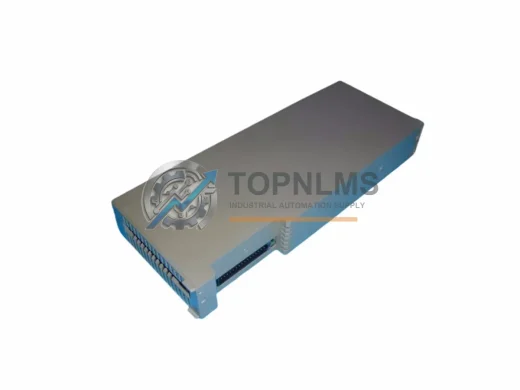
FUJI FTM100B ruggedized transistor output module for MICREX-F PLC. Harsh-environment rated, 12-month warranty, tested stock. Fast shipping from TOPNLMS.
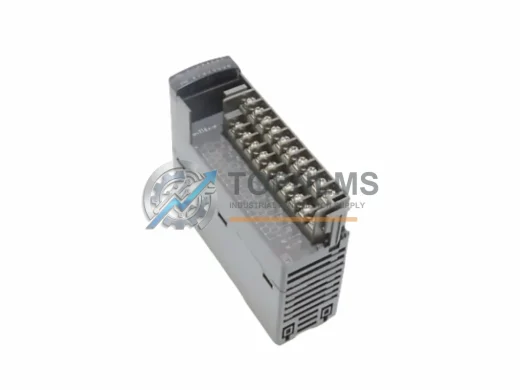
Fuji Electric NP1Y16R-08 relay output module for NP1 MICREX-SX PLC. Rugged, EMI-resistant, 12-month warranty. In stock — fast global shipping.
Click Quote This Model and the Part Number field will auto-fill with FTU123B.