
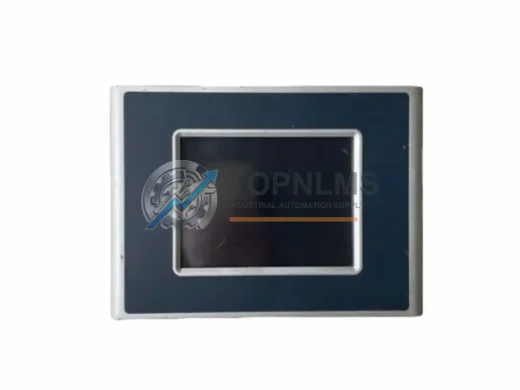
BACHMANN
Bachmann LX800/DD512/CF512 Ruggedized HMI Module
LX800/DD512/CF512Bachmann LX800/DD512/CF512 MX-Series HMI module for harsh industrial environments. 12-month warranty, tested stock, fast global shipping. Inquire now.
Request availability, condition, lead time and export shipping details for WT305E.
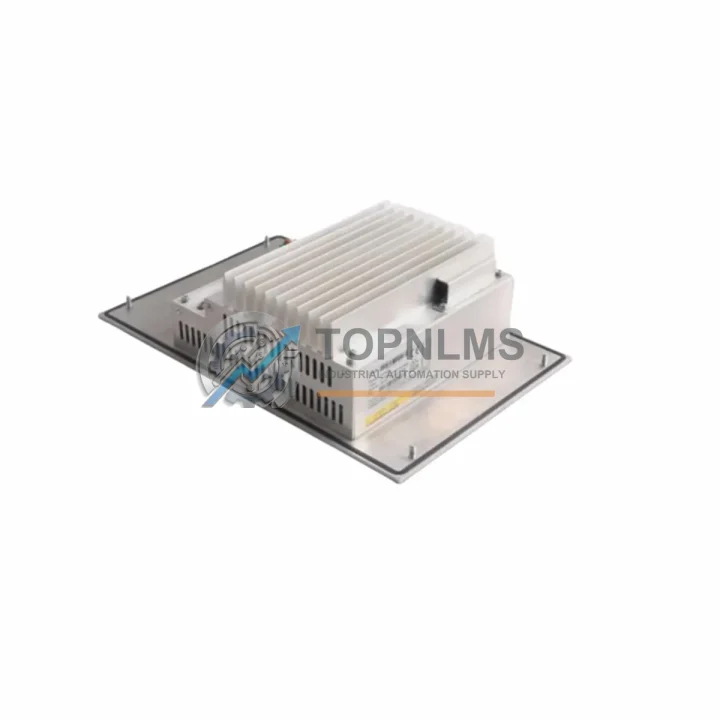
Send this exact part number, quantity and destination country. TOPNLMS will confirm availability, condition and export lead time before quotation.
When your BACHMANN Power Panel system reaches end-of-life or a critical WT305E unit fails in the field, unplanned downtime is not an option. The WT305E LX700/DD256/CF512MB is a high-performance industrial HMI Panel PC engineered for direct replacement and smooth migration from legacy BACHMANN Power Panel installations. Whether you are retiring an aging WT200 or WT300 series panel, consolidating a distributed control cabinet, or upgrading a machine-level visualization node, this unit is designed to slot into your existing architecture with minimal re-engineering.
The WT305E is built around a 700 MHz LX700 processor with 256 MB DDR RAM and a 512 MB CompactFlash storage module — a configuration that matches the computational profile of earlier Power Panel generations while delivering improved thermal stability and longer MTBF ratings. Engineers migrating from the WT200E or WT204E will find that the physical footprint, panel cutout dimensions, and 24 VDC supply requirements remain consistent, eliminating the need for control cabinet rework. The front-panel IP65 sealing is retained, making this unit suitable for wash-down environments, food processing lines, and dusty manufacturing floors where the original panel was deployed.
From a communication standpoint, the WT305E supports the ETHERNET Powerlink (EPL) protocol natively, which is the backbone of most BACHMANN M1 controller networks. If your existing system runs an M200, M210, or M240 CPU module in the rack, the WT305E integrates without protocol bridging or gateway hardware. For legacy installations using PROFIBUS DP or CANopen field buses, the unit’s expansion slot accommodates compatible communication modules, preserving your existing I/O wiring topology and reducing the scope of re-commissioning work.
Wiring compatibility is a primary concern during any HMI migration. The WT305E uses the same 24 VDC power connector pinout as its predecessors, and the USB and Ethernet port positions on the rear panel are consistent with the WT300 series layout. This means existing cable harnesses, DIN rail terminal blocks, and power distribution wiring within the control cabinet can typically be reused without modification. For installations where the original panel was connected to a BACHMANN DIO280 or DIO216 digital I/O module, the WT305E’s onboard I/O interface maintains backward-compatible signal levels, avoiding the need for signal conditioning or isolation relays.
Programming and visualization migration is equally straightforward. Projects developed in BACHMANN’s SolutionCenter or VC4 (Visualization Client 4) environment can be transferred to the WT305E with minimal adaptation. The CompactFlash architecture allows direct image cloning from a functioning unit, which is particularly valuable when replacing a failed panel in a production environment where the original project files may not be readily available. For sites running older VC3 visualization projects, a one-time migration step within SolutionCenter is sufficient to port the application to the WT305E runtime.
Physical installation is designed for speed. The WT305E mounts into a standard panel cutout using the same quarter-turn fasteners as the WT300 series, and the unit ships with a pre-installed CompactFlash card and factory-tested RAM. No additional assembly is required before installation. For control cabinets with limited depth — a common constraint in retrofit projects on older machine platforms — the WT305E’s slim rear profile ensures compatibility with shallow enclosures where earlier-generation panels were originally specified.
Procurement teams evaluating this replacement should note that the WT305E is stocked and available for immediate dispatch from our Xiamen warehouse. Each unit undergoes a full functional test covering display output, communication port integrity, power supply regulation, and CompactFlash read/write verification before shipment. Units are shipped in anti-static packaging with foam cushioning rated for international freight. Lead time from order confirmation to dispatch is typically 1–3 business days for in-stock units.
| Parameter | Legacy Models (WT200E / WT204E / WT300) | WT305E LX700/DD256/CF512MB | Replacement Notes |
|---|---|---|---|
| Processor | LX600 / LX700 (varies by model) | AMD LX700 @ 700 MHz | Equal or superior performance; no application re-tuning required |
| RAM | 128 MB – 256 MB DDR | 256 MB DDR | Matches upper-tier legacy spec; supports existing VC4 projects |
| Storage | 128 MB – 512 MB CF | 512 MB CompactFlash | Direct image clone from existing CF card supported |
| Supply Voltage | 24 VDC | 24 VDC | No power wiring changes required |
| Communication | ETHERNET Powerlink, PROFIBUS DP (optional) | ETHERNET Powerlink (EPL), Ethernet, USB | Native EPL; PROFIBUS via expansion module |
| Panel Cutout | Standard BACHMANN Power Panel cutout | Compatible with WT300 series cutout | No cabinet rework needed for WT300-series installations |
| Front Protection | IP65 | IP65 | Suitable for same environmental conditions as original |
| Mounting | Quarter-turn fasteners | Quarter-turn fasteners | Same tooling; no new hardware required |
| OS / Runtime | Windows CE / VC3 / VC4 | Windows CE with VC4 runtime | VC3 projects require one-time SolutionCenter migration |
| Warranty | — | 12 Months | Covers DOA, functional failure, and communication faults |
A successful WT305E migration rarely involves the HMI panel alone. In most BACHMANN Power Panel installations, the panel operates as the visualization and operator interface layer within a broader M1 automation system. During the upgrade process, engineers frequently address adjacent components to ensure system-wide reliability. The BACHMANN M200 or M210 CPU module, which typically serves as the primary controller in the same rack, should be verified for firmware compatibility with the WT305E’s VC4 runtime version. In systems where the M240 or M240Q controller handles motion and logic simultaneously, confirming the ETHERNET Powerlink cycle time settings prevents communication timeouts after the panel swap.
On the I/O side, DIO280 and DIO216 digital I/O modules connected to the same Powerlink network require no reconfiguration when the WT305E replaces a same-generation panel, as the node addressing scheme is preserved. However, if the migration also involves upgrading from an older AIO288 analog I/O module to a current-generation analog input card, signal scaling parameters in the SolutionCenter project should be reviewed. For installations using a BACHMANN MX213 or MX220 motion controller in the same cabinet, the WT305E’s visualization layer can display axis status and drive diagnostics without additional software licensing, provided the existing project structure is maintained.
Power supply integrity is another area that migration teams address proactively. The BACHMANN PS204 or PS206 24 VDC power supply modules that feed the control cabinet rail should be load-tested after adding the WT305E, particularly in cabinets where the original panel drew less current than the replacement unit. In compact control cabinets where a BACHMANN BK201 bus coupler or terminal adapter is used to bridge field wiring to the Powerlink network, the coupler’s firmware version should be confirmed compatible with the WT305E’s network stack before go-live. Finally, for sites that use a BACHMANN programming cable or USB-to-Ethernet adapter for on-site SolutionCenter access, ensuring the adapter driver is installed on the engineering laptop before the panel swap eliminates a common commissioning delay.
Q: Can I reuse my existing wiring harness when replacing a WT300 with the WT305E?
A: Yes. The WT305E uses the same 24 VDC power connector pinout and rear-panel port layout as the WT300 series. Existing cable harnesses can be reconnected without modification in the majority of installations.
Q: Do I need to reprogram my VC4 visualization project for the WT305E?
A: No reprogramming is required for projects already running on VC4. The WT305E’s runtime is fully compatible. For VC3 projects, a one-time migration using BACHMANN SolutionCenter is required, which typically takes less than one hour for standard machine applications.
Q: Is ETHERNET Powerlink (EPL) communication maintained after the swap?
A: Yes. The WT305E supports EPL natively. Node addressing and cycle time settings are preserved from the original configuration, so the M1 controller network recognizes the replacement panel without re-parameterization.
Q: What if my cabinet uses PROFIBUS DP for field device communication?
A: The WT305E’s expansion slot supports a PROFIBUS DP communication module. Existing PROFIBUS wiring, device addresses, and GSD files remain valid, minimizing re-commissioning scope.
Q: How do I handle the CompactFlash image during replacement?
A: The CF card from a functioning WT305E or compatible predecessor can be cloned using a standard CF duplicator. Alternatively, the replacement unit can be loaded with the project image via SolutionCenter over Ethernet before installation, reducing on-site commissioning time to under 30 minutes.
Q: Will the WT305E fit the existing panel cutout in my control cabinet?
A: The WT305E is dimensionally compatible with the WT300 series panel cutout. For cabinets originally fitted with WT200 series panels, a cutout adapter plate may be required. Please confirm the original panel model before ordering if cutout compatibility is a concern.
Q: What is the physical installation depth, and will it fit a shallow enclosure?
A: The WT305E has a slim rear profile consistent with the Power Panel series design standard. It is suitable for shallow control enclosures where earlier Power Panel units were originally installed.
Every BACHMANN WT305E LX700/DD256/CF512MB unit supplied by TOPNLMS is covered by a 12-month warranty from the date of shipment. Prior to dispatch, each unit undergoes a structured pre-shipment test protocol covering display output verification, 24 VDC power supply regulation, ETHERNET Powerlink port integrity, USB port functionality, and CompactFlash read/write cycle testing. Units that do not pass all test criteria are quarantined and not shipped.
In the event of a DOA (Dead on Arrival) or in-warranty functional failure, TOPNLMS provides a replacement dispatch within 3 business days of fault confirmation. Our technical support team is available to assist with fault diagnosis, installation guidance, and compatibility verification before and after shipment. For urgent production-down situations, expedited shipping options are available upon request.
Procurement documentation including test reports, packing lists, and warranty certificates is provided with every shipment. For customers requiring traceability documentation for quality management systems, batch records and inspection reports can be supplied on request.
To place an order or request a compatibility assessment for your specific installation, contact our team directly:
📧 [email protected] | 📞 +86 18359293191
© 2026 TOPNLMS. All rights reserved. Original Source: https://topnlms.com | Contact: [email protected] | +86 18359293191
Bachmann LX800/DD512/CF512 MX-Series HMI module for harsh industrial environments. 12-month warranty, tested stock, fast global shipping. Inquire now.
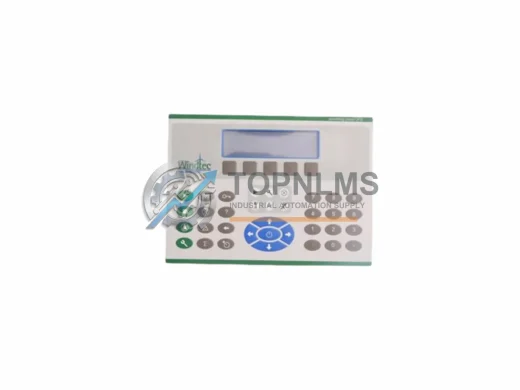
BACHMANN OT115/R M1 Series ruggedized operator panel for DCS/PLC harsh environments. In stock, tested, 12-month warranty. Fast shipping from TOPNLMS.
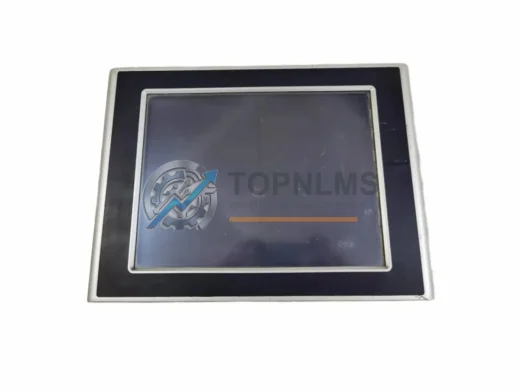
Bachmann OT1300-OT1312/BE1/GT1G0/8G HMI panel replacement & upgrade. Compatible OT Series, 8" touch, 12-month warranty. Fast global shipping from stock.
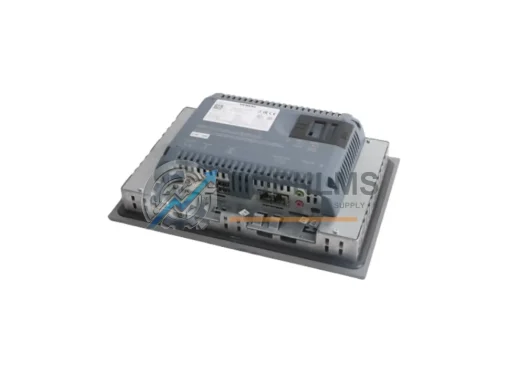
SIEMENS 6AV2124-2DC01-0AX0 SIMATIC HMI KTP400 Basic original industrial spare. Compatible replacement, 12-month warranty, tested before shipment. Fast global delivery.
Click Quote This Model and the Part Number field will auto-fill with WT305E.