
Allen-Bradley
Allen-Bradley 1794-IA8 Replacement for FLEX I/O Series
1794-IA8Allen-Bradley 1794-IA8 FLEX I/O 8-point 120V AC digital input module. Drop-in replacement, wiring-compatible, 12-month warranty. Ships from Xiamen.
Request availability, condition, lead time and export shipping details for 1794-IB16.
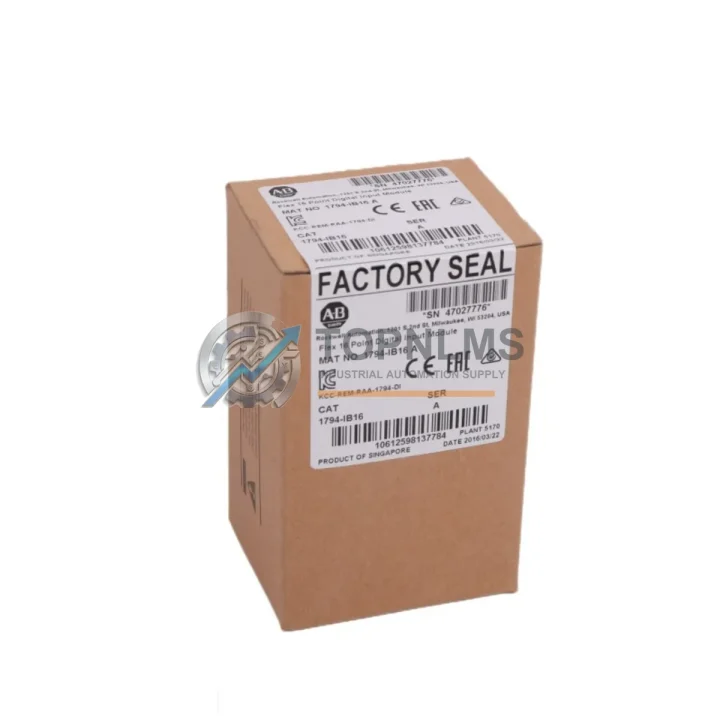
Send this exact part number, quantity and destination country. TOPNLMS will confirm availability, condition and export lead time before quotation.
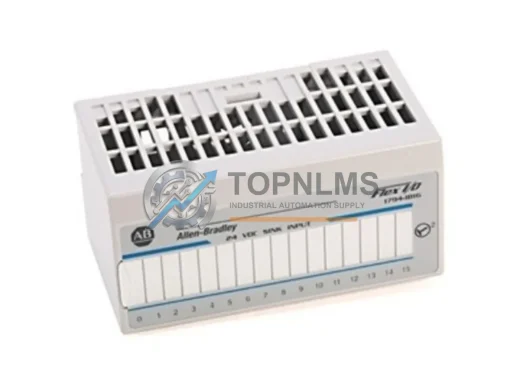
The Allen-Bradley 1794-IB16 is a 16-point, 24VDC DC digital input module designed for the Rockwell Automation FLEX I/O platform. As legacy FLEX I/O installations age and original 1794-IB16 units reach end-of-life or become increasingly difficult to source, plant engineers and maintenance teams face mounting pressure to maintain uptime without triggering a full control system overhaul. This replacement and upgrade solution is engineered to address exactly that challenge — delivering a verified, wiring-compatible, and communication-compatible drop-in alternative that minimizes engineering rework, reduces scheduled downtime, and protects your existing capital investment in the FLEX I/O architecture.
Whether you are replacing a failed module on an active production line, building a critical spare inventory, or executing a phased modernization of an aging Allen-Bradley PLC-5, SLC 500, or ControlLogix-based system, the 1794-IB16 replacement module integrates directly into your existing 1794 terminal base — no rewiring of field devices, no modification to existing I/O wiring harnesses, and no changes to your ladder logic or function block programs required in most retrofit scenarios.
| Parameter | Original 1794-IB16 | Replacement / Upgrade Module |
|---|---|---|
| Input Points | 16-point DC digital input | 16-point DC digital input |
| Input Voltage | 24VDC nominal | 24VDC nominal (10.8–26.4VDC range) |
| Terminal Base Compatibility | 1794-TB3, 1794-TB3S, 1794-TB32, 1794-TB32S | Full compatibility with all 1794-series terminal bases |
| Communication Protocol | FLEX I/O backplane (RIO, DeviceNet, ControlNet, EtherNet/IP via adapter) | Identical backplane interface — adapter-agnostic |
| Adapter Compatibility | 1794-ADN, 1794-ACN15, 1794-AENT, 1794-APB | Compatible with all 1794-series communication adapters |
| Wiring | Existing field wiring retained on terminal base | Module swaps without disturbing field wiring |
| Physical Dimensions | Standard FLEX I/O module form factor | Identical form factor — no panel or DIN rail modification |
| Installation Space | Single slot on 1794 terminal base | Single slot — no additional space required |
| Programming Impact | Existing RSLogix / Studio 5000 program | No program changes required in standard replacement |
| Replacement Recommendation | End-of-life / hard to source | Direct drop-in replacement — verified compatible |
| Warranty | — | 12-Month Warranty included |
A successful 1794-IB16 replacement rarely involves a single module in isolation. In most FLEX I/O retrofit projects, the digital input module is one component within a broader I/O subsystem that must be evaluated holistically to ensure system integrity after the swap.
On the communication side, the 1794-IB16 relies on a FLEX I/O adapter to bridge the module backplane to the controller network. Common adapters in service include the 1794-AENT (EtherNet/IP), the 1794-ACN15 (ControlNet), and the 1794-ADN (DeviceNet). If your adapter is also aging or showing intermittent faults, sourcing a replacement adapter alongside the input module is strongly recommended to avoid a second unplanned outage. The adapter firmware version should be verified against the replacement module’s compatibility matrix before commissioning.
On the output side, many FLEX I/O panels pair the 1794-IB16 with a 1794-OB16 16-point digital output module or a 1794-OB8EP protected output module mounted on adjacent terminal bases. If your panel uses a mixed I/O configuration, inspecting the condition of these output modules during the same maintenance window is a best practice that reduces future downtime risk.
For analog signal acquisition tasks running alongside discrete I/O, the 1794-IE8 8-channel analog input module and the 1794-OE4 4-channel analog output module are frequently found in the same FLEX I/O rack. Verifying their calibration and module health during a 1794-IB16 replacement is a low-cost step that can prevent future process deviations.
The terminal base itself — typically a 1794-TB3 or 1794-TB32 — should be inspected for terminal corrosion, loose field wiring connections, and base locking tab integrity before the new module is seated. A damaged terminal base can cause intermittent input faults that are easily misdiagnosed as a module failure.
If your system uses a 1794-APB PROFIBUS adapter or a 1794-ASB Remote I/O adapter, confirm that the replacement module’s input data mapping aligns with the existing PLC program’s I/O image table. In most cases, a direct 1794-IB16 replacement requires no changes to the data table mapping, but this should be verified in RSLogix 5000 or RSLogix 500 before going live.
For installations where the FLEX I/O rack is powered by a 1794-PS13 or 1794-PS1 power supply, verify that the supply’s current budget accommodates the replacement module. The 1794-IB16 draws minimal backplane current, so this is rarely a constraint, but it is a mandatory checklist item in any formal MOC (Management of Change) procedure.
Finally, if your modernization roadmap includes migrating from a legacy PLC-5 or SLC 500 controller to a 1769-L33ER or 1769-L36ERM CompactLogix controller, the FLEX I/O subsystem can often be retained as-is via an EtherNet/IP adapter, providing a cost-effective migration path that preserves your existing field wiring investment while delivering a modern controller platform.
Q: Can I replace the 1794-IB16 without rewiring field devices?
A: Yes. The 1794-IB16 mounts onto the terminal base, and all field wiring connects to the terminal base — not the module itself. Removing the old module and seating the replacement requires no field wiring changes. Simply power down the terminal base, release the module locking tab, slide out the old module, seat the replacement, and restore power.
Q: Do I need to modify my RSLogix or Studio 5000 program?
A: In a direct 1794-IB16 to 1794-IB16 replacement, no program changes are required. The I/O image table mapping, tag assignments, and rung logic remain valid. If you are upgrading to a functionally equivalent module with a different catalog number, verify the input data format and bit mapping before going online.
Q: Is the replacement module compatible with all FLEX I/O communication adapters?
A: Yes. The 1794-IB16 communicates via the FLEX I/O backplane and is adapter-agnostic. It is compatible with EtherNet/IP (1794-AENT), ControlNet (1794-ACN15), DeviceNet (1794-ADN), PROFIBUS (1794-APB), and Remote I/O (1794-ASB) adapters without any configuration changes to the adapter.
Q: What is the physical installation space requirement?
A: The 1794-IB16 occupies a single slot on any 1794-series terminal base. No additional panel space, DIN rail modification, or control cabinet rework is required. The module’s form factor is identical to the original, ensuring a clean fit in existing enclosures.
Q: How do I verify the replacement module before going live?
A: After seating the module, use RSLogix 5000 or RSLogix 500 to go online with the controller and verify that all 16 input bits are reading correctly against known field device states. Activate each input point individually if possible, and confirm the corresponding bit toggles in the I/O image table. Check the module status LED — a solid green indicates normal operation.
Q: What if my system uses a 24VDC power supply with a different current rating?
A: The 1794-IB16 draws approximately 10mA of backplane current and 4mA per active input from the field-side 24VDC supply. Verify that your existing power supply — whether a standalone 24VDC rail or a 1794-series power supply module — can support the load. In most installations, the existing supply is more than adequate.
Every 1794-IB16 replacement module supplied by TOPNLMS is backed by a 12-month warranty covering manufacturing defects, functional failures, and premature component failure under normal operating conditions. Prior to shipment, each unit undergoes a multi-point functional inspection including input channel verification, backplane communication integrity check, and visual inspection for physical damage.
If a module fails within the warranty period, TOPNLMS provides a replacement unit or full refund — your choice — with no requirement to return the failed unit for laboratory analysis in most cases. Our after-sales response target is 24 hours for warranty claims, and replacement units are dispatched from our Xiamen warehouse within 1–3 business days of claim approval.
For procurement teams requiring documentation, we can provide a test report, packing list, and commercial invoice with each shipment. Bulk orders for critical spare inventory programs are supported with priority allocation and reserved stock agreements upon request.
Contact our technical sales team to confirm compatibility, request a quotation, or arrange expedited shipping for urgent replacement requirements.
Allen-Bradley 1794-IA8 FLEX I/O 8-point 120V AC digital input module. Drop-in replacement, wiring-compatible, 12-month warranty. Ships from Xiamen.
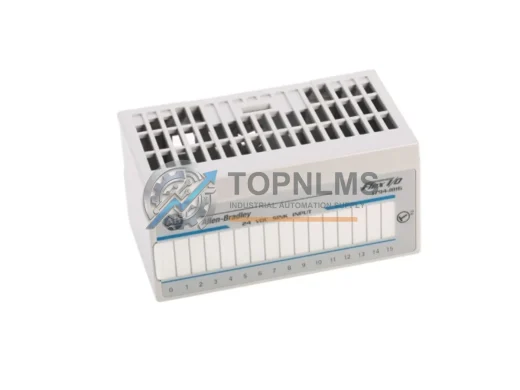
Allen-Bradley 1794-IB10XOB6 FLEX I/O Combo Digital I/O Module. Original spare, 24VDC, compatible replacement. 12-month warranty. Fast worldwide shipping.
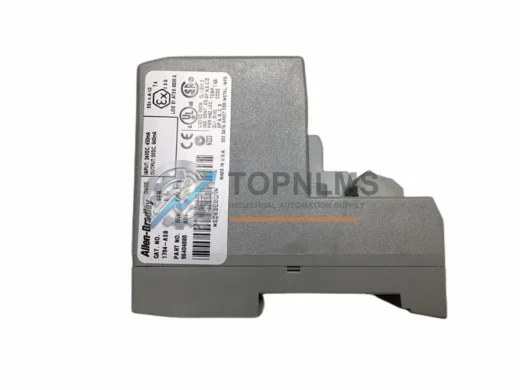
Allen-Bradley 1794-ASB original Flex I/O Remote I/O Adapter. Compatible industrial spare for distributed control systems. 12-month warranty, tested, fast ship.
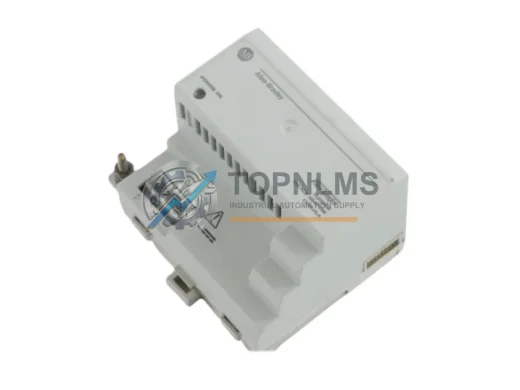
Allen-Bradley 1794-FLA FLEX I/O 2-Ch analog output module. Rugged, reliable, 12-month warranty. In stock at TOPNLMS — fast global shipping.
Click Quote This Model and the Part Number field will auto-fill with 1794-IB16.