
ABB
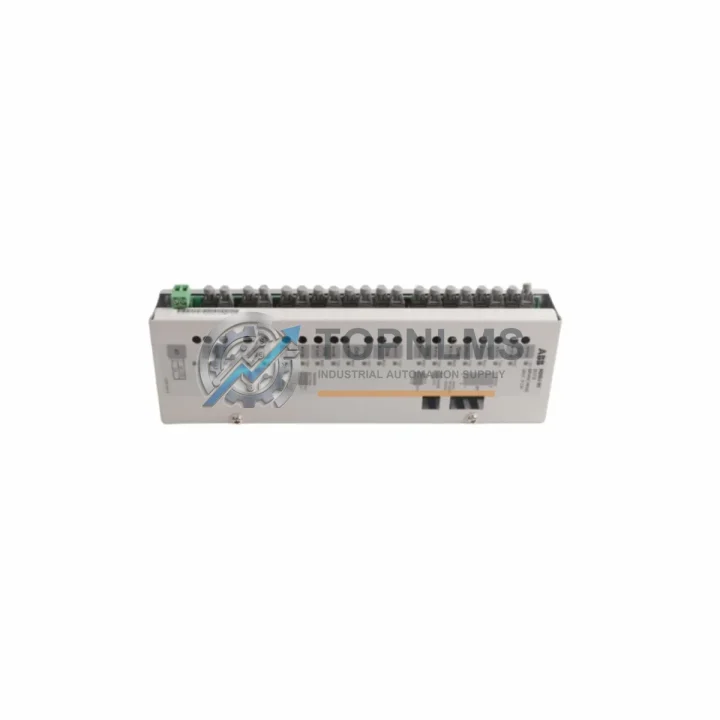
ABB D0910S Ruggedized Transistor Output Module
D0910SABB D0910S ruggedized 10-channel 24VDC PNP transistor output module for Freelance DCS. In stock, tested, 12-month warranty. Fast global shipping from TOPNLMS.
Request availability, condition, lead time and export shipping details for DAI05.
Send this exact part number, quantity and destination country. TOPNLMS will confirm availability, condition and export lead time before quotation.
The ABB DAI05 is an original mixed digital I/O module designed for the ABB AC500 PLC platform — one of the most widely deployed programmable logic controller families in industrial automation worldwide. Whether you are managing a continuous production line, a water treatment facility, a power distribution system, or a discrete manufacturing cell, the DAI05 delivers the reliable I/O expansion capacity that keeps your control architecture performing at specification. Sourced as a genuine original spare, this module is the correct choice for maintenance engineers who cannot afford ambiguity in a critical replacement scenario.
When a mixed I/O module fails in an AC500 rack, the consequences extend far beyond the module itself. Downstream process signals go dark, safety interlocks may trip, and operators lose visibility into field devices. Having a pre-tested DAI05 on the shelf — or being able to source one within 24 hours — is the difference between a planned swap and an unplanned multi-day outage. TOPNLMS maintains verified stock of the DAI05 and ships globally with full documentation, so your maintenance team can execute the replacement with confidence.
| Parameter | Specification |
|---|---|
| Part Number / SKU | DAI05 |
| Brand | ABB |
| Series | AC500 |
| Module Type | Mixed Digital I/O (Input + Output) |
| Platform Compatibility | ABB AC500 PLC family (PM5xx, PM5xx-ETH, PM5xx-2ETH) |
| Mounting | DIN rail via AC500 terminal base (TB5xx series) |
| Signal Type | Digital (24 VDC nominal) |
| Country of Origin | Germany |
| Product Weight | 323 g |
| Application Environment | Industrial automation, process control, building automation, energy management |
| Maintenance Recommendation | Inspect module seating, terminal base contacts, and field wiring annually; replace on first sign of I/O fault or communication error |
| Condition | Original, new or refurbished-to-spec |
| Warranty | 12 Months from date of shipment |
| Pre-shipment Testing | Yes — functional verification before dispatch |
A DAI05 replacement is rarely an isolated event. In a well-maintained AC500 control cabinet, the module sits within a broader ecosystem of interdependent components, and a disciplined maintenance engineer will use any scheduled downtime to inspect the surrounding hardware simultaneously.
Begin with the TB523 or TB541 terminal base that the DAI05 plugs into — worn or corroded contacts on the terminal base are a common root cause of intermittent I/O faults that are incorrectly attributed to the module itself. While the cabinet is open, verify the condition of the AC500 CPU module (PM564 or PM583) that governs the rack; firmware mismatches between a new DAI05 and an older CPU can cause unexpected behavior on first power-up. Check the 24 VDC power supply module (PS501 or PS502) feeding the rack — an under-voltage condition will degrade I/O response times and shorten module life.
Field wiring connected to the DAI05 should be inspected at the terminal block level. Loose or oxidized connections on Phoenix Contact or Weidmüller terminal strips are a frequent source of spurious input signals. If the system uses signal isolators or signal conditioners between field sensors and the DAI05 inputs, verify that isolation barriers are within calibration and that output levels are within the module’s input threshold range.
For sites running AC500 in a networked topology, inspect the CM572-DP PROFIBUS communication module or CM589-PNIO PROFINET I/O module installed in the same rack. A failing communication module can generate false I/O errors that mask the true source of a fault. Similarly, if the control system includes analog I/O modules such as the AX521 or AX522, verify that their calibration has not drifted — analog drift can corrupt process values that the DAI05’s digital outputs act upon.
Finally, review the UPS or battery backup module protecting the AC500 rack. A power interruption during a module swap — even a brief one — can corrupt the CPU’s program memory or reset I/O configuration parameters. Confirming backup power integrity before beginning any module replacement is a non-negotiable step in a professional maintenance procedure.
The DAI05 was introduced as part of ABB’s AC500 modular I/O expansion strategy, and it remains fully compatible with both legacy AC500 installations and current-generation AC500-S safety PLC configurations. For sites still running older ABB 07KT98 or 07KT97 Advant controller hardware, the migration path to AC500 with DAI05 I/O modules offers a direct route to extended system life without requiring a full control system redesign.
Replacing a failed DAI05 with a genuine original module — rather than a third-party substitute — preserves the factory-validated I/O timing characteristics that your PLC program was written around. Substituting a non-original module can introduce subtle timing differences that cause intermittent faults in high-speed digital I/O applications, particularly in packaging, press control, or conveyor sequencing environments where cycle times are tightly defined.
TOPNLMS supplies the DAI05 with full traceability documentation. Each unit undergoes functional testing prior to shipment, and the 12-month warranty covers both early-life failures and latent defects identified during the warranty period. For maintenance managers building a strategic spare parts inventory, we recommend holding a minimum of one DAI05 per AC500 rack in service, with additional units for high-criticality lines where unplanned downtime carries significant production cost.
For older installations where the original DAI05 part number has been superseded, our technical team can confirm cross-reference compatibility and advise on any firmware or terminal base requirements for the replacement unit. Contact us before ordering if your installation predates 2010 or uses a non-standard rack configuration.
Q1: Is the DAI05 compatible with all AC500 CPU modules?
The DAI05 is designed for the ABB AC500 platform and is compatible with the PM5xx CPU family including PM564, PM573, PM583, and PM592 variants. Compatibility with AC500-S safety CPUs should be verified against the specific safety project configuration. If you are unsure, provide your CPU part number and we will confirm before shipment.
Q2: What testing is performed before the DAI05 is shipped?
Every DAI05 unit dispatched by TOPNLMS undergoes a functional I/O verification test to confirm that all digital input and output channels respond correctly. Units that fail any channel test are quarantined and not shipped. A test report is available on request for critical applications.
Q3: How should I manage DAI05 spare parts inventory for a multi-site operation?
For operations with multiple AC500 installations across sites, we recommend a centralized spare parts pool with a minimum of one DAI05 per three racks in service, supplemented by site-level emergency stock for high-criticality lines. TOPNLMS can support blanket order arrangements with staged delivery to reduce per-unit cost while maintaining availability.
Q4: What does the 12-month warranty cover, and how is a warranty claim processed?
The 12-month warranty covers manufacturing defects and functional failures under normal operating conditions. It does not cover damage caused by incorrect installation, overvoltage, or physical impact. To initiate a warranty claim, contact [email protected] with your order number, a description of the fault, and any available diagnostic data from the AC500 system log. We will arrange return shipping and replacement or repair within an agreed timeframe.
ABB D0910S ruggedized 10-channel 24VDC PNP transistor output module for Freelance DCS. In stock, tested, 12-month warranty. Fast global shipping from TOPNLMS.
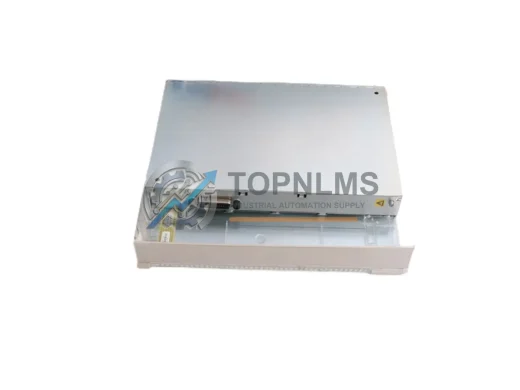
ABB CI610 3BHT300003R1 original I/O bus extender for Advant OCS systems. Tested, 12-month warranty, fast worldwide shipping. Industrial spare in stock.
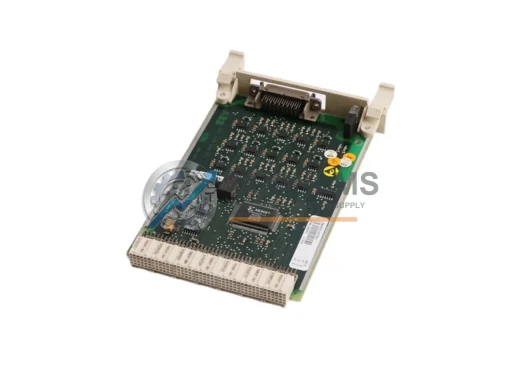
ABB CI540 3BSE001077R1 S100 I/O Bus Extension Module for Advant OCS DCS. In stock, tested, 12-month warranty. Fast global shipping from TOPNLMS.
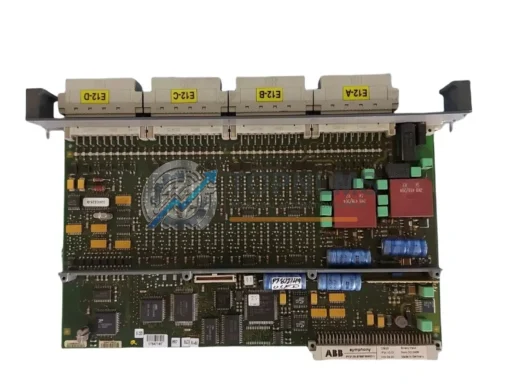
ABB CBI21 replacement for AC500 PLC systems. 16-channel 24VDC DI module, wiring-compatible upgrade. In stock, 12-month warranty, fast global shipping.
Click Quote This Model and the Part Number field will auto-fill with DAI05.