
ABB
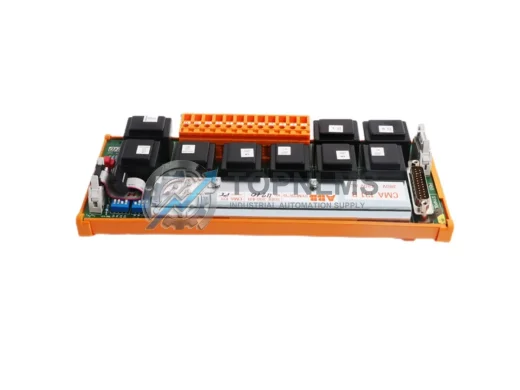
ABB CMA131 Original Industrial Spare AC500 ACS880 Compatible
CMA131ABB CMA131 original encoder interface module. Compatible with AC500 & ACS880 series. Industrial replacement spare, 12-month warranty, fast worldwide shipping.
Request availability, condition, lead time and export shipping details for BCAN-11.
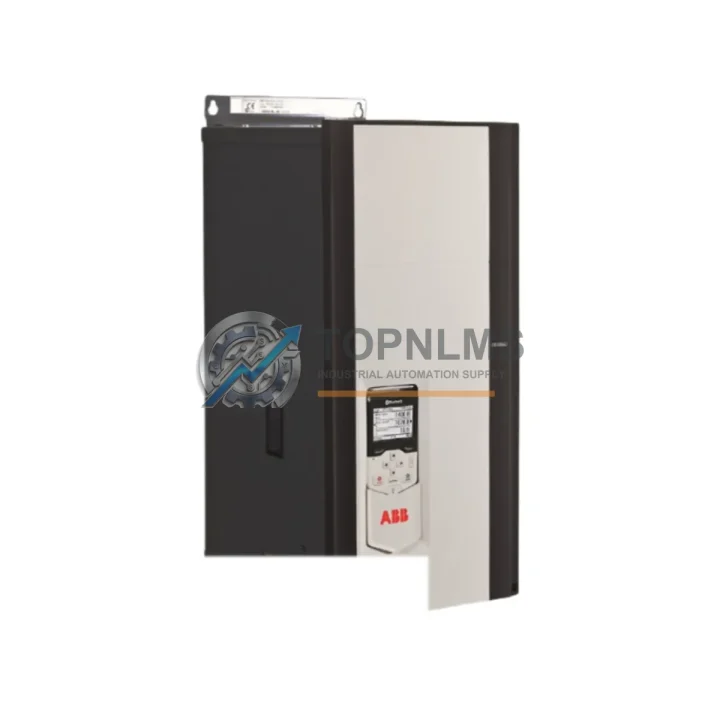
Send this exact part number, quantity and destination country. TOPNLMS will confirm availability, condition and export lead time before quotation.
The ABB BCAN-11 (Part No. 3AXD50000033816) is an original CANopen fieldbus adapter module designed for integration with ABB ACS880 and ACS580 series variable frequency drives. In industrial environments where continuous production uptime is non-negotiable, this communication module serves as a critical interface between the drive system and the plant-level CANopen network. Whether you are managing a scheduled maintenance window, responding to an unplanned drive fault, or building a strategic spare parts inventory, the BCAN-11 represents a high-priority component in any ABB drive-based control architecture.
Fieldbus communication failures are among the most disruptive fault categories in modern automation systems. When a CANopen adapter fails, the drive loses network visibility, process commands cannot be transmitted, and the entire production line may halt. Having a verified original BCAN-11 on the shelf eliminates the lead-time risk associated with emergency procurement and allows maintenance teams to restore communication within minutes rather than days.
| Parameter | Specification |
|---|---|
| Part Number | BCAN-11 / 3AXD50000033816 |
| Manufacturer | ABB |
| Country of Origin | Germany |
| Fieldbus Protocol | CANopen (CiA DS-301, DS-402) |
| Compatible Drives | ACS880 Series, ACS580 Series |
| Mounting Interface | Drive option slot (slot 1 / slot 2) |
| Communication Speed | 10 kbps – 1 Mbps (auto-detect) |
| Node Address Configuration | Via drive parameters or rotary switch |
| Power Supply | Supplied by host drive (no external power required) |
| Operating Temperature | -10°C to +55°C |
| Storage Temperature | -40°C to +70°C |
| Humidity | 5–95% RH, non-condensing |
| Ingress Protection | IP20 (module only) |
| Approvals | CE, UL |
| Weight | Approx. 300 g |
| Compatibility Note | Not compatible with ACS355 / ACS550 without adapter frame |
| Warranty | 12 Months from date of shipment |
| Condition | Original, new in OEM packaging |
A CANopen fieldbus adapter does not operate in isolation. Its reliability is directly tied to the health of the surrounding drive system and the integrity of the communication network. When performing scheduled maintenance on an ACS880 or ACS580 drive that uses the BCAN-11, experienced maintenance engineers treat the inspection as an opportunity to audit the entire drive cabinet and communication loop.
Begin with the CANopen network cabling and termination resistors. Loose or corroded DB9 connectors and missing 120-ohm termination resistors are the leading cause of intermittent CANopen communication errors that are often misdiagnosed as adapter failures. Inspect the full cable run from the PLC or master controller to each drive node. If the plant uses a CANopen repeater or hub to extend the network segment, verify its power supply and signal integrity at the same time.
Next, inspect the ACS880 control unit (BCU-x2) or the ACS580 control board itself. The BCAN-11 interfaces directly with the drive’s option slot, and any contamination, corrosion, or mechanical damage to the slot connector will degrade communication reliability regardless of the adapter’s condition. While the control unit is accessible, check the DPMP-01 or DPMP-02 panel mounting kit and the BDIO-01 digital I/O extension module if installed — these share the same option slot bus and can cause parameter conflicts if firmware versions are mismatched.
For drives operating in high-vibration or high-humidity environments, the ACS880 IP54 or IP55 enclosure filter mats should be inspected and replaced on schedule. Blocked airflow leads to elevated internal temperatures that accelerate the aging of all electronic components, including the BCAN-11 adapter. Pair this inspection with a check of the ACS880 main fan assembly (3AUA0000093615 or equivalent), as fan failure is a common root cause of thermal shutdowns that are incorrectly attributed to communication faults.
On the power side, verify the 24 VDC auxiliary power supply feeding the drive control circuit. Voltage sags or ripple on the auxiliary rail can cause the BCAN-11 to reset intermittently, generating nuisance faults on the CANopen master. If the cabinet uses a NETA-21 remote monitoring adapter or an FENA-21 EtherNet/IP adapter in a parallel slot, confirm that both adapters are operating on compatible firmware and that no parameter group conflicts exist between the two fieldbus interfaces.
Finally, review the ACS880 firmware version stored in the BCU control unit. ABB periodically releases firmware updates that improve CANopen compatibility and address known communication timing issues. Maintaining a record of the firmware version alongside the BCAN-11 serial number and installation date is a best practice that simplifies future troubleshooting and warranty claims.
The BCAN-11 3AXD50000033816 is the direct replacement for earlier CANopen adapter variants used in legacy ACS800 and ACS600 drive platforms when combined with the appropriate mechanical adapter frame. For plants that are extending the service life of older ABB drive systems rather than undertaking a full drive replacement, sourcing original BCAN-11 modules allows the existing CANopen network topology to remain unchanged, avoiding costly PLC reprogramming and network reconfiguration.
In multi-drive installations where several ACS880 or ACS580 units share a single CANopen segment, a proactive replacement strategy is strongly recommended. Rather than waiting for a communication fault to occur on a production drive, maintenance planners should schedule adapter replacements based on operating hours or calendar intervals — typically every 5 to 7 years in standard industrial environments, or every 3 to 5 years in high-temperature or high-vibration applications. Keeping one or two BCAN-11 units in the on-site spare parts cabinet ensures that any unplanned replacement can be completed during the same shift without waiting for international freight.
For facilities transitioning from CANopen to EtherNet/IP or PROFINET, the BCAN-11 can remain in service on legacy lines while newer lines adopt the FENA-21 or FPNO-21 adapters respectively. This parallel strategy allows a phased migration without disrupting existing production schedules, and the BCAN-11 spare inventory retains its value throughout the transition period.
Q1: Is the BCAN-11 3AXD50000033816 compatible with both ACS880 and ACS580 drives?
Yes. The BCAN-11 is designed for the option slot architecture shared by the ACS880 and ACS580 series. It is not directly compatible with ACS355 or ACS550 drives without an additional mechanical adapter frame. Always verify the drive’s option slot type against the BCAN-11 installation manual before installation.
Q2: What does the 12-month warranty cover, and how is it validated?
All BCAN-11 units shipped from TOPNLMS carry a 12-month warranty from the date of shipment. The warranty covers manufacturing defects and functional failures under normal operating conditions. Each unit undergoes pre-shipment functional testing. Warranty claims are processed via email to [email protected] with the order reference and a description of the fault.
Q3: How do I verify compatibility before installation in a live production environment?
Before installing the BCAN-11 in a running system, confirm the drive firmware version supports the adapter (refer to ABB firmware release notes for BCAN-11 compatibility matrix). Power down the drive, insert the adapter into the correct option slot, restore power, and navigate to the drive’s parameter group 50 (fieldbus adapter settings) to configure the node address and baud rate. Test communication on a bench setup or during a planned maintenance window before returning the drive to production.
Q4: What is the recommended spare parts inventory strategy for a multi-drive CANopen installation?
For installations with 5 or fewer ACS880/ACS580 drives on a single CANopen segment, maintaining one BCAN-11 spare is typically sufficient. For larger installations (6–20 drives), a ratio of one spare per five drives is recommended. For critical 24/7 production lines, consider maintaining two spares regardless of installation size to account for simultaneous failures during high-load periods. Spares should be stored in anti-static packaging in a dry, temperature-controlled environment.
ABB CMA131 original encoder interface module. Compatible with AC500 & ACS880 series. Industrial replacement spare, 12-month warranty, fast worldwide shipping.
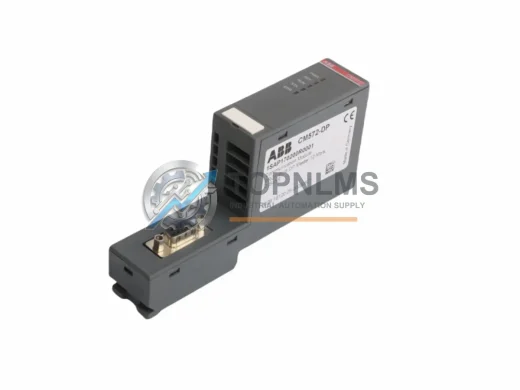
Buy ABB CM572-DP 1SAP170200R0001 original PROFIBUS DP slave module for AC500 PLC. Industrial spare, 12-month warranty, fast shipping. Verified & tested.
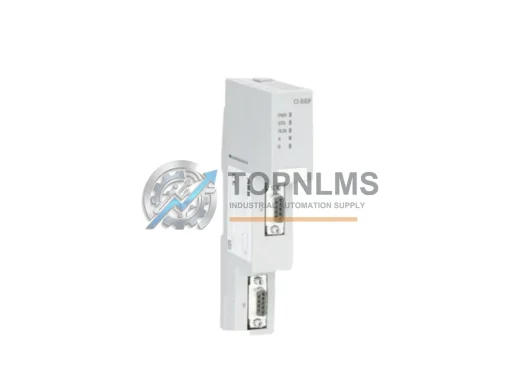
ABB CI930F 3BDH001010R0005 PROFIBUS DP Master replacement for AC800M DCS. Compatible upgrade, 12-month warranty, fast global shipping. Contact TOPNLMS.
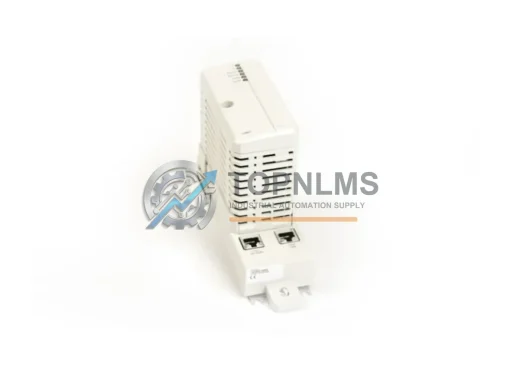
ABB CI867AK01 3BSE092689R1 Modbus TCP communication module for AC800M DCS. Original spare, 12-month warranty, tested before shipment. Fast global delivery.
Click Quote This Model and the Part Number field will auto-fill with BCAN-11.