
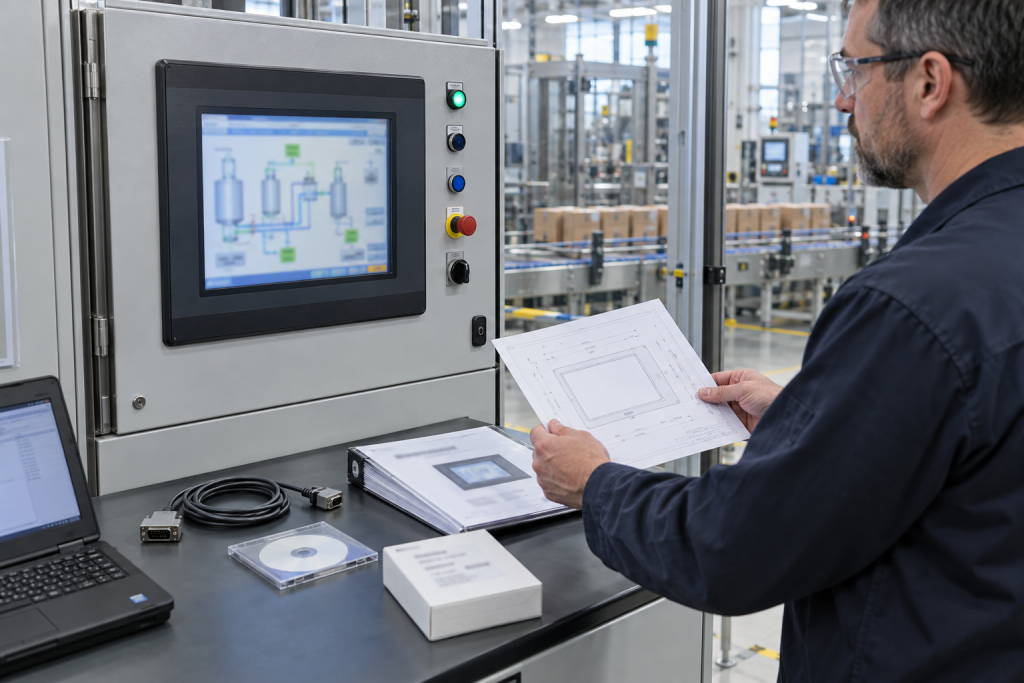
A PanelView terminal often becomes a production risk long before its screen goes dark. The project file may be difficult to open, the original communication path may be undocumented, and the panel cutout may have been altered during past repairs. For a legacy PanelView 1000, the catalog number matters: the 2711-T10C8 is not interchangeable with another terminal merely because both have a ten-inch touchscreen and a similar bezel. Plan the replacement from the machine’s actual wiring, project, controller and operator workflow, not from a screen-size comparison.
Decode the installed terminal
Photograph the complete catalog number, series, power label, communication connectors, terminal mounting and panel cutout. Record the connected PLC model, protocol, address, cable type, baud rate or network settings, printer or peripheral wiring, and any adapter modules. Rockwell’s PanelView Standard documentation describes several 1000 terminal executions with different input and communication options. Capture the exact suffix rather than writing only “PanelView 1000.” If the label is damaged, use the project file, drawings, controller configuration and connector evidence together; do not infer the variant from the screen alone.
Preserve the application and communication behavior
Locate the PanelBuilder32 project, runtime files, fonts, graphics, alarm text, recipes, security settings, PLC tag mapping and any external data exchange. Record software version and how the terminal communicates with the controller. Open the backup in a controlled engineering environment and confirm it can be edited or transferred using the supported method. A running terminal does not guarantee that the original source project exists. Export approved recipes and operator configuration separately, and preserve the current controller program so the HMI change does not silently become a PLC logic change.
Compare complete part numbers, not family names
TOPNLMS lists a 2711-T10C8 PanelView 1000 terminal and a separate 2711-T10C15 terminal reference. Their distinct catalog numbers are a reminder to compare communication options and full installation details, not evidence that one substitutes for the other. Confirm input type, power execution, comms, series, application compatibility, firmware and panel dimensions against Rockwell’s documentation and the site project. A conversion table is a starting point, not a machine-specific approval.
Design the replacement around the operator task
Inventory every screen, navigation path, alarm, acknowledgement, permissive, maintenance page, recipe and numeric entry used by operators. Identify which functions are safety-related or controlled through another system, and confirm ownership with the process engineer. A newer HMI can require a project conversion, tag redesign, communication adapter or PLC changes. Compare display layout, resolution, touch behavior, screen orientation and environmental requirements. Keep a tested rollback plan and define which operator actions are unavailable if the new terminal cannot be commissioned within the shutdown window.
Prepare panel and electrical work before the outage
Measure the panel opening, mounting depth, door clearance, cable bend radius and access for installation. Verify supply voltage and protection against the exact replacement documentation. Identify whether a new cutout, adapter plate, network drop or cable change is required, and get electrical and mechanical approval in advance. Label every conductor and connector before disconnection. If a change affects panel ingress protection, grounding, EMC or thermal performance, include that review in the work package rather than treating the terminal as an isolated component.
Commission with operators and a rollback gate
After installation, check startup, PLC communications, all required screens, alarm behavior, recipe handling, user permissions and representative sequences. Compare displayed values with controller values and verify that command actions reach the intended tags. Involve operators in the acceptance test because navigation and alarm acknowledgement are part of process recovery. Document open defects and rollback triggers before the window begins. Remove test users and temporary network settings, confirm final backups and record the installed HMI code, series, firmware and project revision in the maintenance system.
Set practical acceptance criteria before shutdown
Agree which screens and alarms are essential to safe production, who signs off each function and what conditions require rollback. Include startup after a power cycle, loss and restoration of PLC communications, recipe access, user permissions and handling of bad or stale values. Test representative operator actions with production staff rather than relying on an engineer’s navigation check. Confirm the display remains readable from the normal position and touch targets work with expected gloves and environmental conditions. Archive the original and converted application files with clear version labels. This prevents the outage from becoming the first test of whether the backup is complete or the new interface has changed an established operator task.
Questions HMI maintenance teams ask
Does a 2711-T10C8 match any ten-inch PanelView terminal?
No. Verify the complete catalog code, communication interface, power, series, project compatibility, panel opening and environmental requirements.
Can an old PanelBuilder32 file be assumed to run on a newer PanelView?
No. Confirm conversion support, project dependencies, communication drivers, graphics, fonts, alarms and runtime behavior in the target software and terminal.
What should be backed up before replacing the HMI?
Preserve the source project, runtime, PLC configuration, recipes, alarm and tag maps, communication settings, security configuration and a verified rollback copy.
What information helps quote the exact terminal?
Provide full catalog and series labels, connector and rear-panel photos, PLC and protocol details, power data, panel measurements, project version and required condition.
For a PanelView inquiry, send TOPNLMS the complete terminal label, rear-panel and connector photos, PLC model, project version, panel measurements and outage date. We can help check the catalog identity and sourcing evidence before your controls team approves a migration.
© 2026 TOPNLMS. All rights reserved. Official Website: https://topnlms.com Inquiry: [email protected] | WhatsApp/Tel: +86 18359293191